← Back to the workshop
Play & explore

Pale Blue Dot

A little planet in your pocket. Spin Earth, explore space, and collect discoveries.
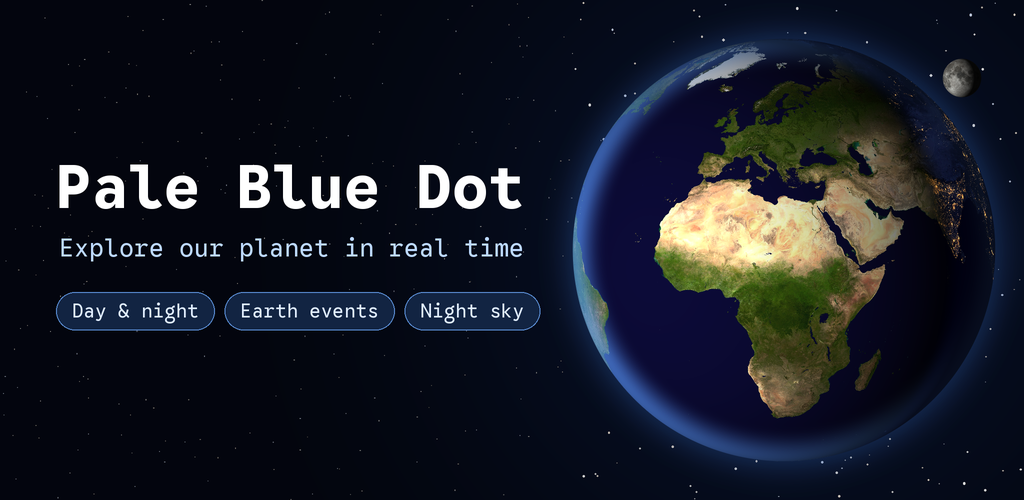
Pale Blue Dot: explore our planet in real time

About The App

Pale Blue Dot is an interactive 3D Earth and astronomy app for curious kids ages 9–12 and grown-ups. Turn the globe, follow the boundary between day and night, and tap recent Earth events to learn what is happening on our small planet.

Exploration becomes a collection of little discoveries: take a guided journey, keep a Field notebook, try a find-it challenge, or open Today for the Moon's phase and what is happening on Earth. And now Earth can live on your home screen too, as a widget and a live wallpaper.

Gallery

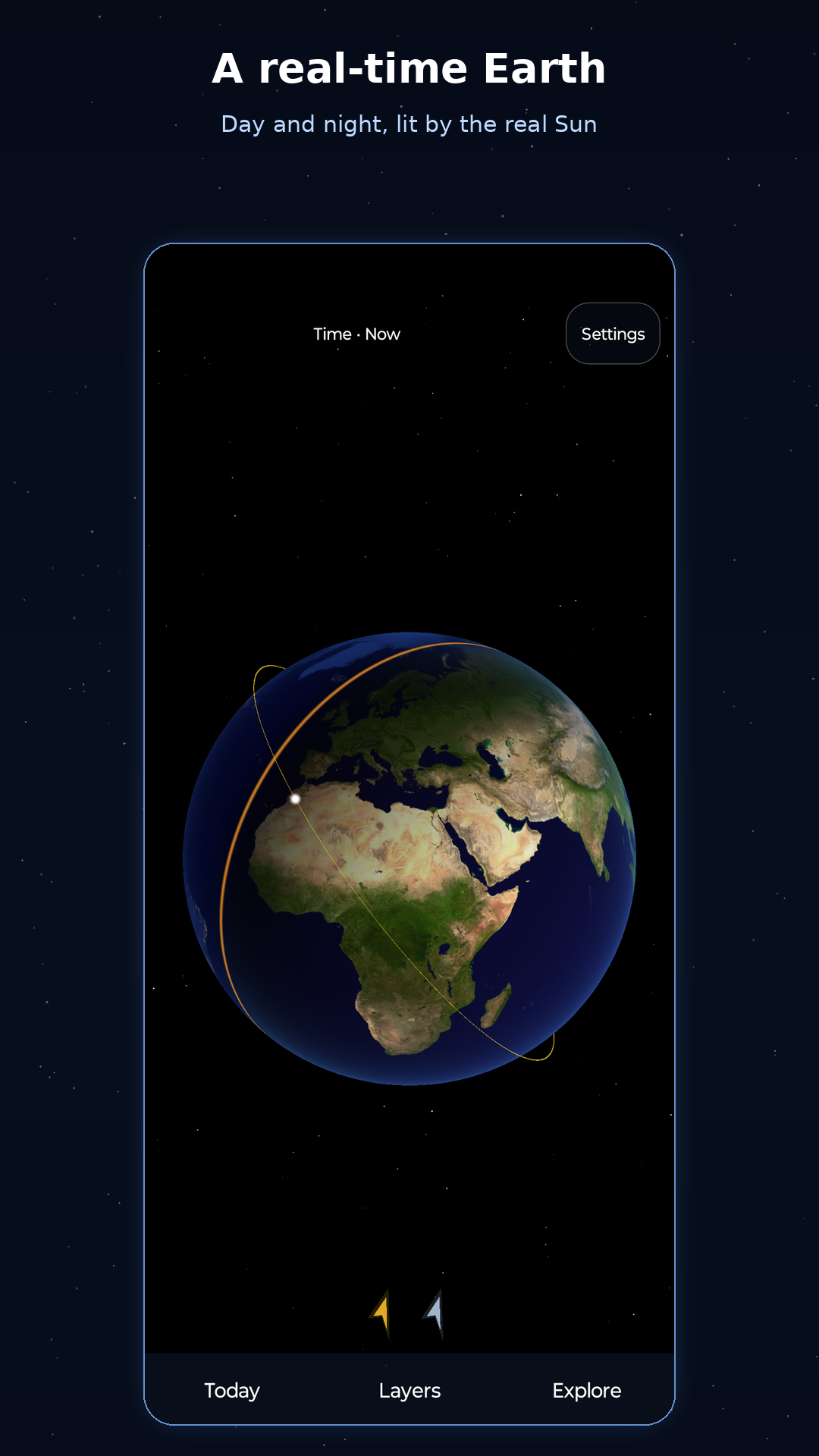
The screenshots come from the next version, with sample data.
Features

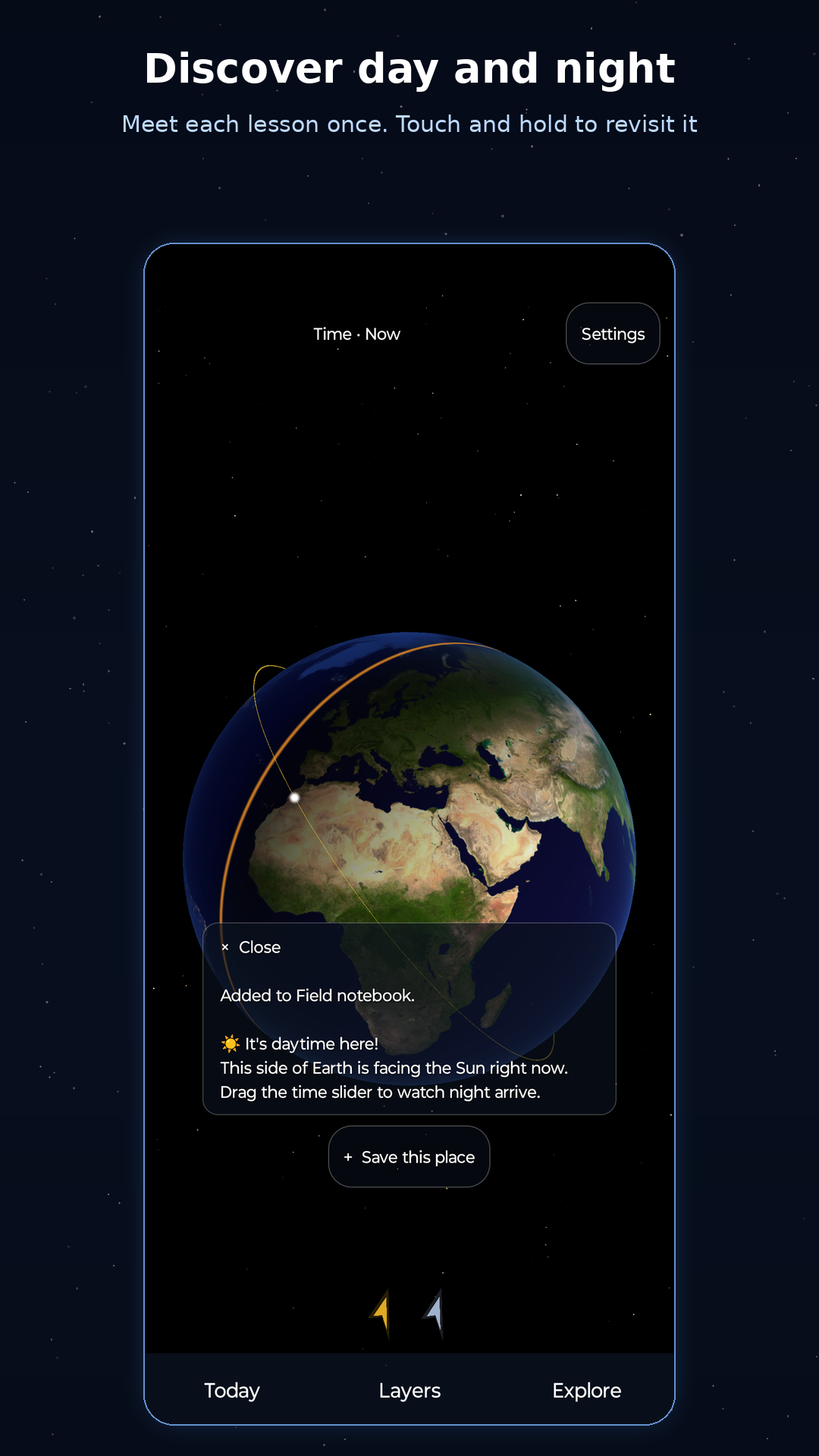
  • A globe to explore: Drag to rotate, pinch to zoom, and tap the surface to learn why a place is in daylight or darkness. City lights, an atmosphere rim, and animated aurora zones bring the scene to life.
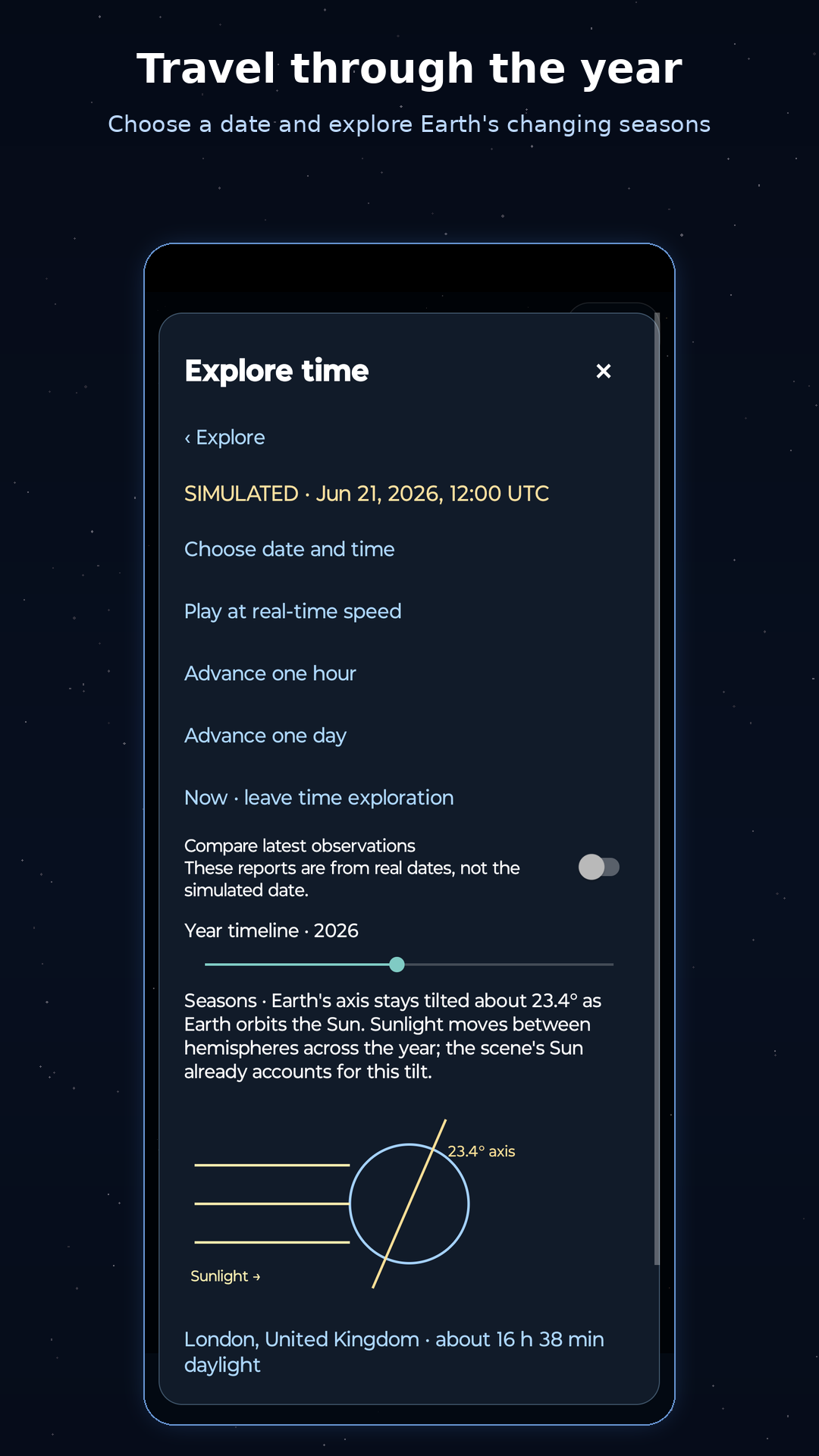
  • Travel through time: Slide the clock up to a day backward or forward, or pick any date within a year to compare the seasons. A clear Simulated label shows when you are away from the present, and one tap brings you back to now.
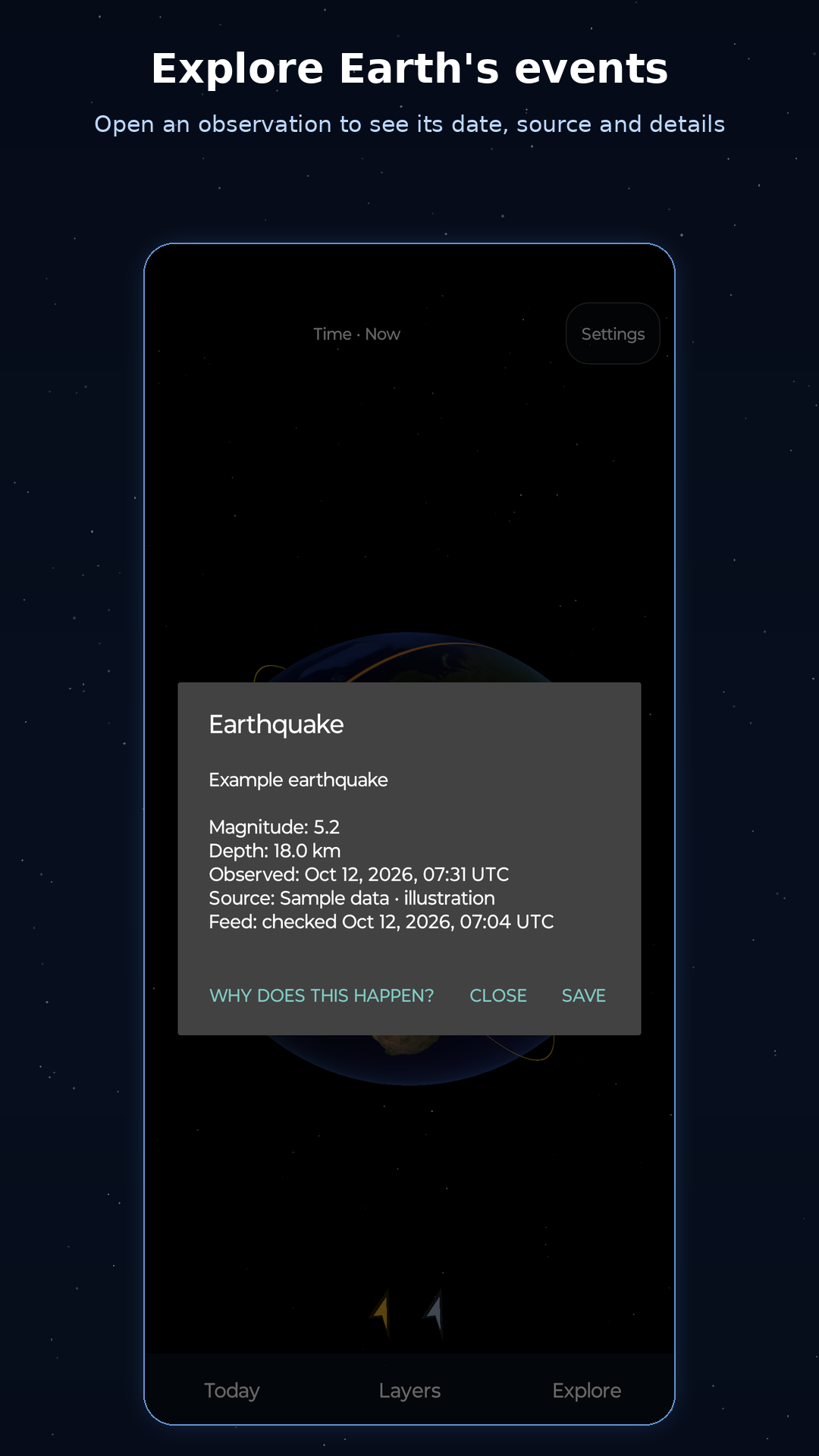
  • Earth events: Explore earthquakes, volcanoes, wildfires, and severe storms. Each card shows when the event was observed and where the report came from, with an explanation written for kids.
  • Where plates meet: Show the tectonic plate boundaries and see why earthquakes and volcanoes line up along them.
  • Look beyond Earth: Discover 15 constellations, 16,000 procedural stars, and a Milky Way band. Tap indicator arrows to find the Sun or Moon, or the ISS marker to learn about the station.
  • Your places: Save your town from 300 world cities, or tap any spot on the globe. See whether it is day or night there, with local sunrise and sunset times.
  • Journeys and a Field notebook: Take three guided journeys: follow the sunrise, explore the Ring of Fire, and understand the seasons. Discoveries, finished journeys, and saved observations are kept in a Field notebook on your device, and find-it challenges are still there to try.
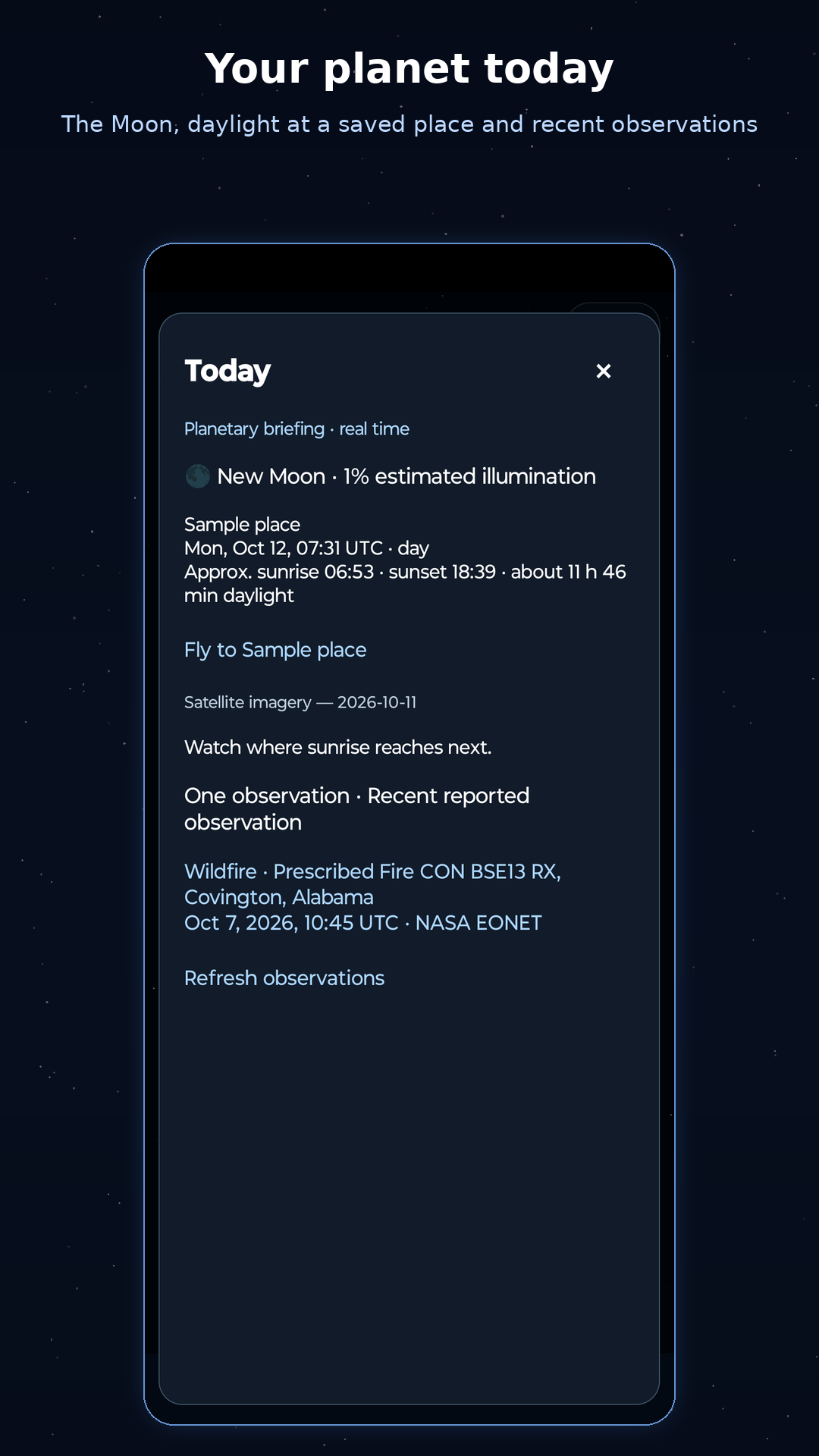
  • Your planet today: Today shows the Moon's phase, daylight at your chosen place, a recent event on Earth, and a small prompt for what to look at next.
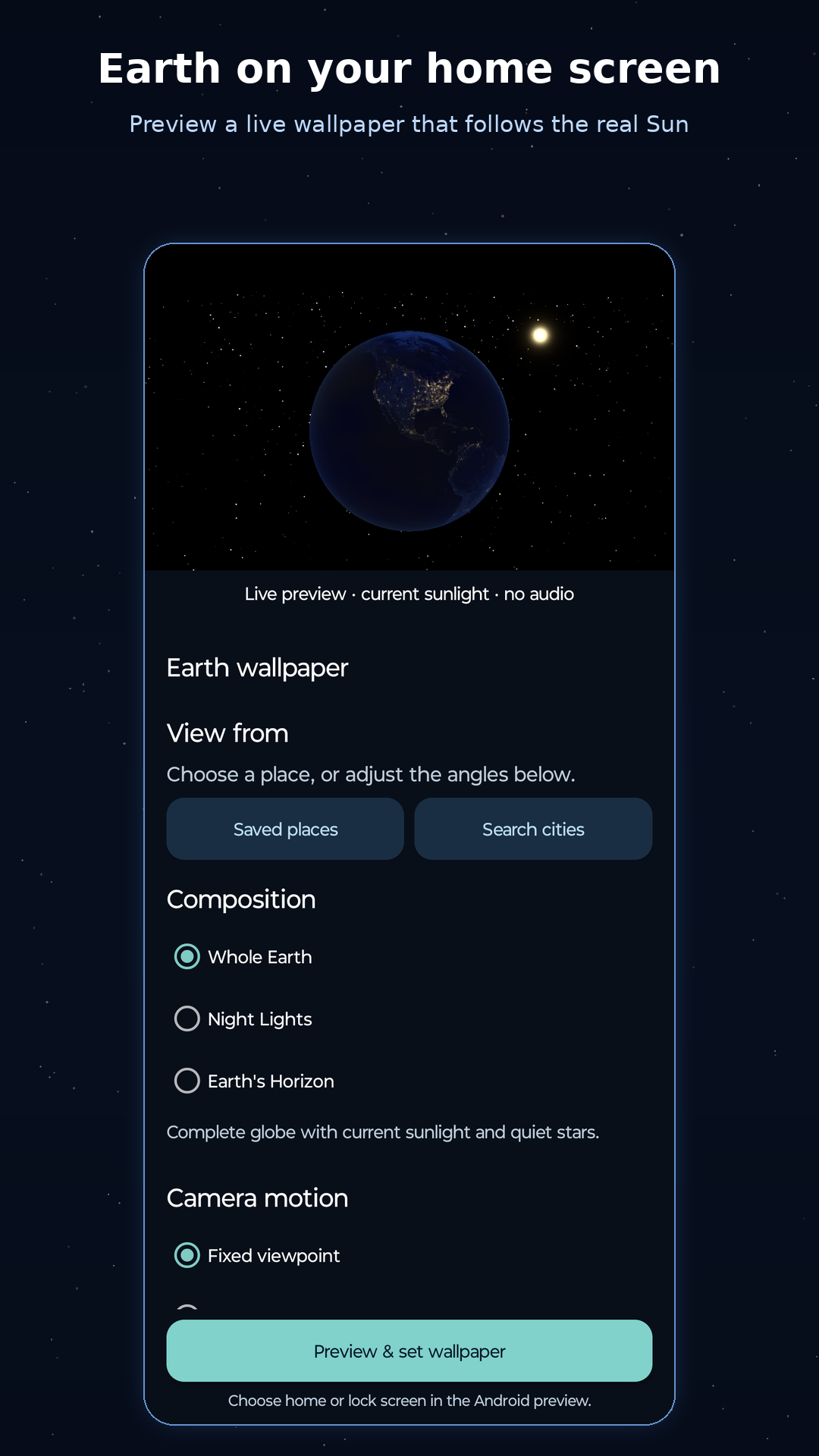
  • Earth on your home screen: Earth fills the Earth Today widget, with tonight's Moon, day or night at your place, and a recent event layered over it in a layout that adapts as you resize it. The live wallpaper offers Whole Earth, Night Lights, or Earth's Horizon, centres Earth on a saved place or a city you search for, remembers your viewpoint, and turns as you swipe between home screens.
  • Listen and share: Turn on read-aloud narration or ambient music with adjustable volume. Share a branded globe image through Android's share sheet after a parental gate.

Coming next

The next version is tested on a phone but not yet on Google Play.

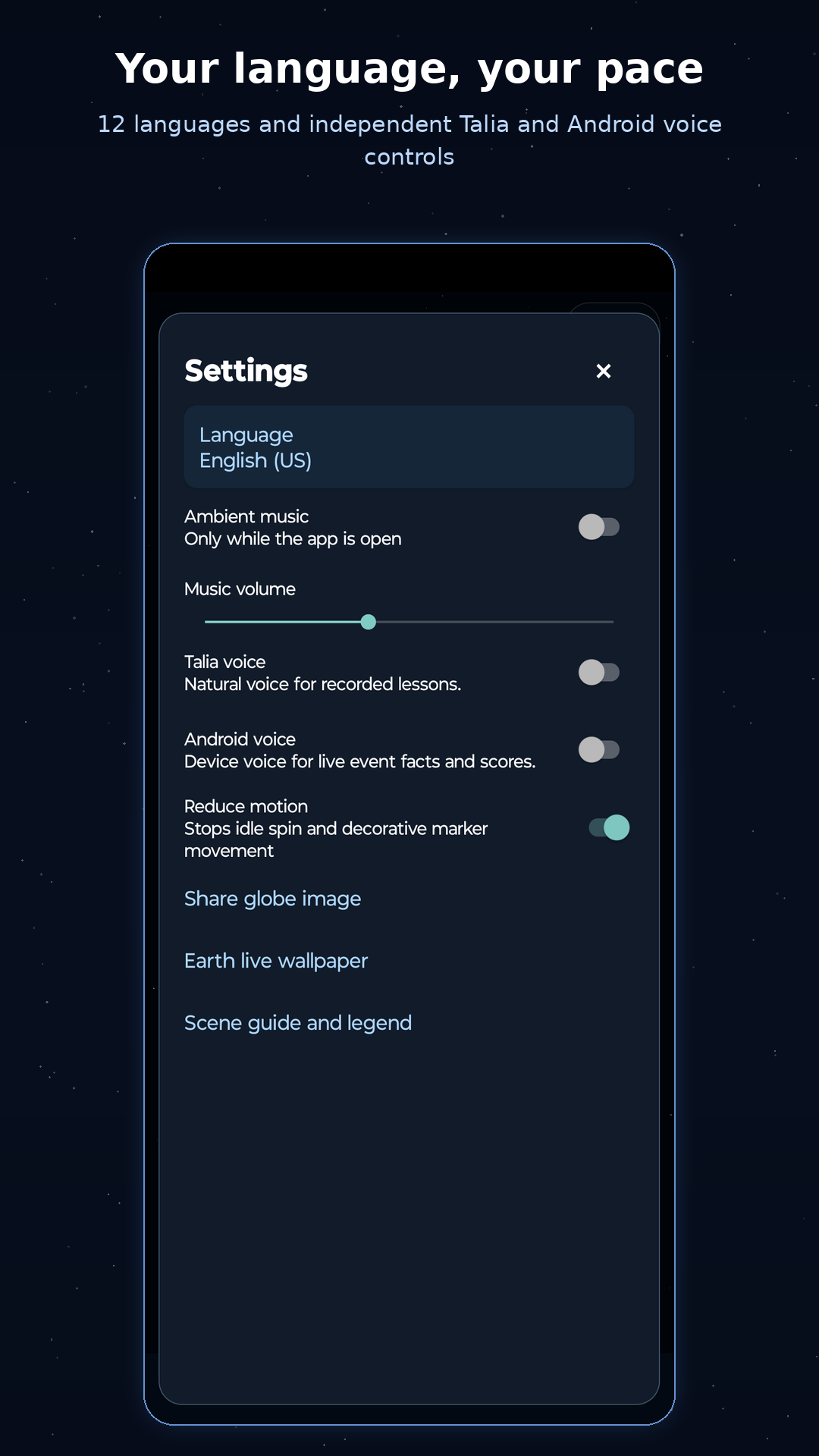
  • Your language: Explore in English, German, Spanish, French, Arabic, Hindi, Japanese, Korean, Brazilian Portuguese, Romanian, Ukrainian, or Simplified Chinese. The app follows your device language, or you can choose one in Settings, and Arabic reads right to left.
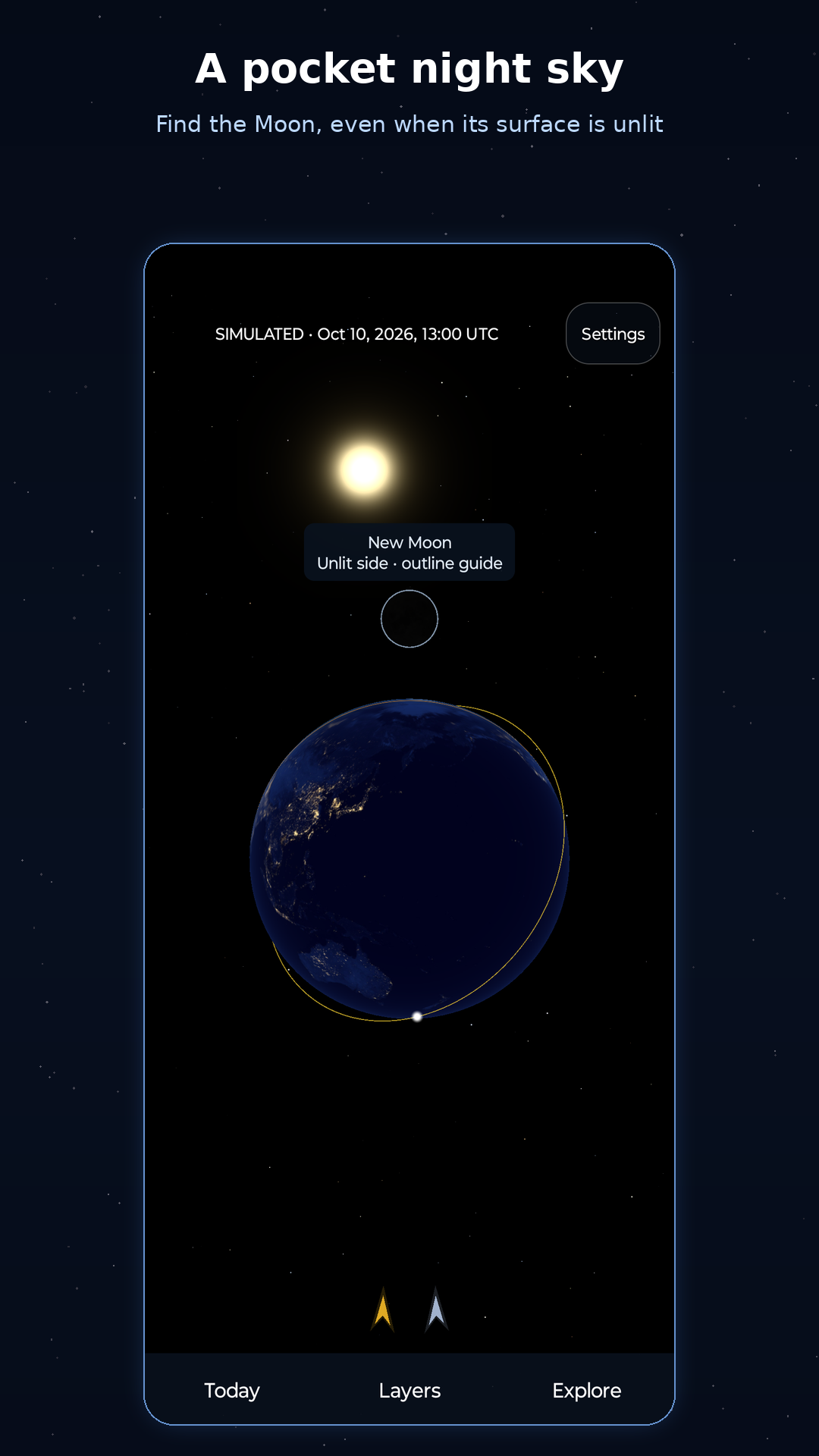
  • A faint Moon made visible: A thin outline and a short label reveal an unlit new Moon or a small crescent, without lighting its dark side.
  • Explore with Talia: At first launch, choose Talia's natural voice or explore quietly. Talia's recorded lessons come with the app and play offline in all 12 languages. A separate Android voice switch, off unless you turn it on, reads changing facts and scores aloud.
  • Lessons that wait for you: Each day-and-night lesson appears once; touch and hold the globe to revisit it.
  • Roomier tablets: Welcome, wallpaper, and widget screens make better use of larger displays.

Observations and imagination

The globe combines public observations with simplified simulations. Earthquakes come from USGS: magnitude 4.5 and above over the past seven days. NASA EONET supplies open volcano events, wildfires from the past ten days, and severe storms from the past seven days.

Switch clouds off, choose generated clouds, or explore satellite-derived cover from the previous day's NASA VIIRS SNPP imagery. The latest clouds and event feeds are saved on your device, so the globe still has something to show offline, and older data stays labelled when a refresh fails.

Plate boundaries come from a simplified version of the PB2002 model, and the city list from GeoNames. Both are bundled with the app, so they work without a connection.

The Sun and Moon use simplified astronomical calculations. The ISS follows an illustrative orbit, not a live position feed. Eclipse alerts indicate approximate alignments, not precise predictions or local visibility. The time slider moves the simulation; it does not load past or forecast clouds or Earth events.

Made for curious minds

No accounts, ads, analytics, or tracking SDKs. The app requests only internet access for public NASA and USGS data, with no location permission or GPS access. Preferences, saved places, notebook entries, and progress stay on your device; shared images are created locally, and you choose where to send them.

Built for Android phones, tablets, and foldables, with support for screen rotation. Requires Android 7.0 or later and OpenGL ES 3.0. The globe is built in Kotlin with native Android controls and no game engine.

Available Now

Pale Blue Dot is live on the Google Play Store. Download it today!

Download on Google Play