One app. Two ways to use it.
BP Digitizer helps you log blood pressure readings, explore their history, and keep your own records. Use the native Android app or open the PWA in your browser. Both can read your monitor with the camera, on your own device, and neither needs an account. The web version, previously listed here as wBP Digitizer, is part of the same project.
BP Digitizer for the web
The PWA brings the same project to your browser, with camera scanning, manual entry, charts, and exports. Readings live locally in your browser’s IndexedDB, and the app is served from GitHub Pages with no server, account, or invitation behind it. Install it to the home screen to keep it close at hand.
Prefer your own host? Download the self-hosting ZIP ↗. It includes the ready-to-serve app, OCR models, and source. Serve its site/ directory over HTTPS. To move existing readings to another site address, make an encrypted backup in the old app and restore it in the new one.
Explore the web source on GitHub ↗
Inside the web app
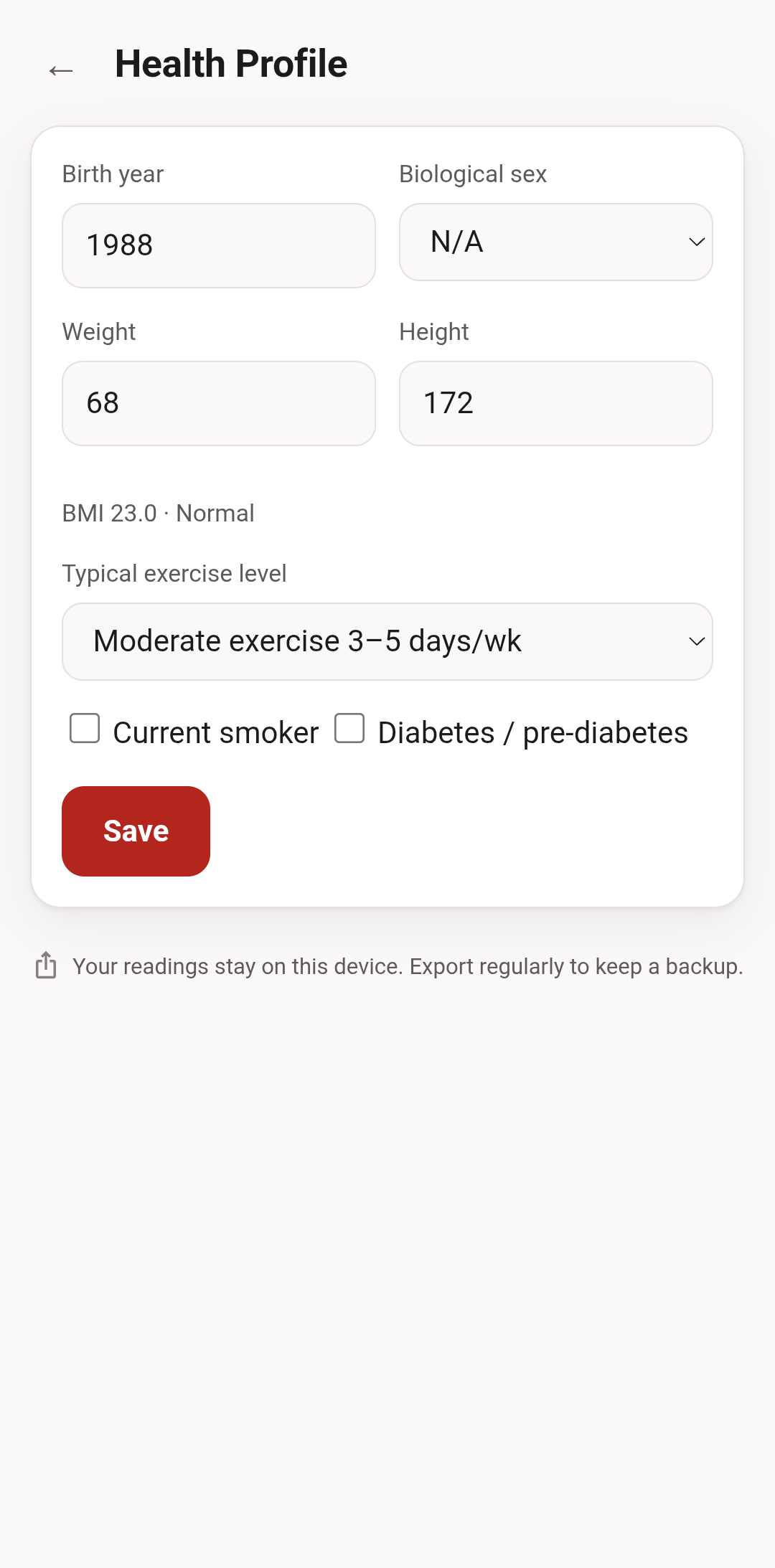
All readings and profile details in these screenshots are made up.
Web features
- 📱 Local-first & PWA: Installs to the home screen and works offline. Readings live in your browser's IndexedDB and are never sent anywhere.
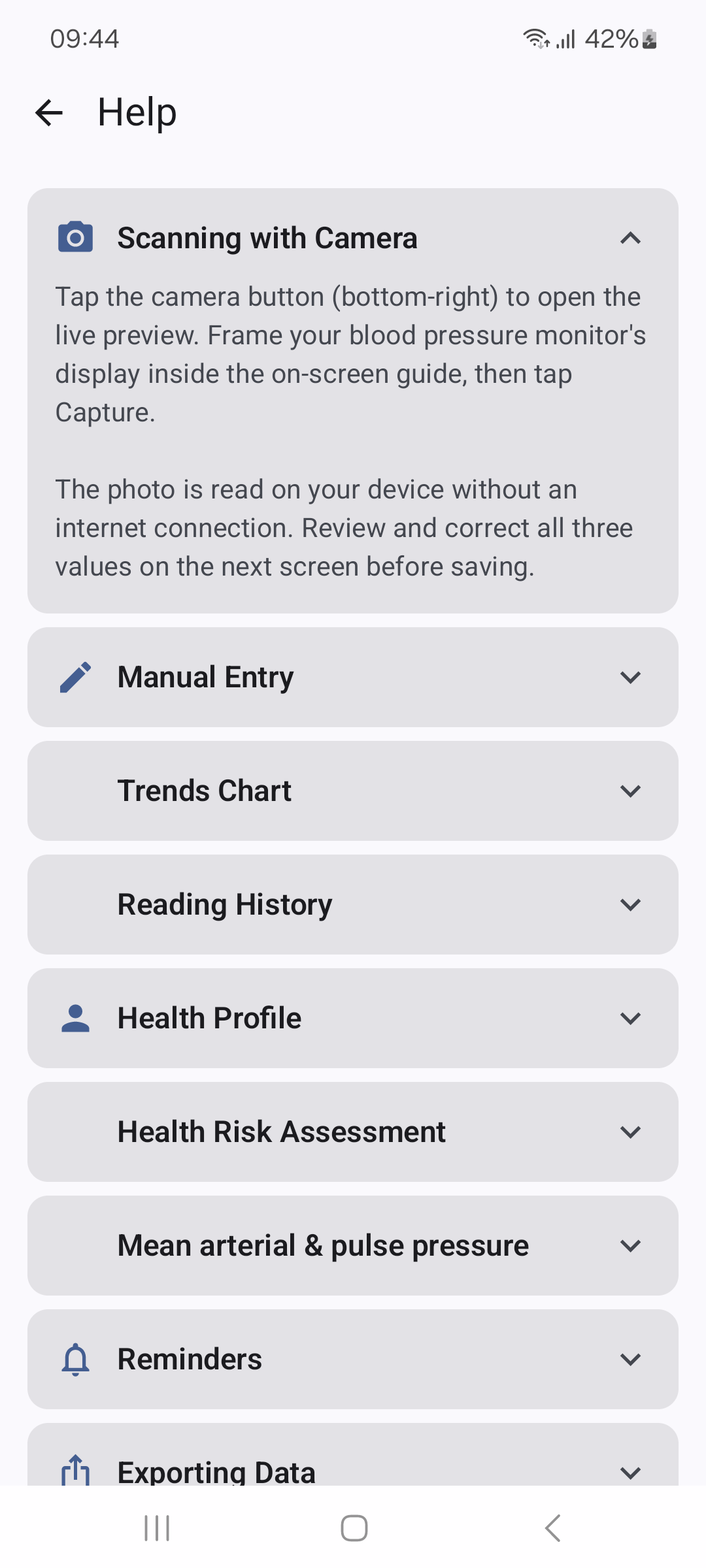
- 📷 Camera reading, on the device: Point the camera at an upright monitor with three rows, and models running in your browser read SYS, DIA, and pulse. You confirm all three values before saving, and a photo it cannot read reliably is refused rather than guessed.
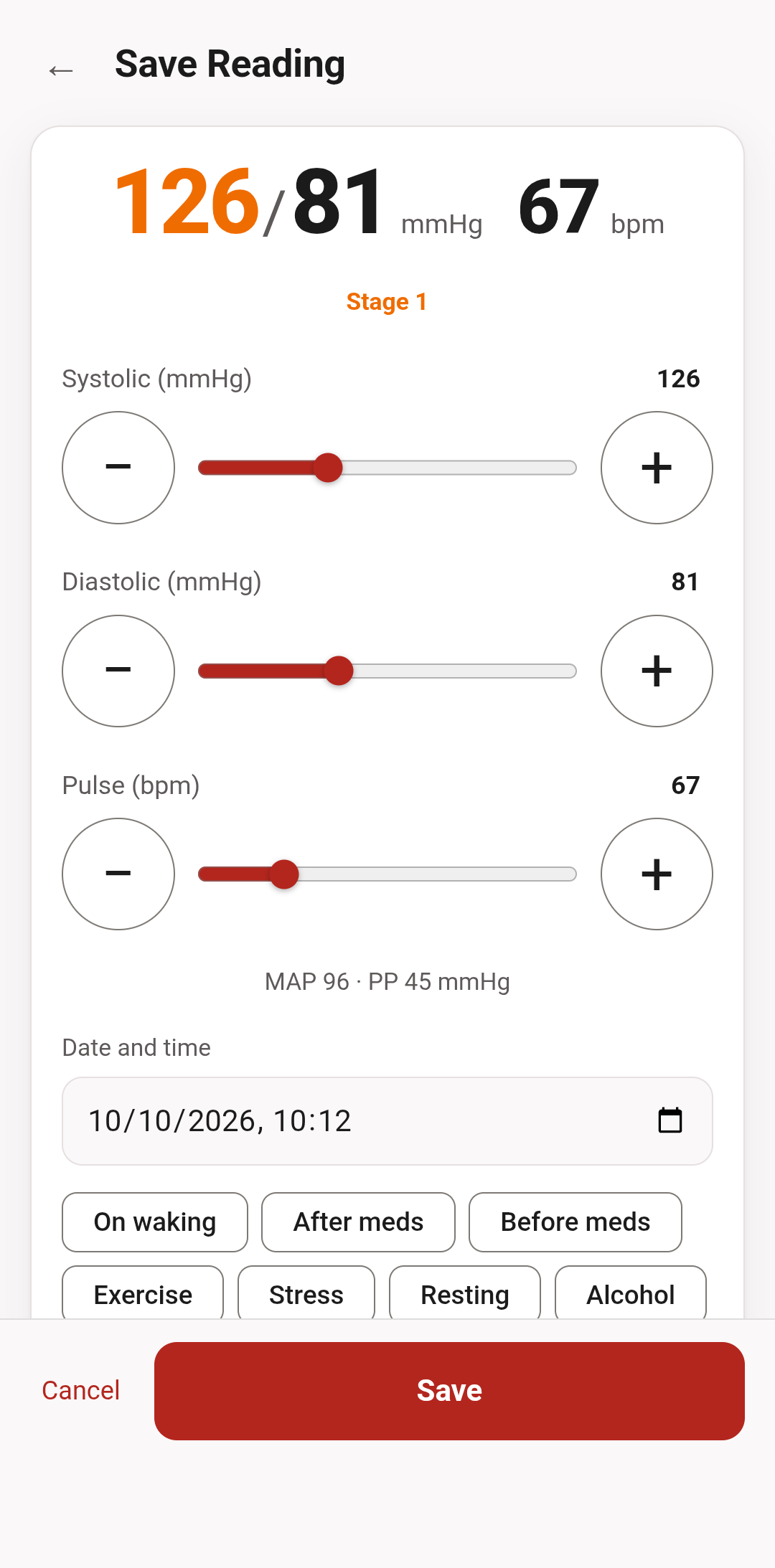
- ✏️ Fast entry: Sliders seeded from your last reading, number fields, and press-and-hold steps.
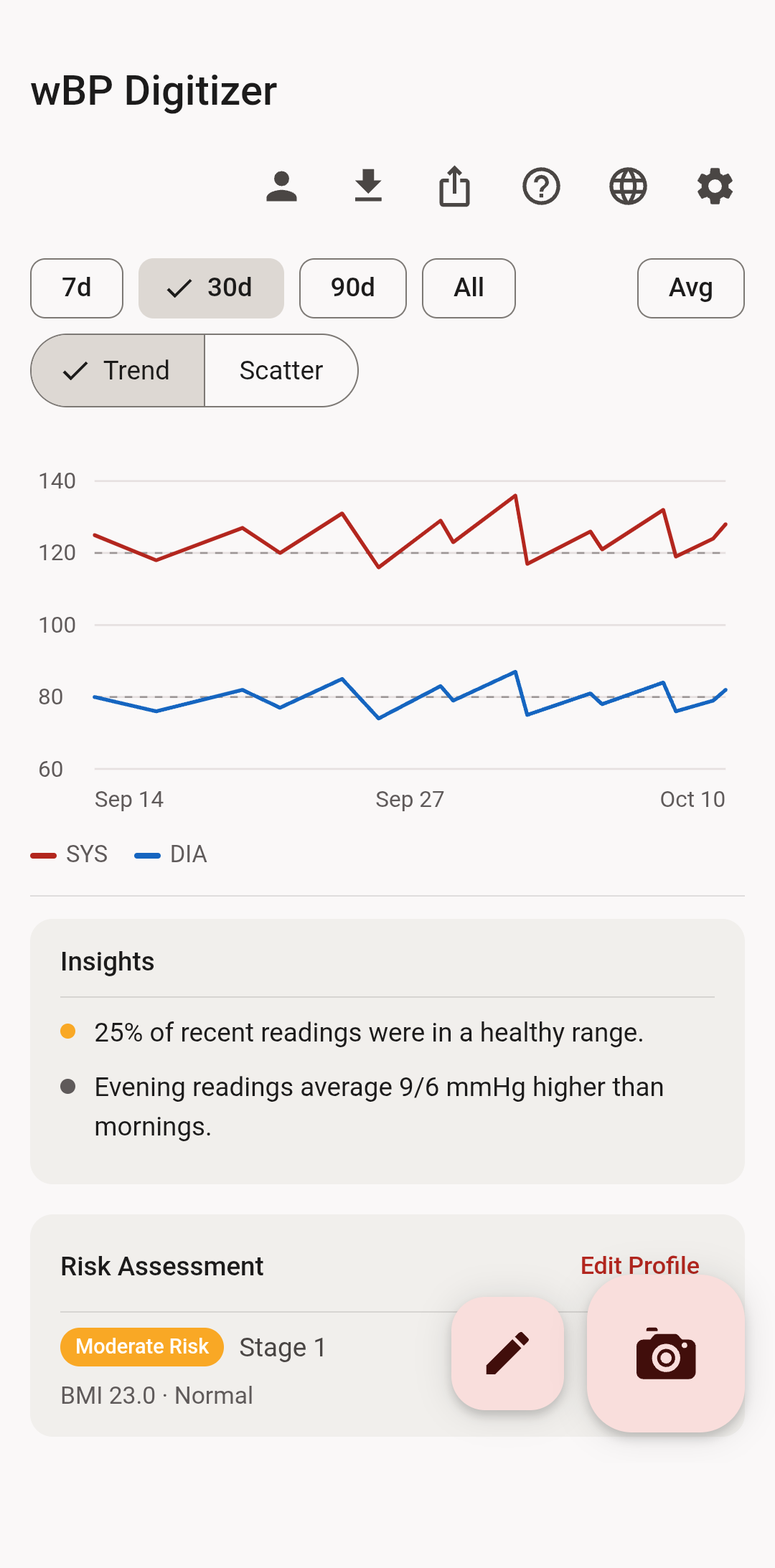
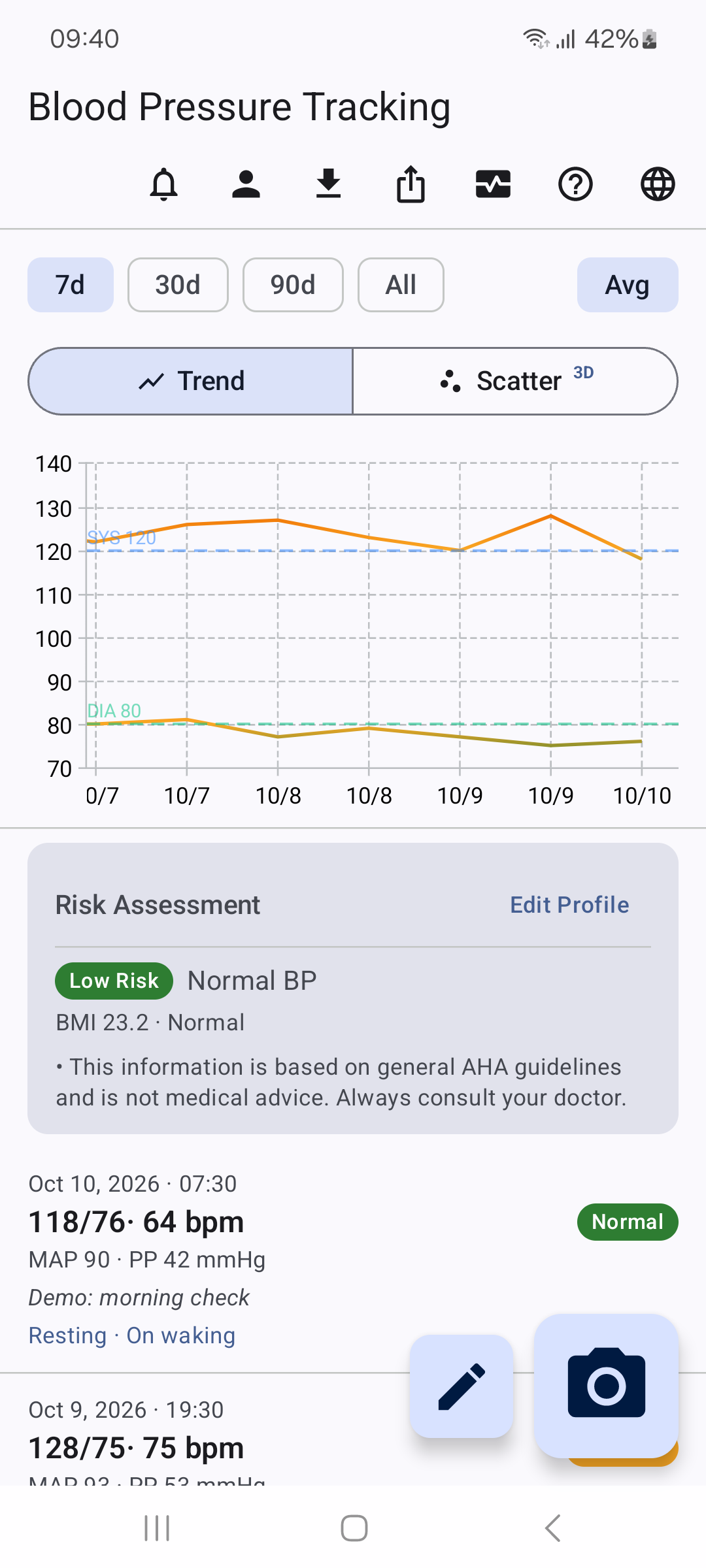
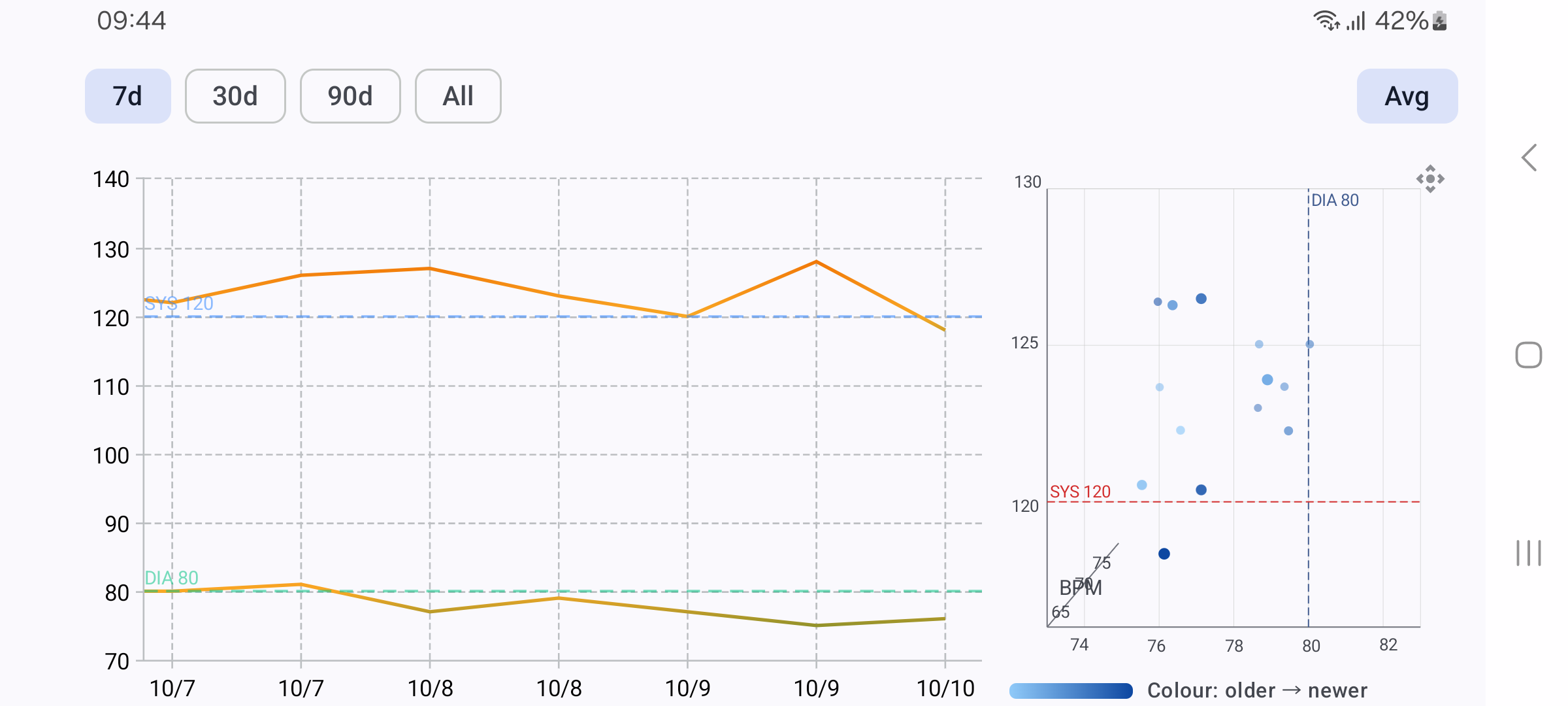
- 📈 Comprehensive Charts: Trend chart (systolic + diastolic, 120/80 reference lines) and a systolic-vs-diastolic scatter. 7 / 30 / 90 day and all-time ranges.
- 🧠 Smart Analytics: Burst averaging collapses readings taken back to back into a single point. Insights computed on the device (morning vs evening, time in range, healthy streaks, context tags).
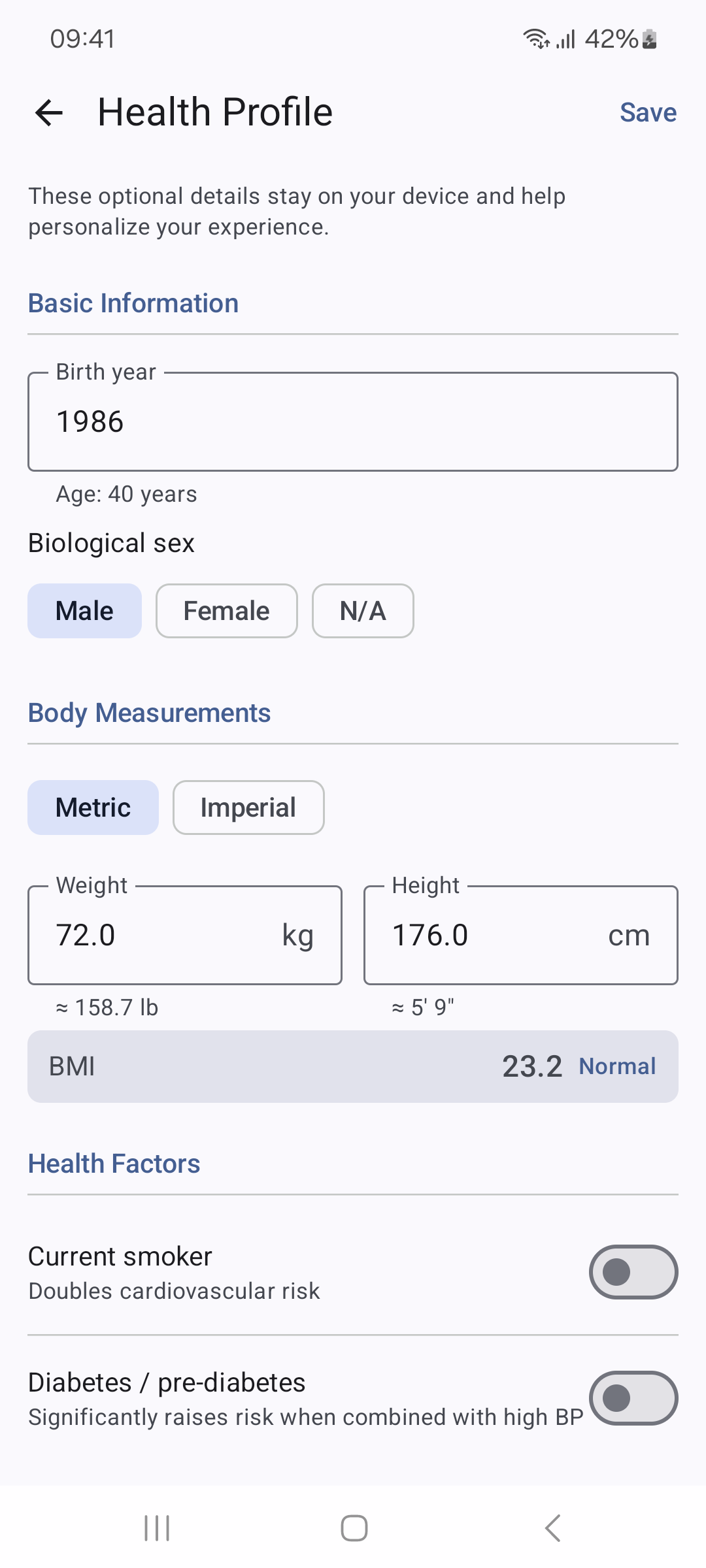
- 🩺 Clinical Logic: AHA zones (Normal / Elevated / Stage 1 / Stage 2 / Crisis), MAP and pulse pressure, BMI, and a risk assessment from your health profile.
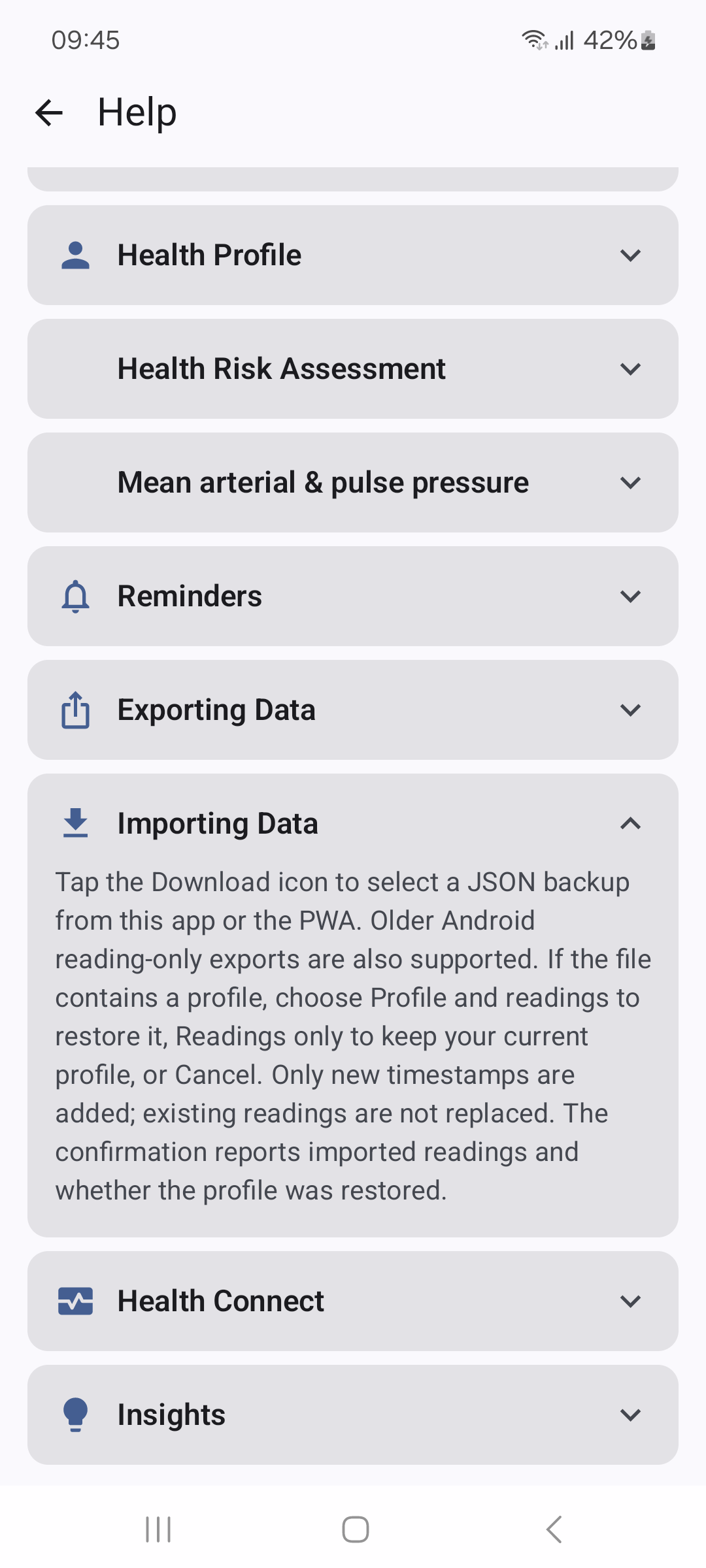
- 📄 Export & Reports: CSV and JSON import and export, plus printable and downloadable PDF reports.
- 🔐 Encrypted backup: Back up your readings and profile to a file encrypted with your passphrase, and restore it on another device. No one can recover a lost passphrase.
- 🌐 Global: 12 languages, carried over from the Android app rather than re-translated, with right-to-left support for Arabic.
BP Digitizer for Android
The native Android app reads your monitor with the camera entirely on the phone, alongside quick manual entry, trend views, Health Connect, PDF exports, and reminders. It has no internet permission, and Android’s cloud backup and phone-to-phone transfer are turned off for it, so your readings stay on your phone unless you export them. It runs on ARM64 phones with Android 8.0 or later.
Download the signed Android APK ↗. The release includes installation instructions, checksums, and signing details. Before switching from another build, export a JSON backup; uninstalling deletes local readings and the profile.
Explore the Android source on GitHub ↗
Read the Android privacy policy ↗
Inside the Android app
Captured from version 1.6.2. All readings and profile values are made up.
Android features
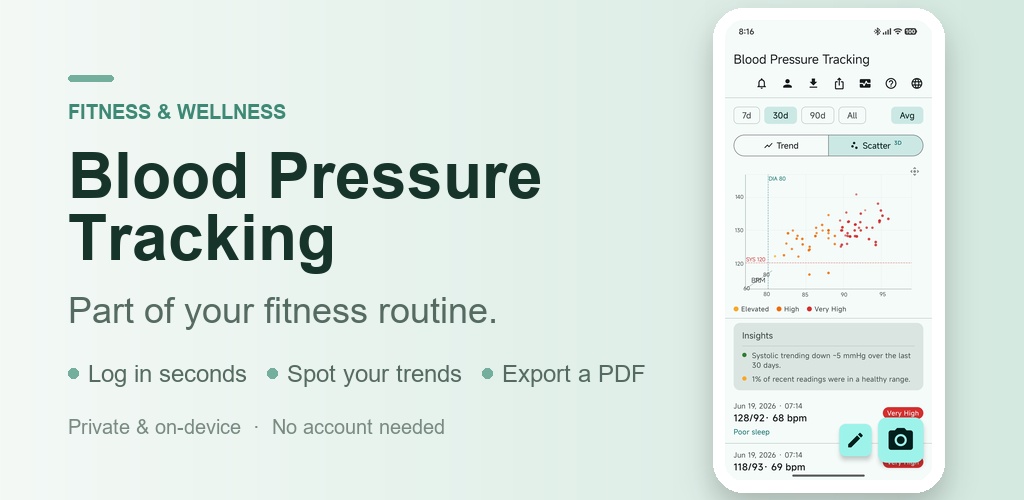
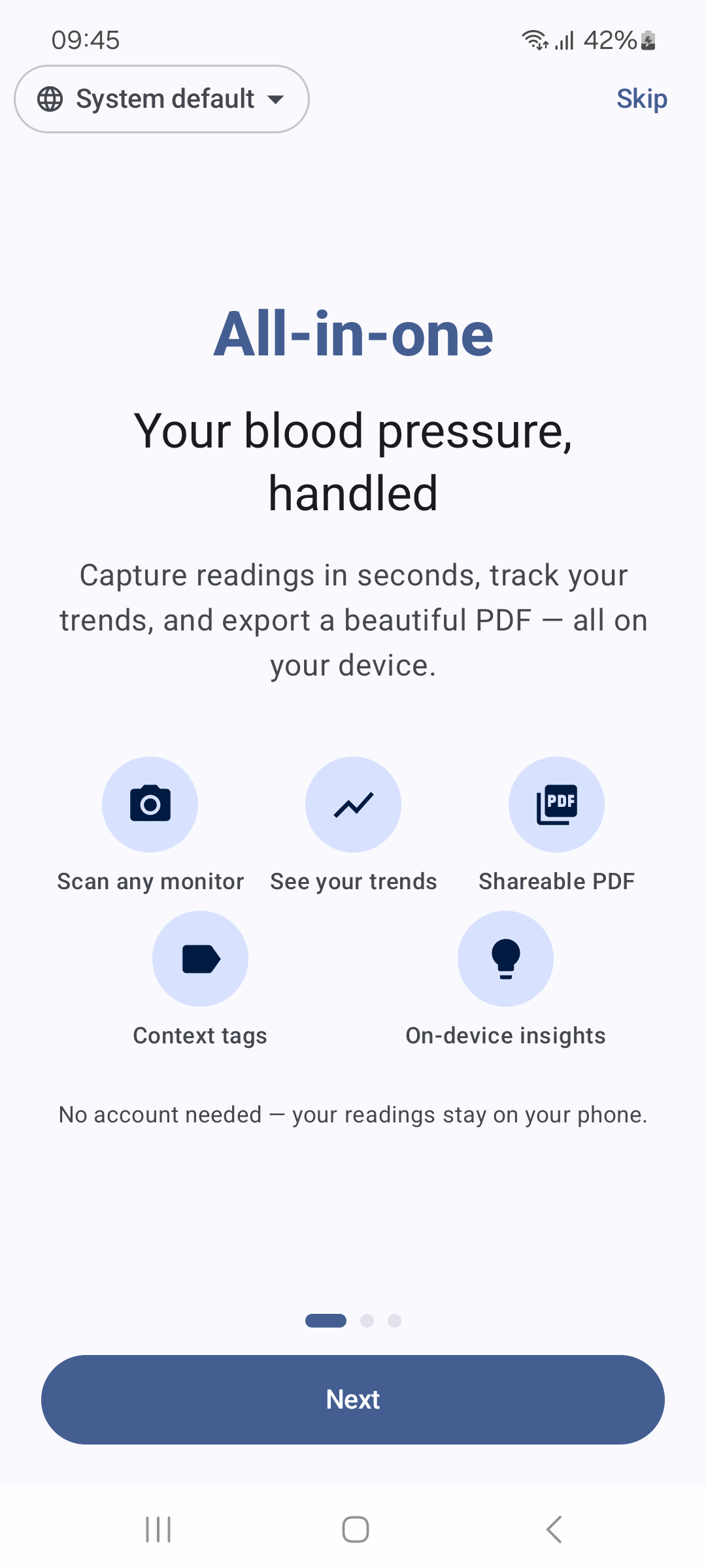
- 🏃 Built for an active lifestyle: Blood pressure is a core wellness metric, right alongside your steps, workouts, and sleep. Log it in seconds and keep it part of the routine that keeps you moving.
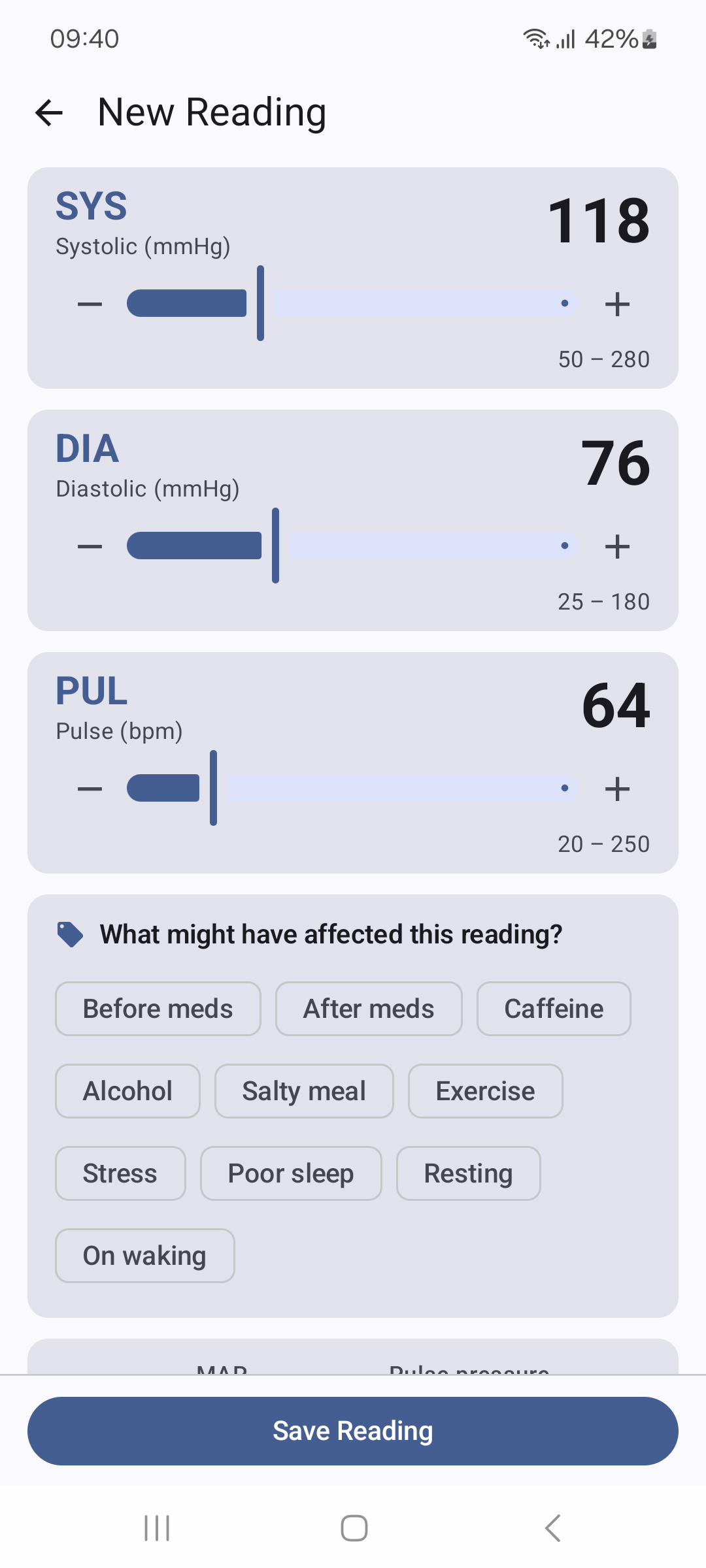
- ✏️ Log your readings for free, in seconds: Fast, tap-friendly sliders let you set systolic, diastolic, and pulse in moments. Completely free, works offline, and needs no account — start tracking the very first time you open the app.
- 📷 Or scan with the camera, offline: Don't want to type? Snap a photo of your monitor's display and models built into the app read the numbers on your phone, without an internet connection. It is free, and you always check the values before saving.
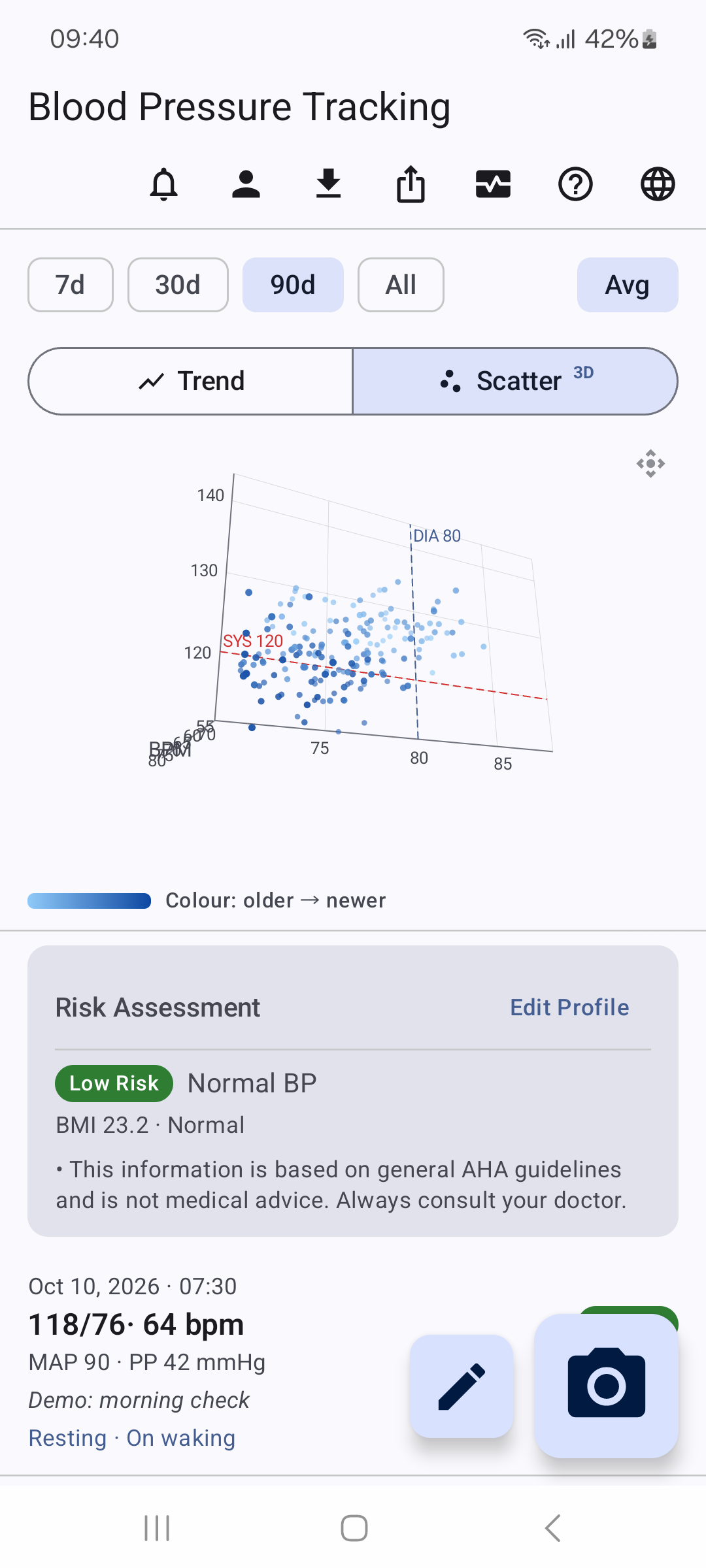
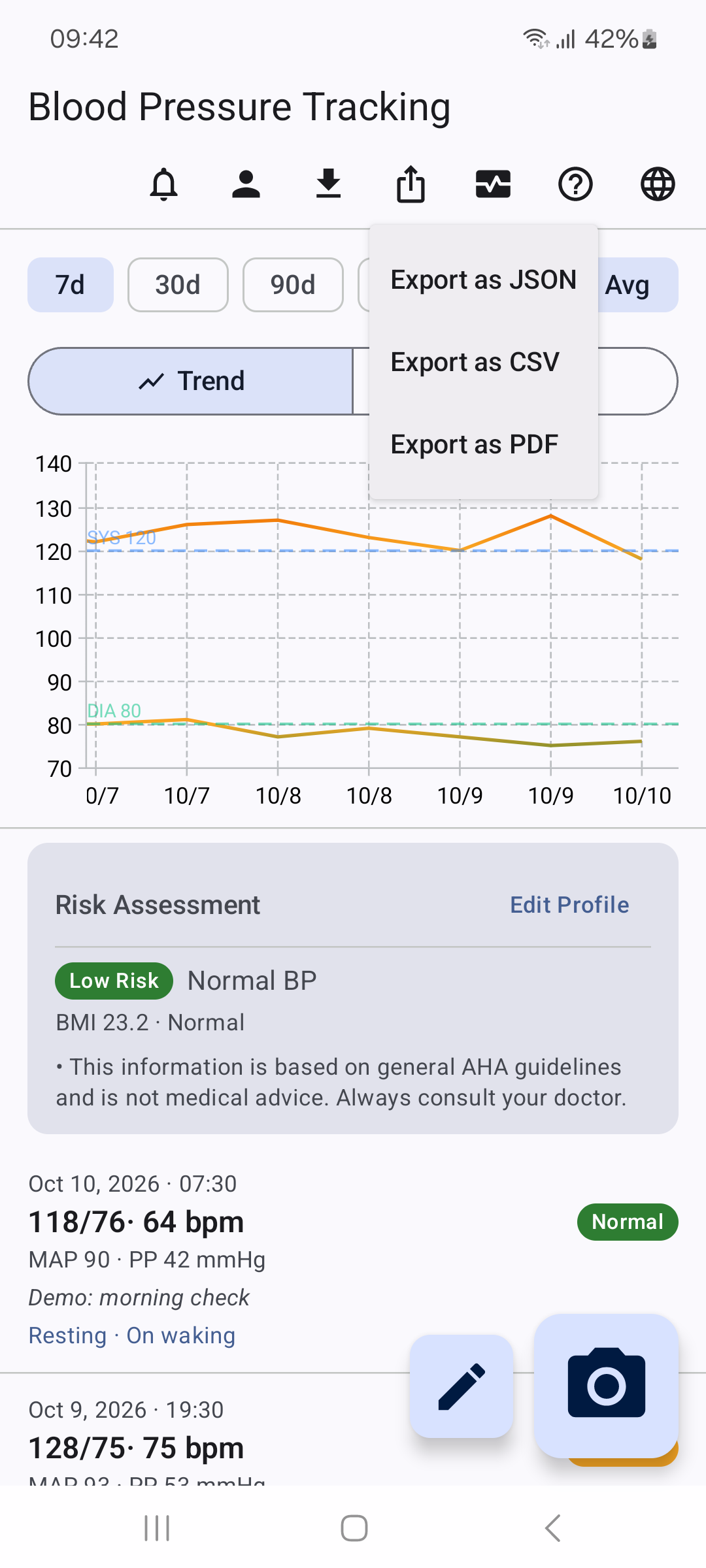
- 📈 Watch your trends: See how your numbers move over days, weeks, and months. Switch between a trend line and a 3D scatter you can spin with a finger to explore systolic, diastolic, and pulse together. Smart "Avg" smoothing merges back-to-back readings into a single, honest data point, so your trend reflects reality. Rotate the phone to see both charts side by side.
- 🏷️ See what moves your numbers: Tag any reading with context — exercise, caffeine, a salty meal, poor sleep, stress — and discover how your activity and lifestyle shape your numbers over time.
- ❤️ Connects with Health Connect: Copy your readings to Android Health Connect from the dashboard to keep your blood pressure right alongside your activity, workouts, and other fitness data. It is optional and only happens when you choose.
- 📄 Keep your own records: Export a JSON backup, a CSV file, or a multi-page PDF report with charts and readings, and import backups from this app or the web version.
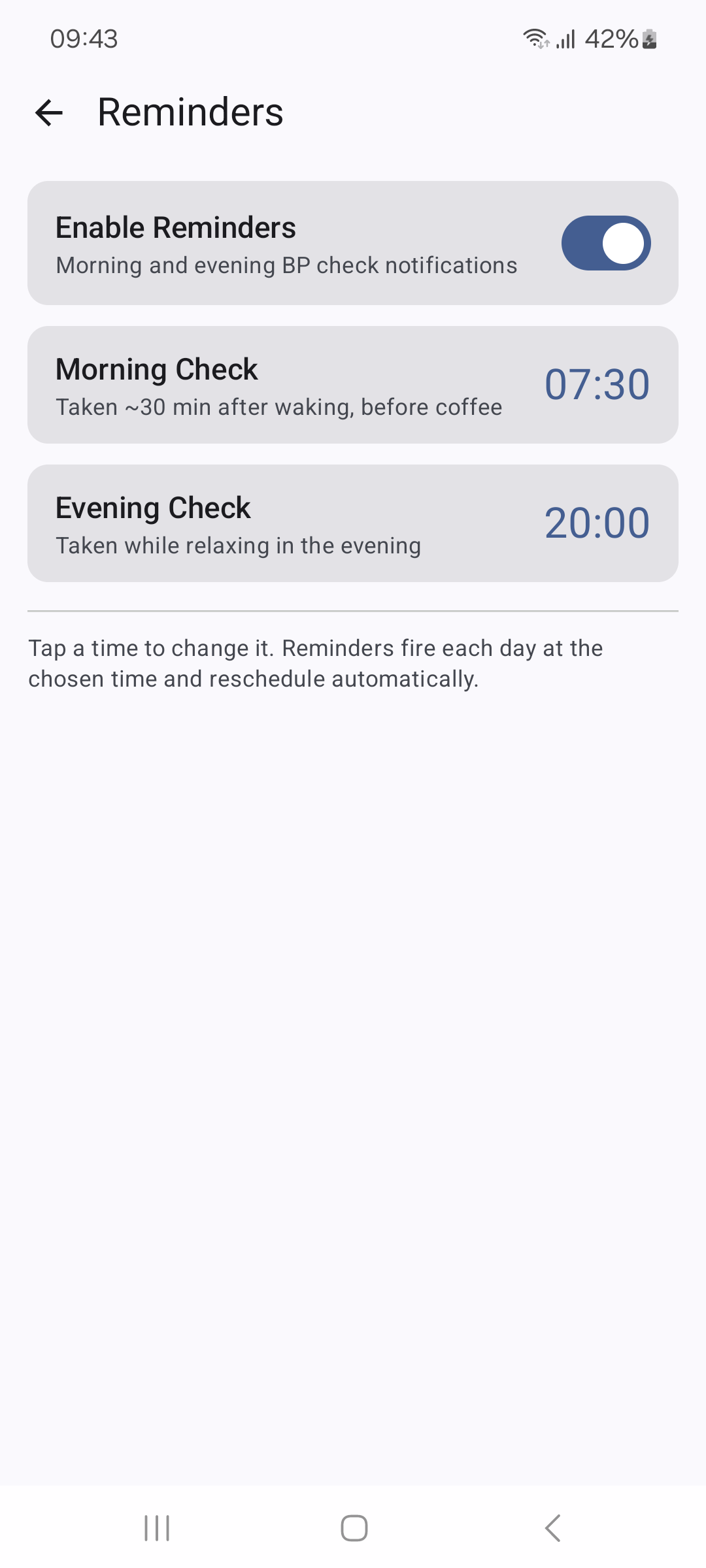
- ⏰ Build a consistent habit: Optional gentle reminders help you log at the same time each morning and evening, so your trends stay complete.
- 🔒 Private by design: The app has no internet permission at all. No account to create, no cloud sign-up, nothing sold or shared. To keep a copy or move to a new phone, export a JSON backup. Your numbers are your business — and only yours.
- 🌐 12 languages: English, Arabic, Chinese, French, German, Hindi, Japanese, Korean, Portuguese, Romanian, Spanish, and Ukrainian.