Creative tools
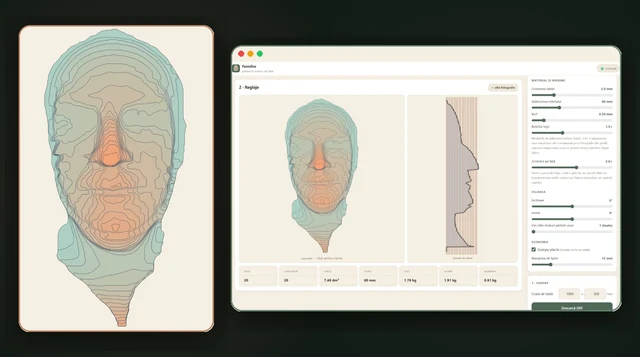
Faceslice
One photo becomes a 3D relief, sliced into layers for a metal portrait.
Turn a photograph into metal art, then work through the connections and cutting checks that help it hold together.
Start with a one-time invite or a link from an authorised workspace device. Cached projects can be edited offline; photographic processing and server-only projects need a connection.
Art that holds together.
Kerfspan was called Kerfloom until October 2026. It now lives at kerfspan.com, and the former kerfloom.zandaulion.com address keeps working during the transition.
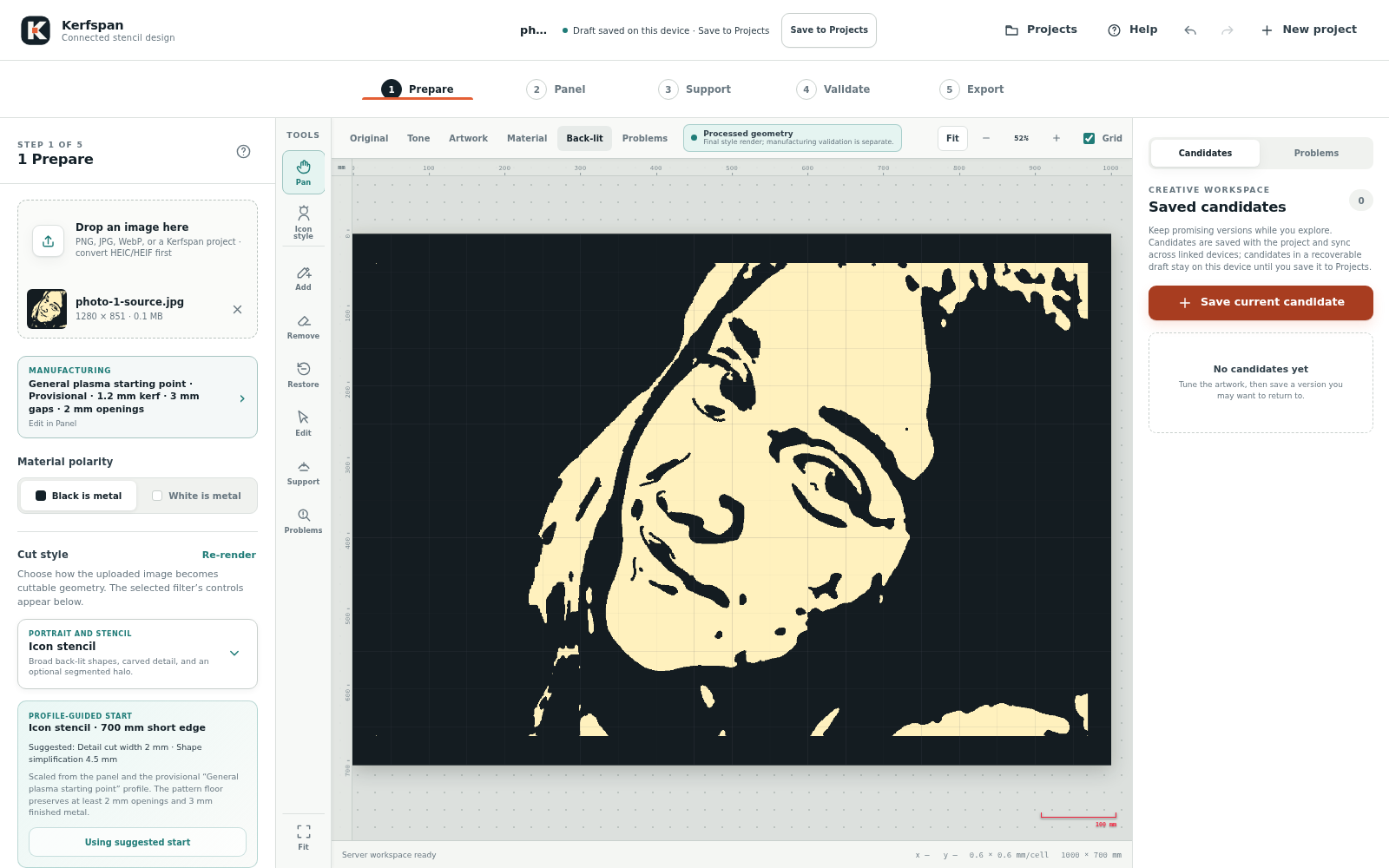
Kerfspan turns photographs and prepared artwork into connected designs for CNC plasma cutting. It brings image treatments, panel layout, supports, manual edits, kerf simulation, an encrypted project workspace, and vector export into one installable web app.
Dark areas represent metal to keep; light areas represent material to remove. The artwork, frame, supports, brush edits, and manufacturing repairs stay separate, so you can revisit a decision without starting over.
A good-looking preview is only the beginning. Kerfspan checks the geometry against a chosen cutting profile, while the operator confirms the settings for the actual material and machine. Profiles stay marked Provisional until verification evidence is recorded.
Every cut style, rendered by the current app from one portrait. The source photograph is not shown. Charcoal is the metal that stays and white is cut away; the back-lit versions show the openings lit from behind. These show the visual treatments, not cut readiness: each project still needs its own panel, support, and cutting-profile checks before export.
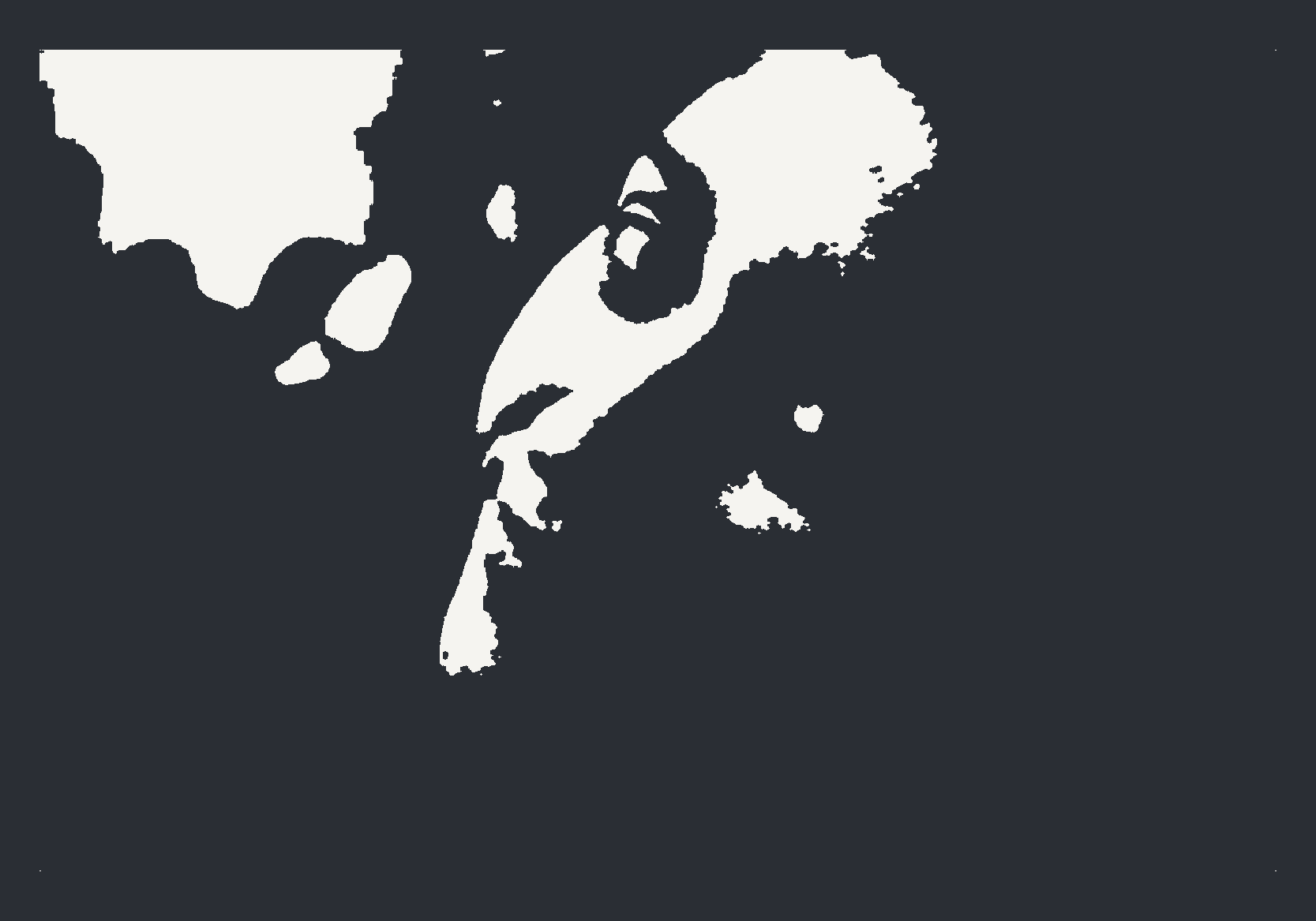
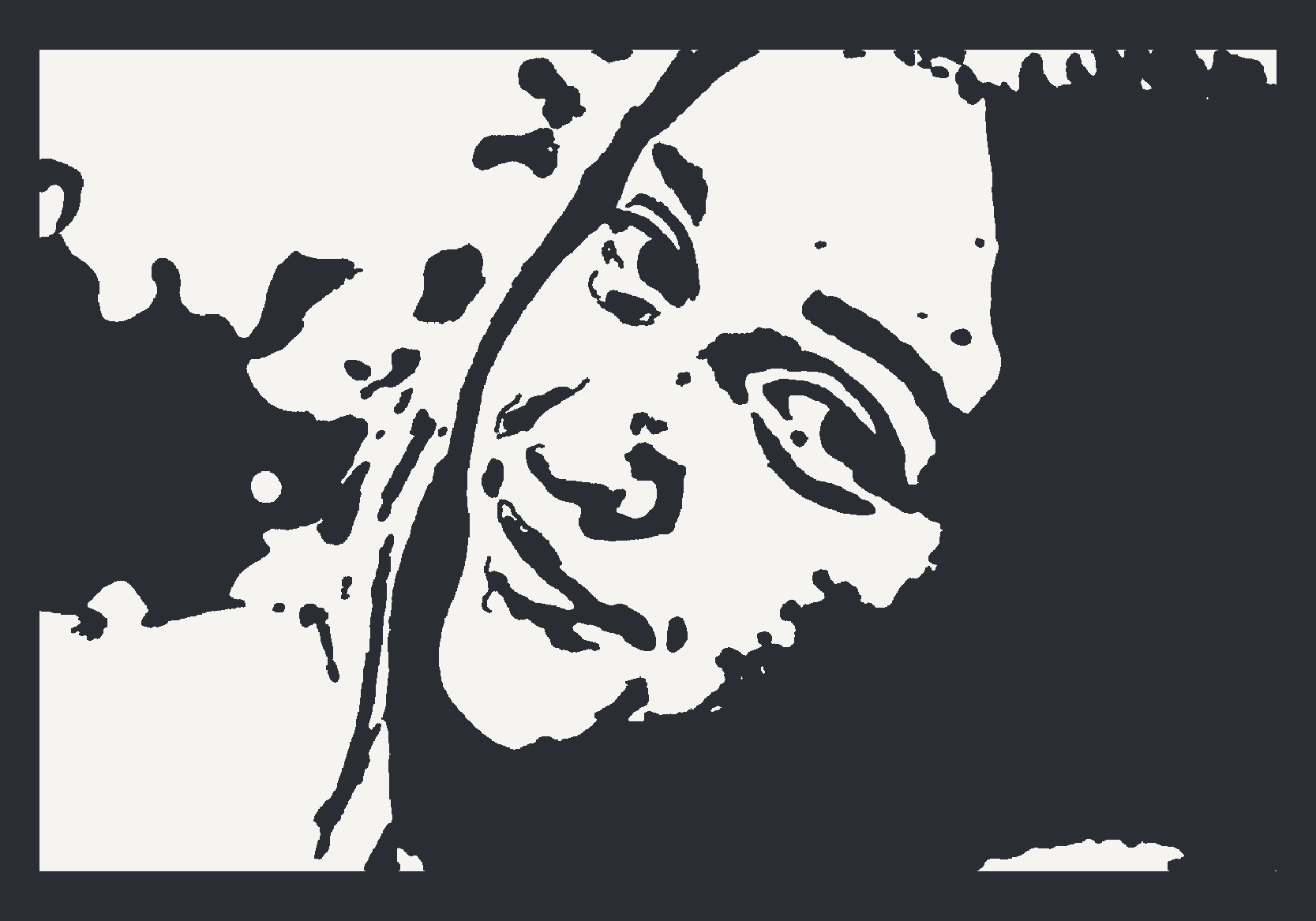
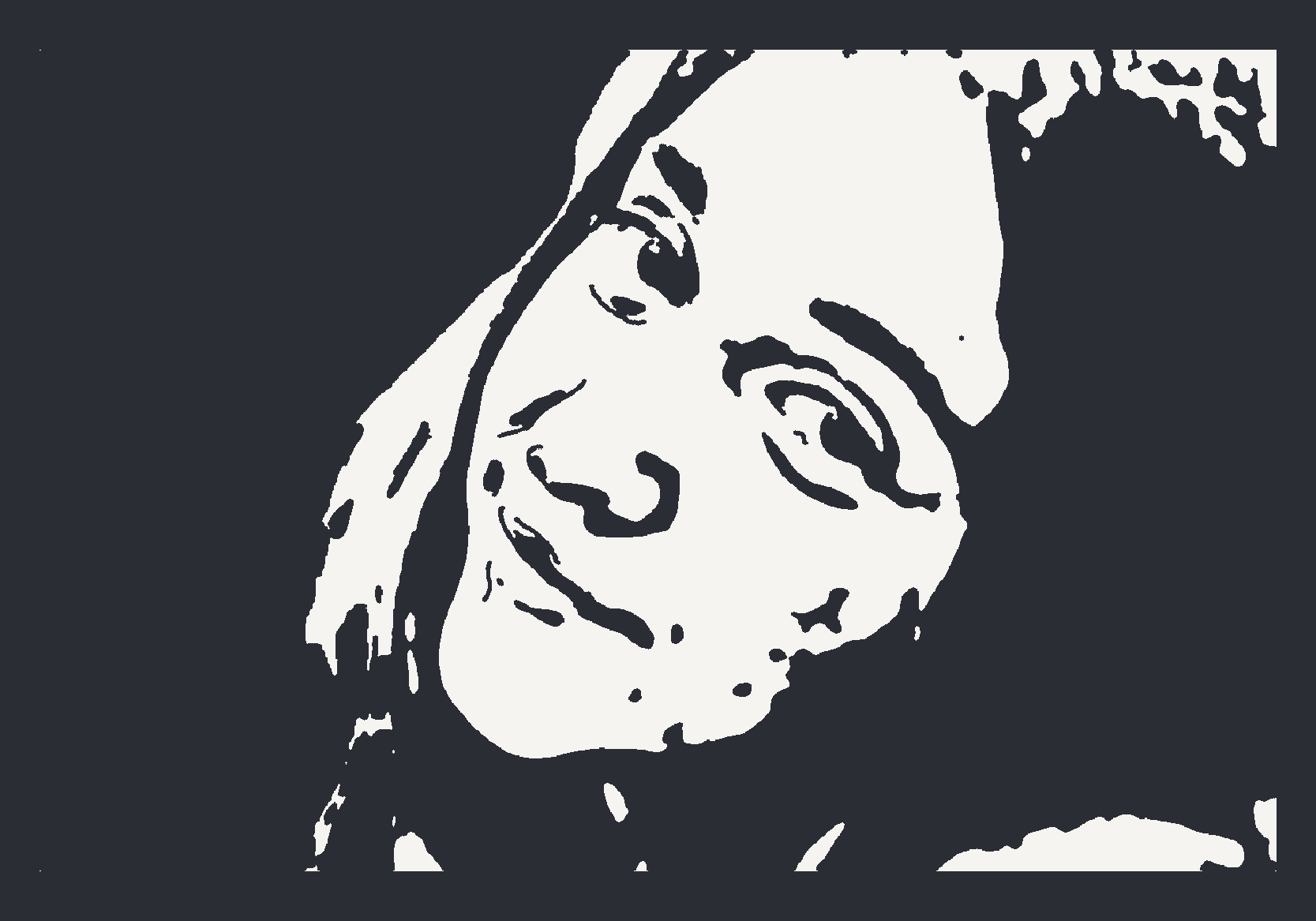
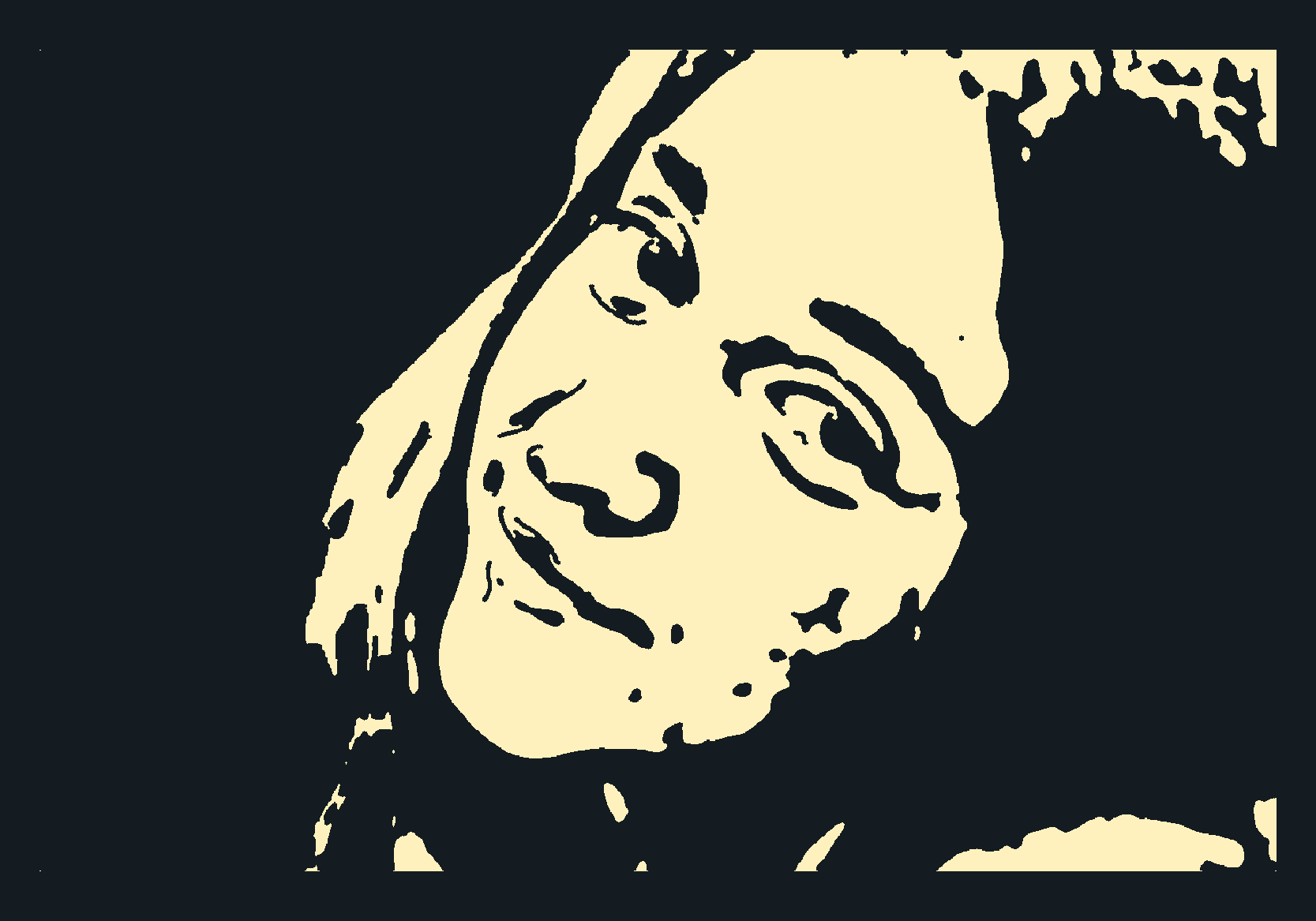
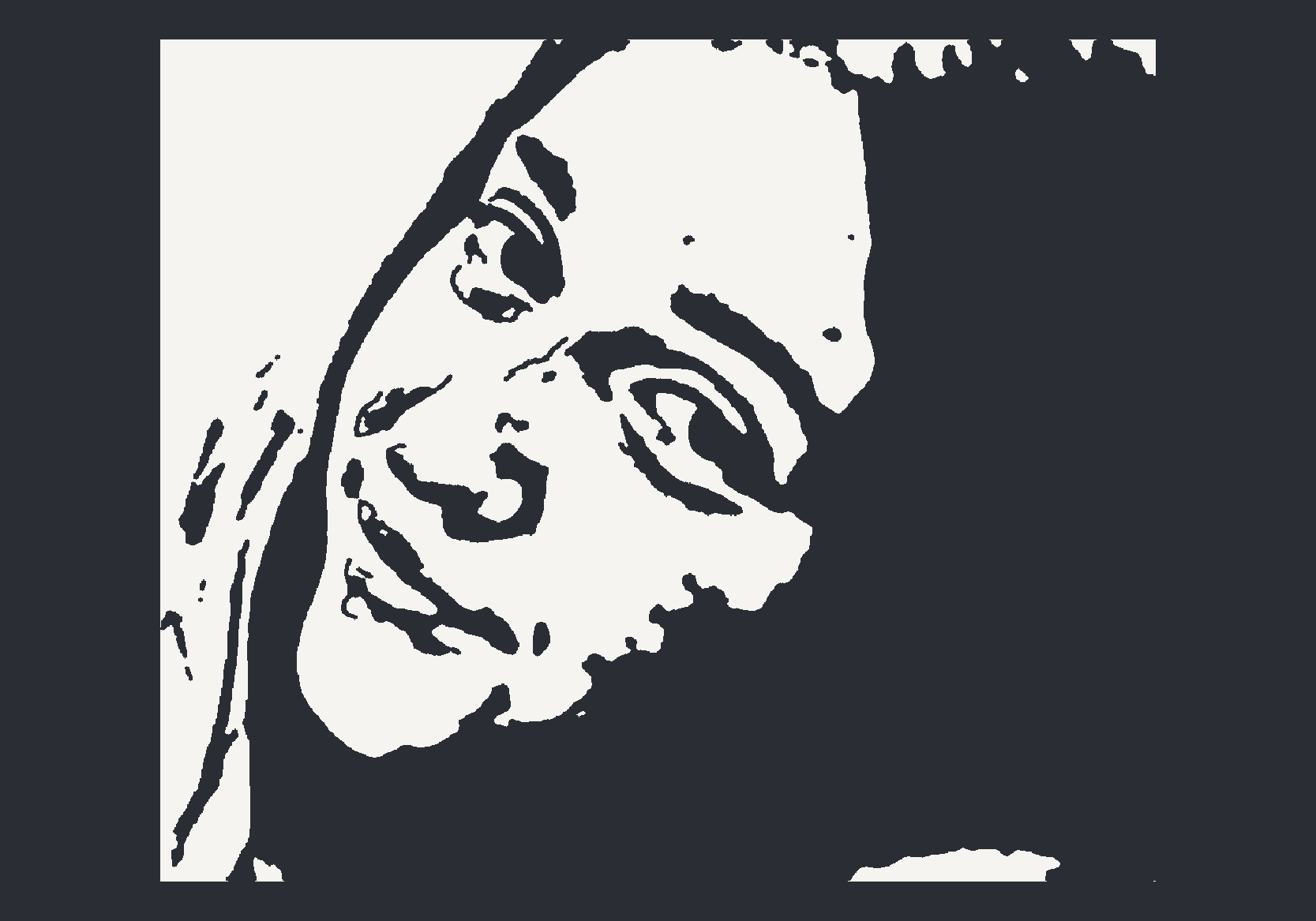

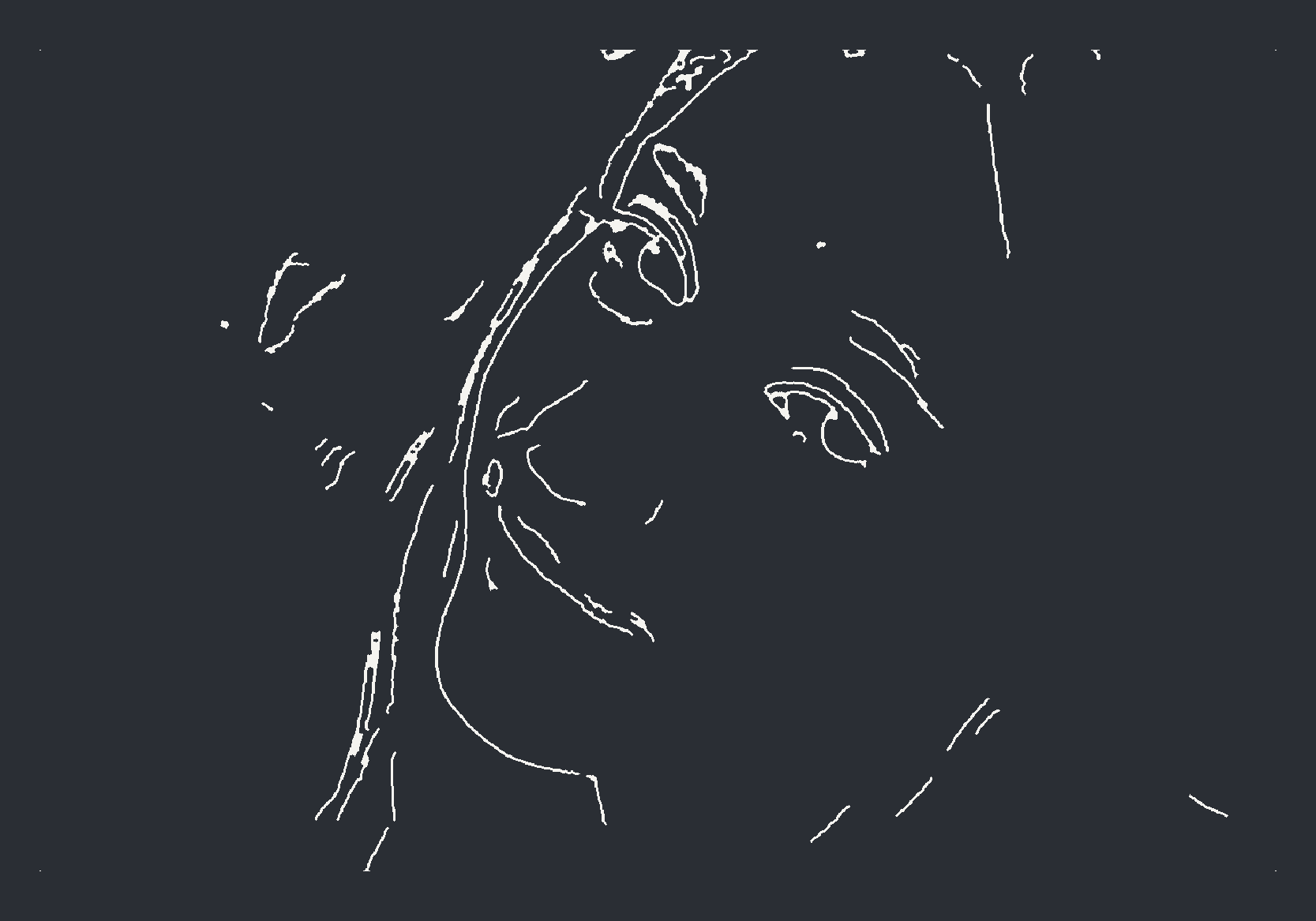
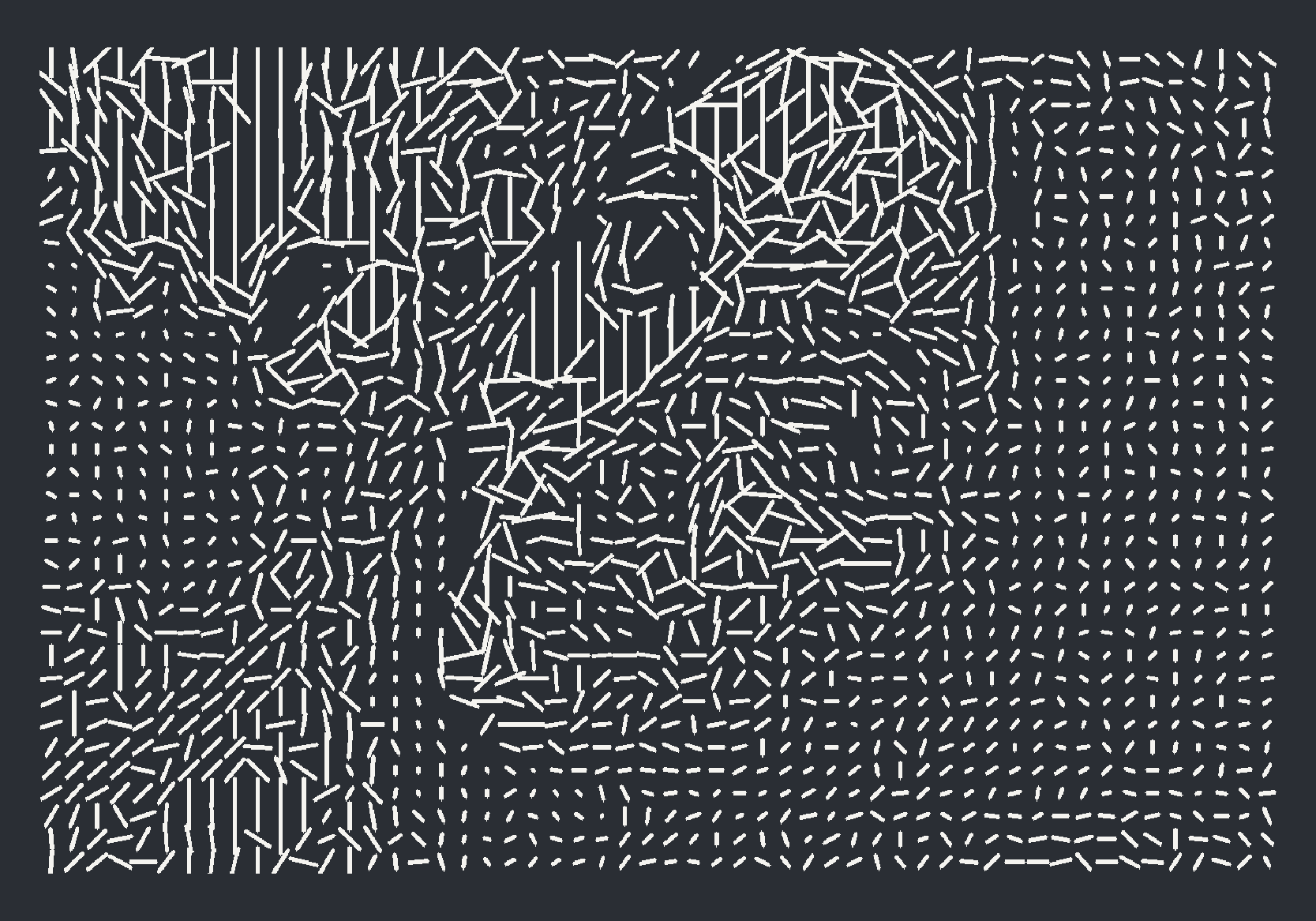
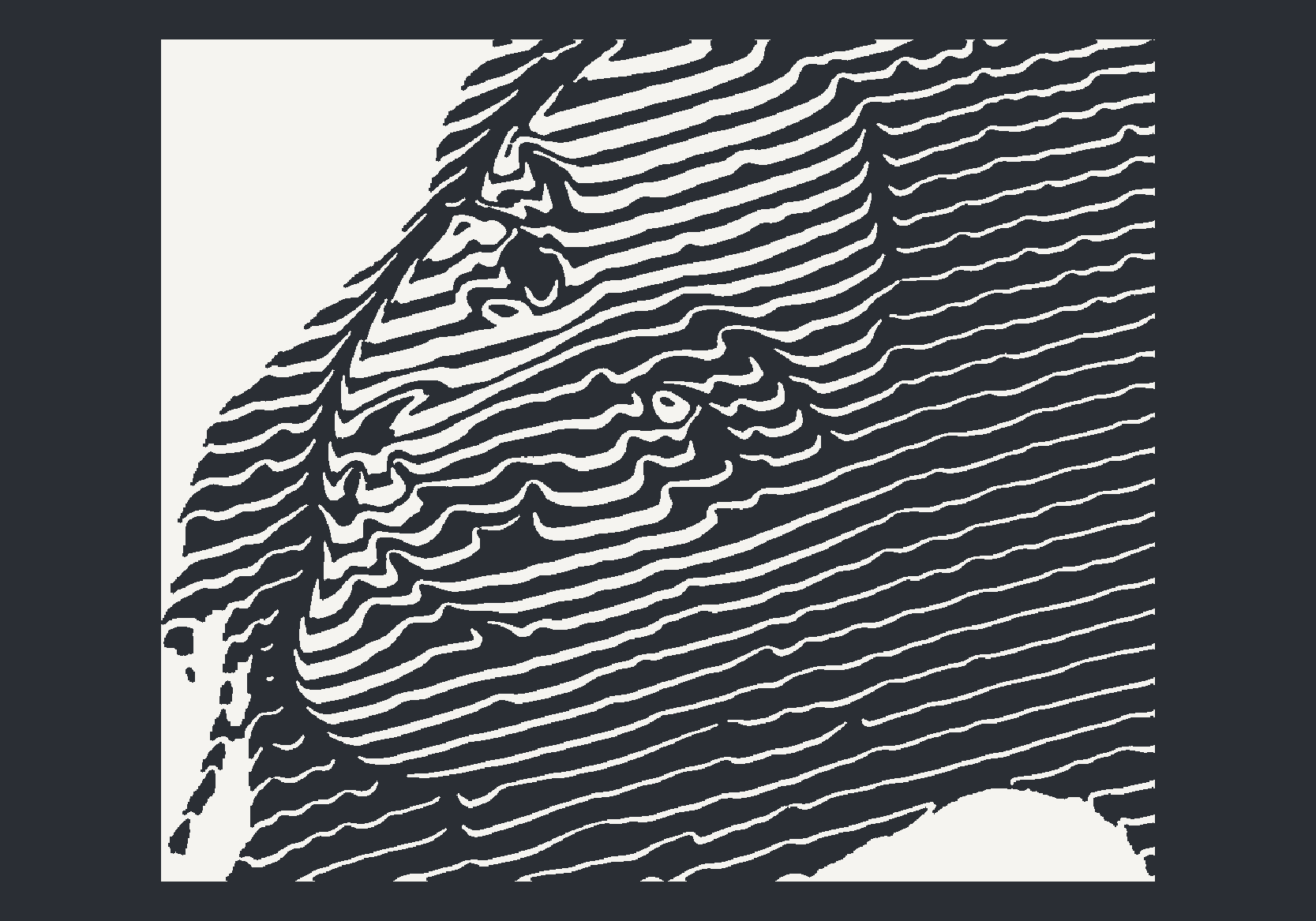
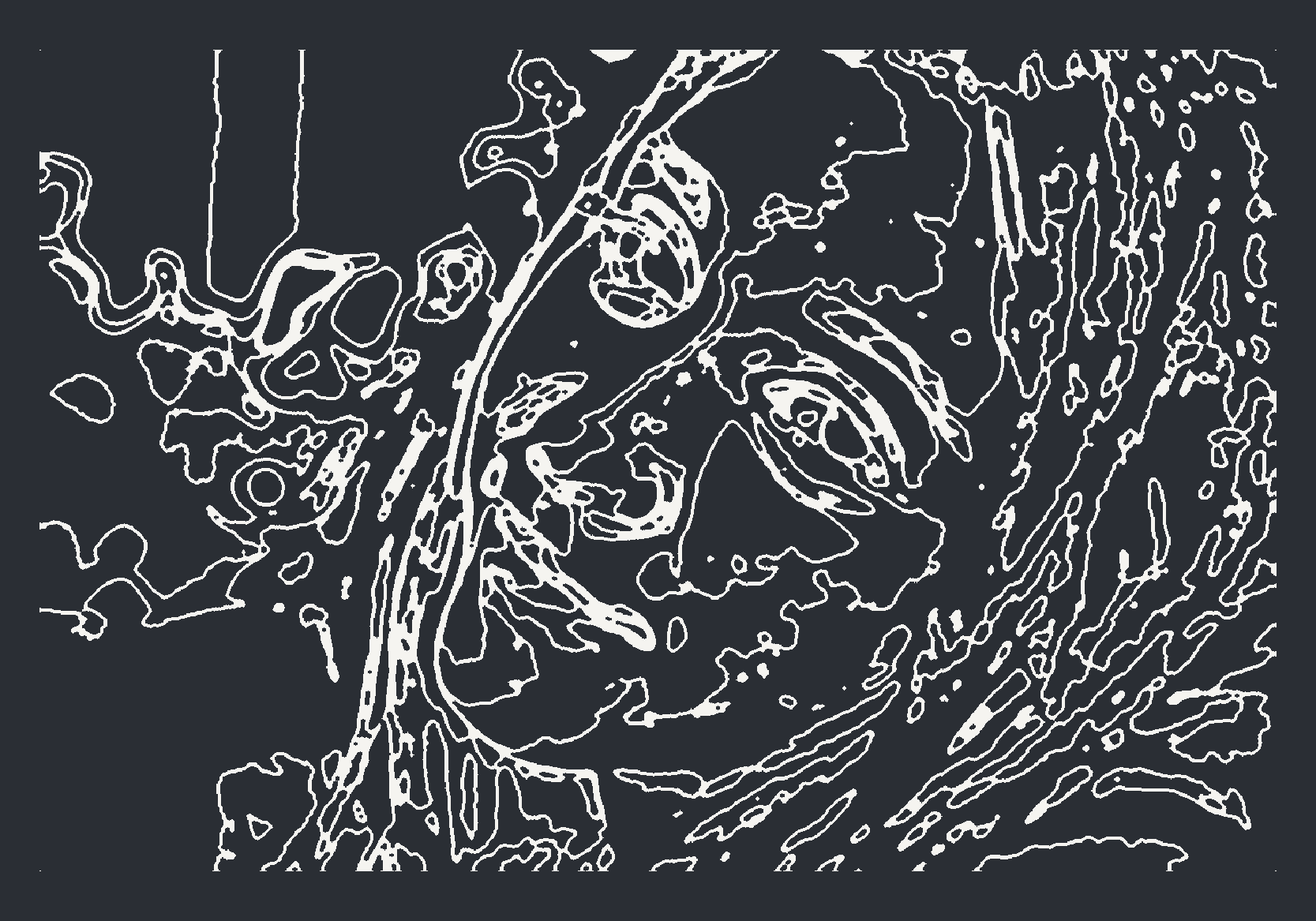
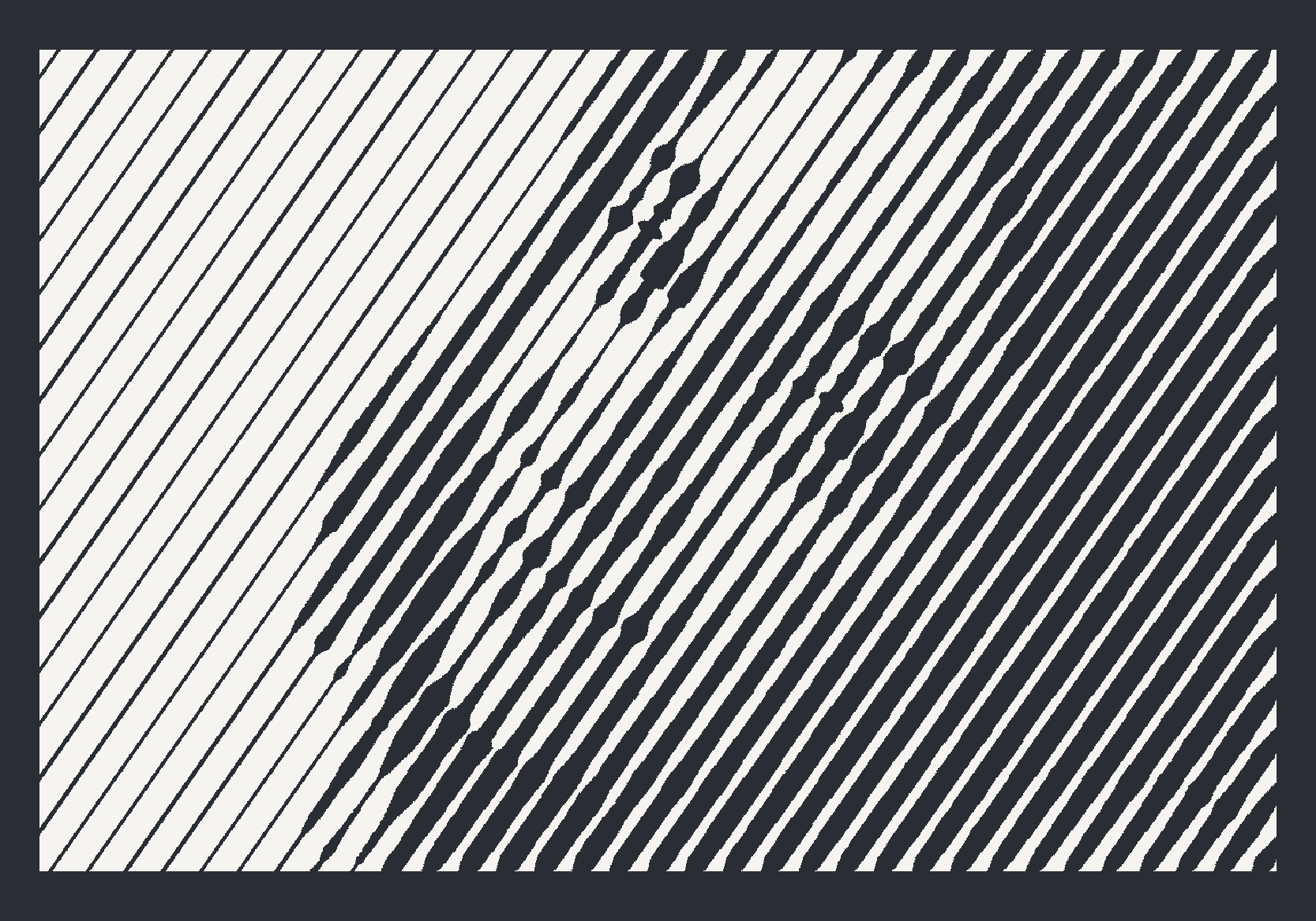
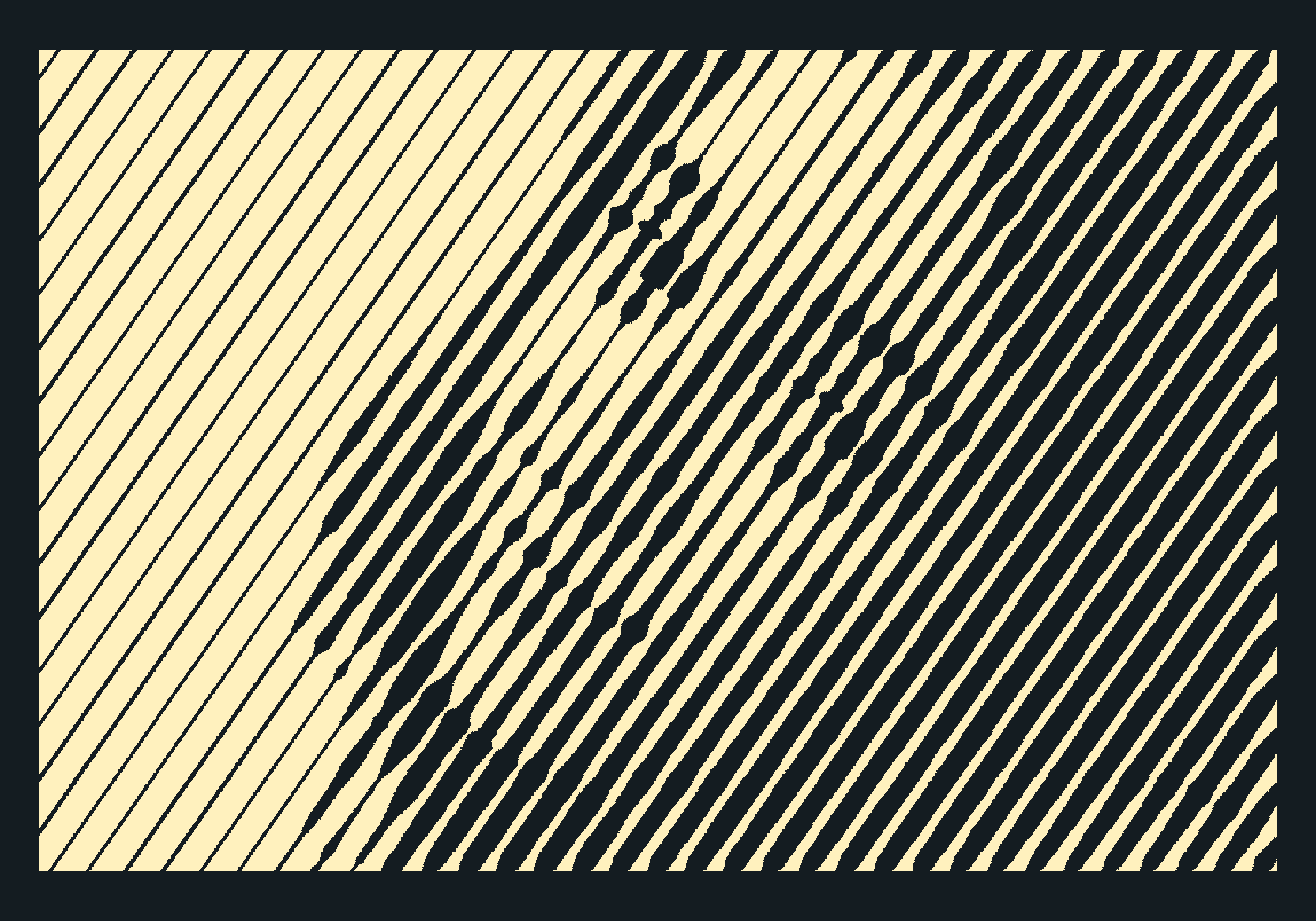
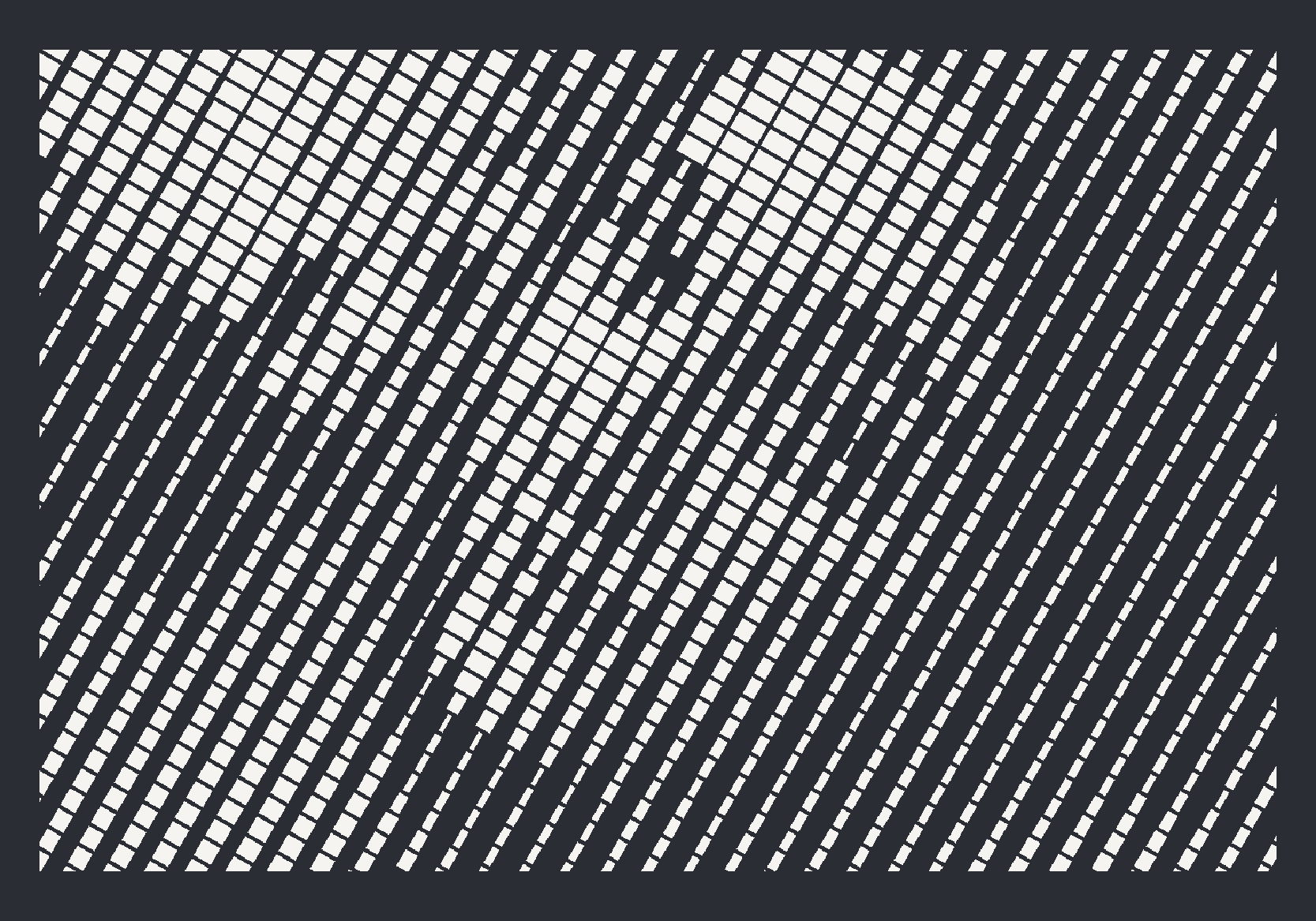
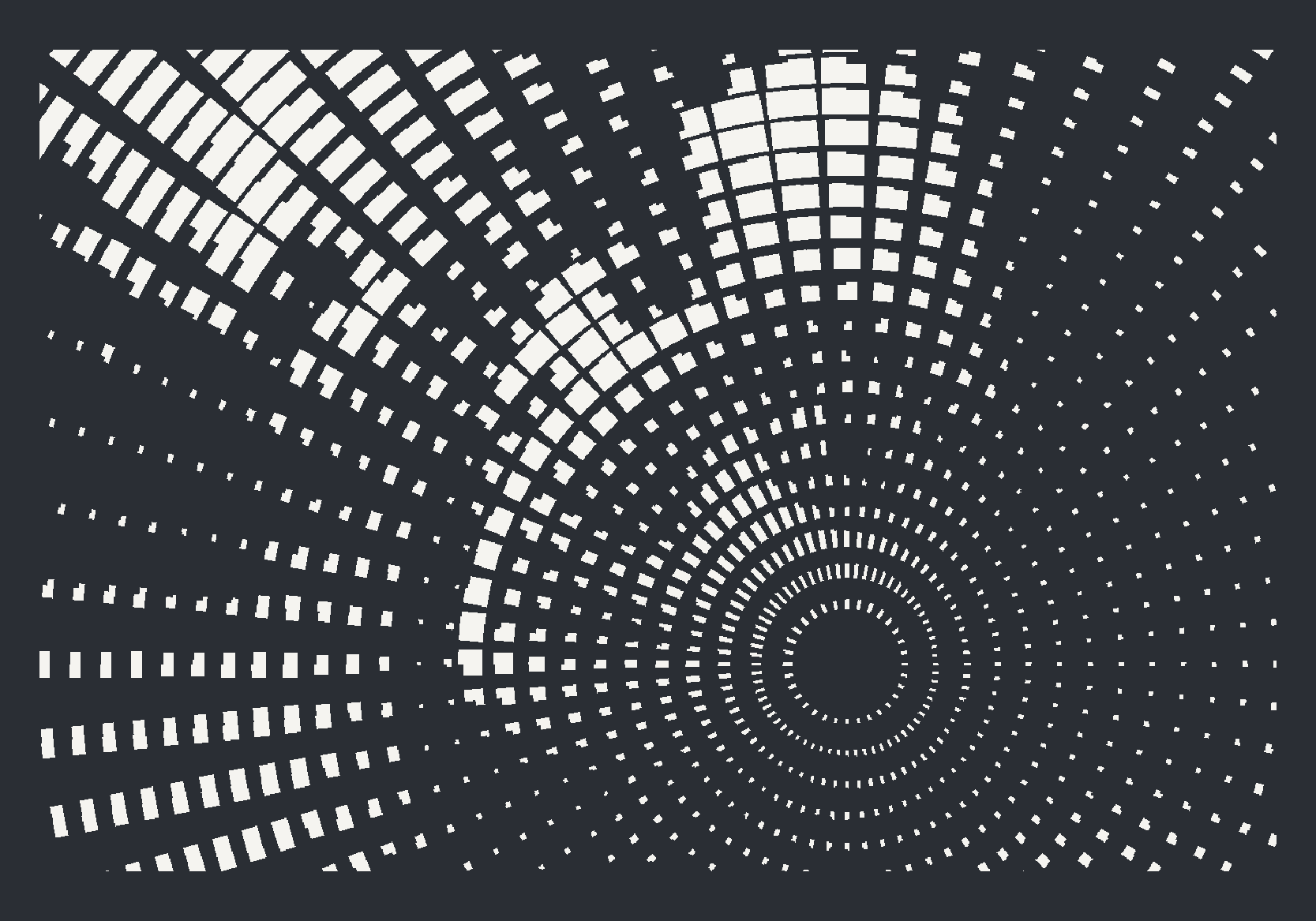
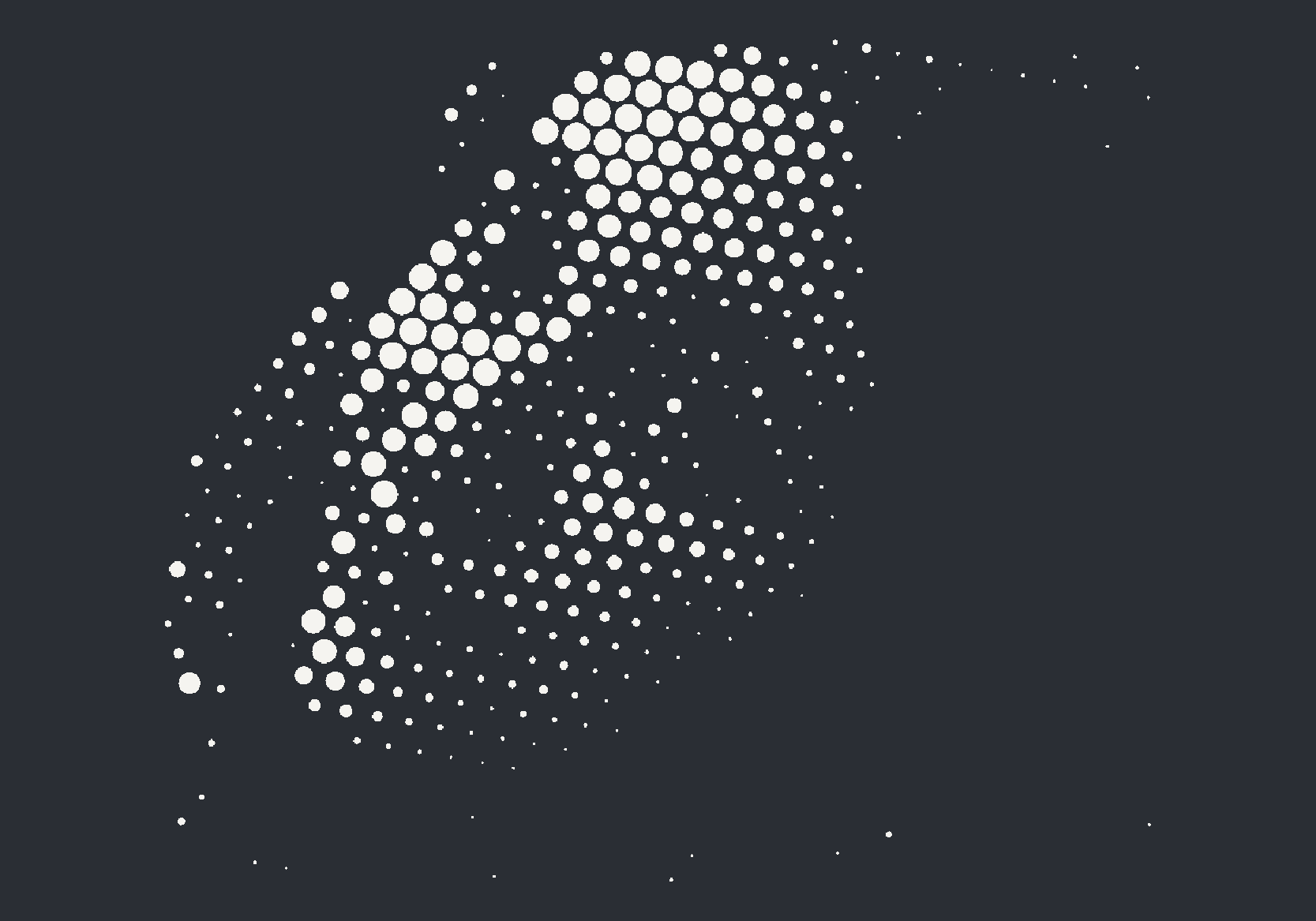
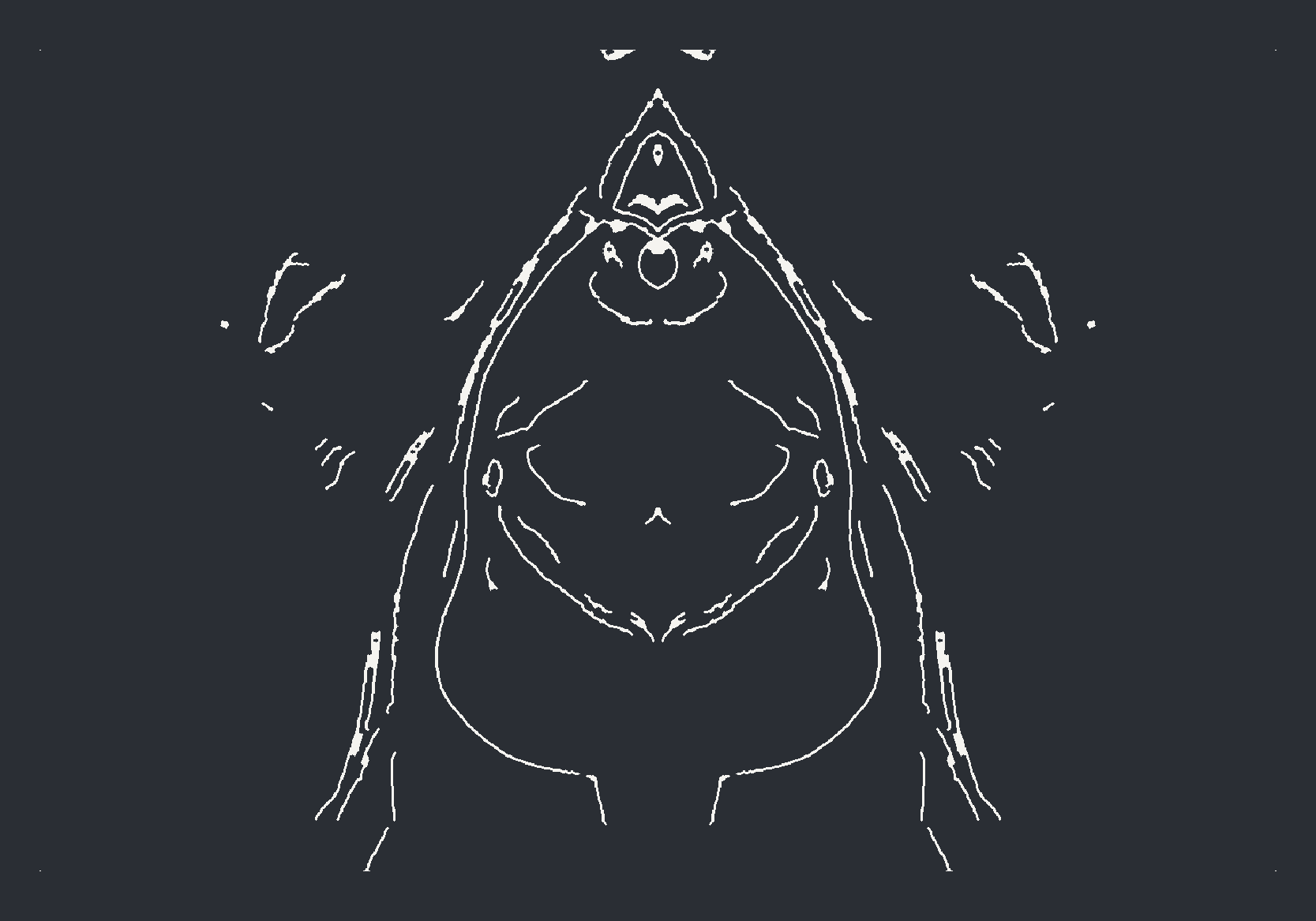
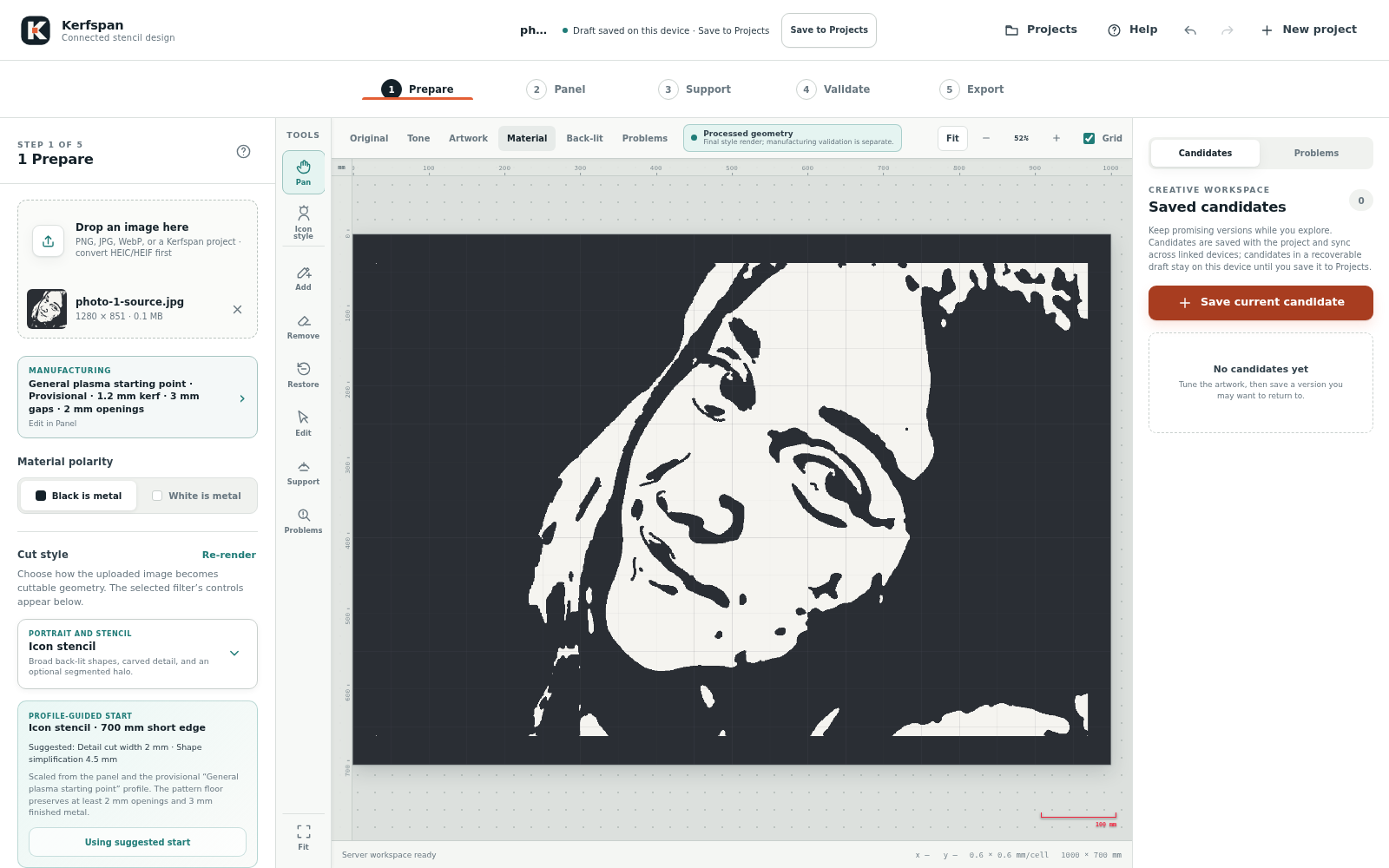
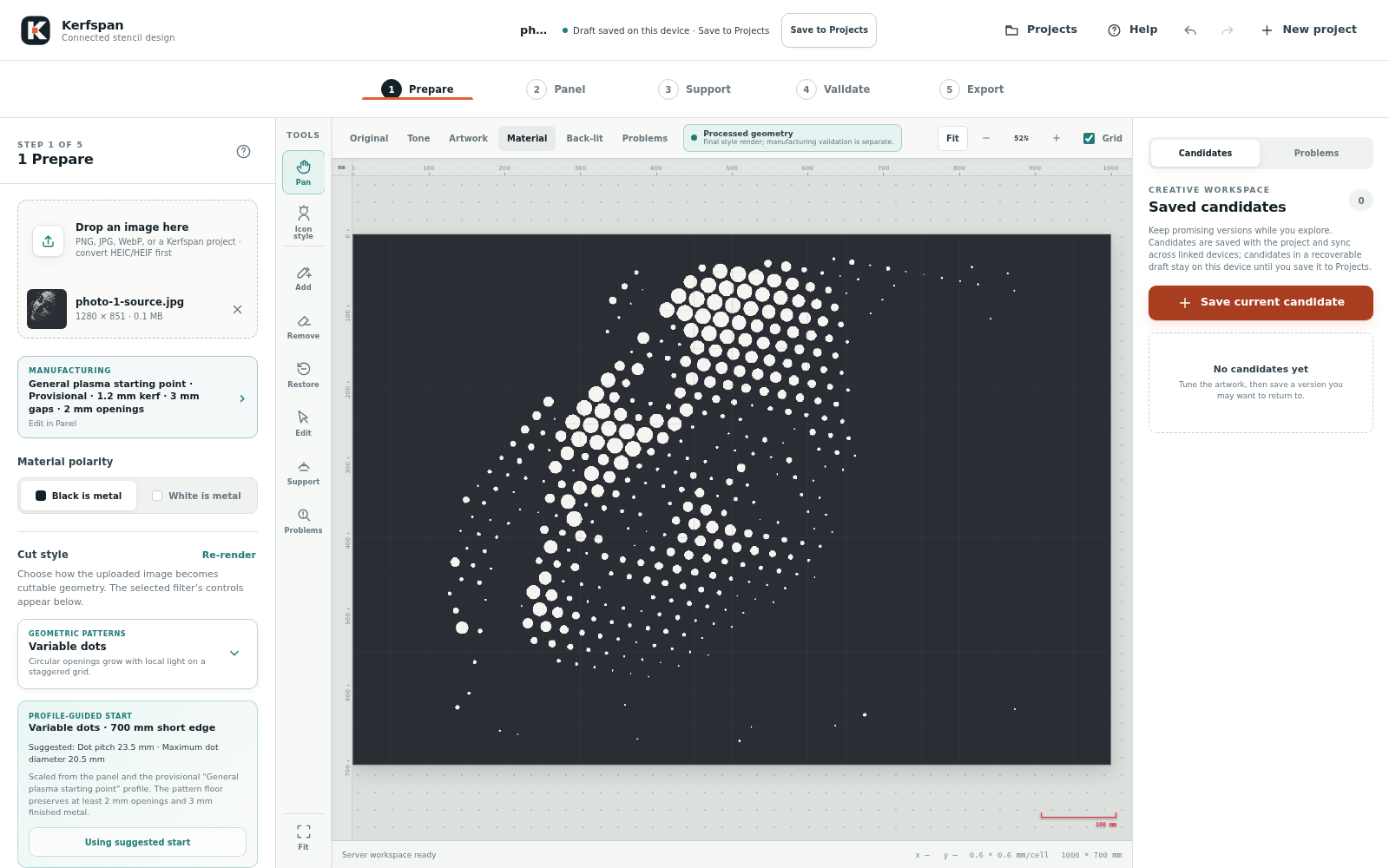
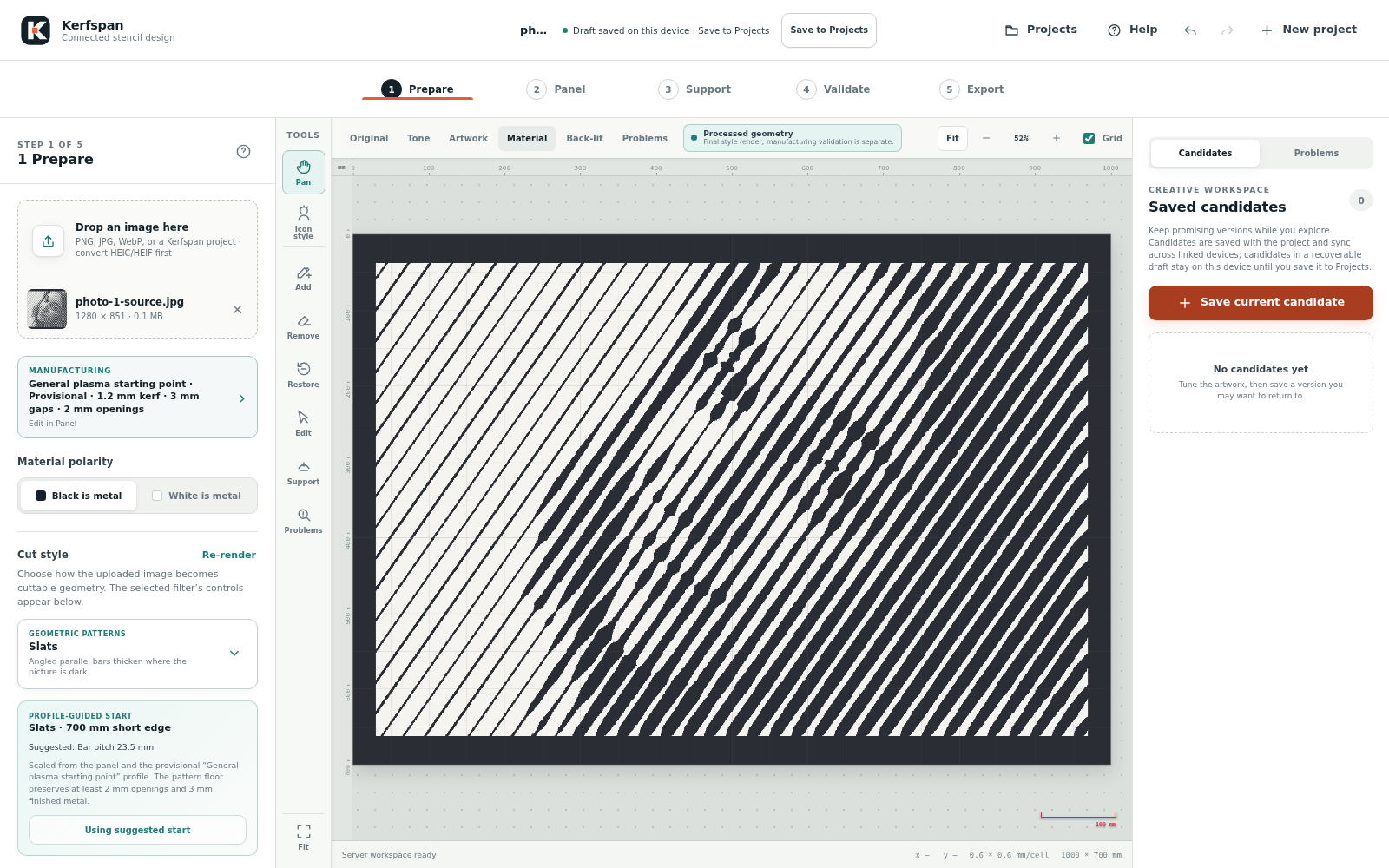
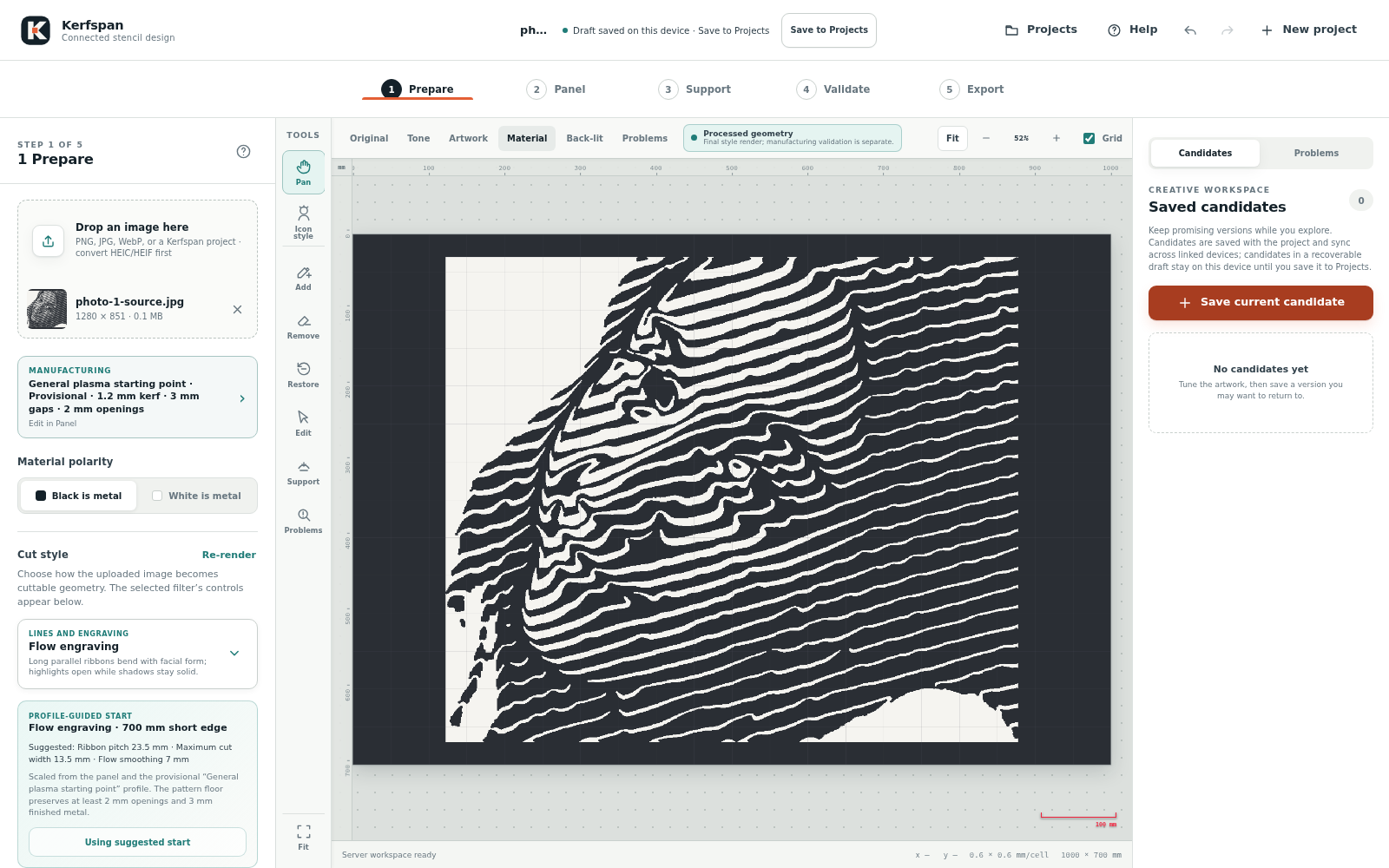
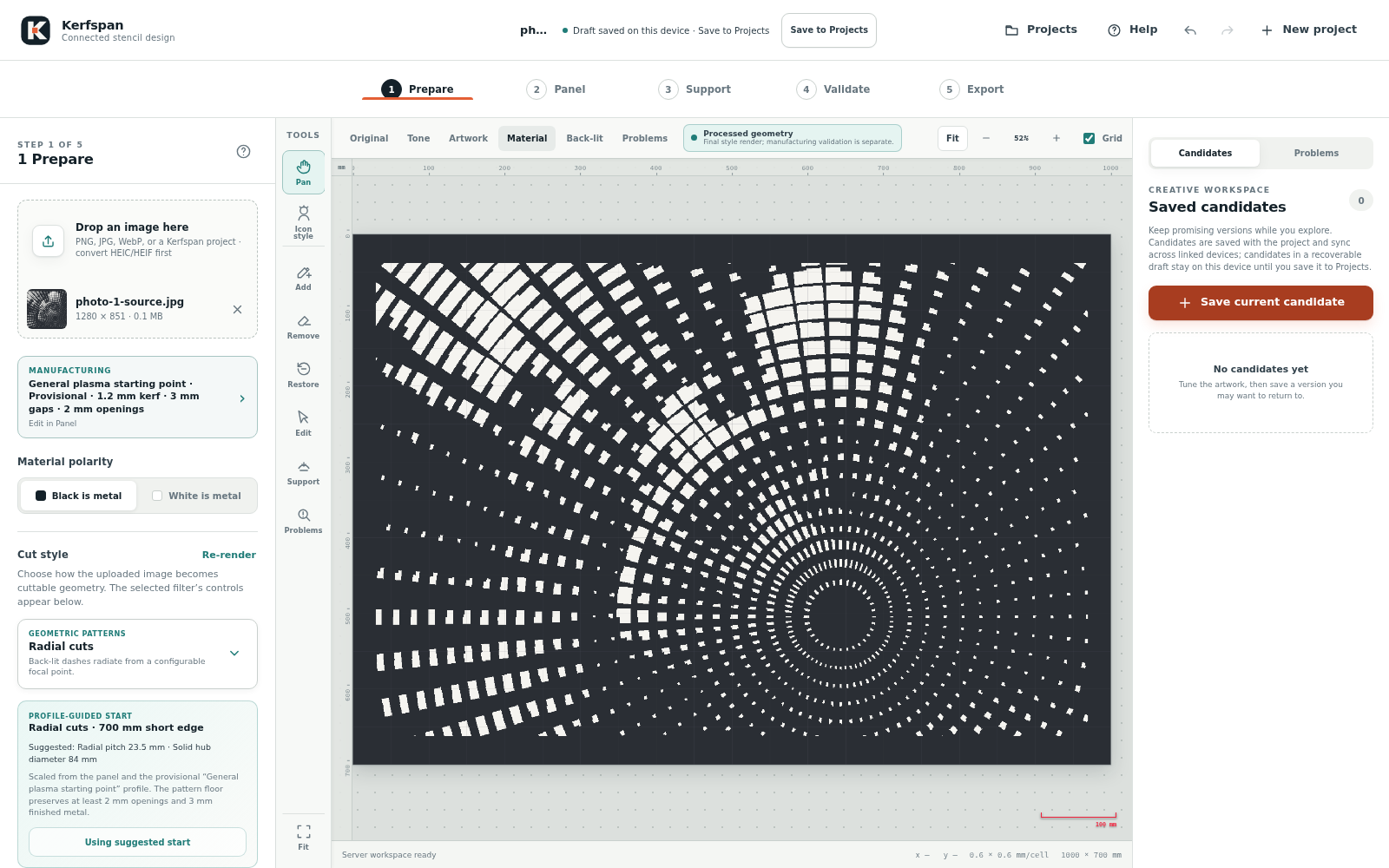
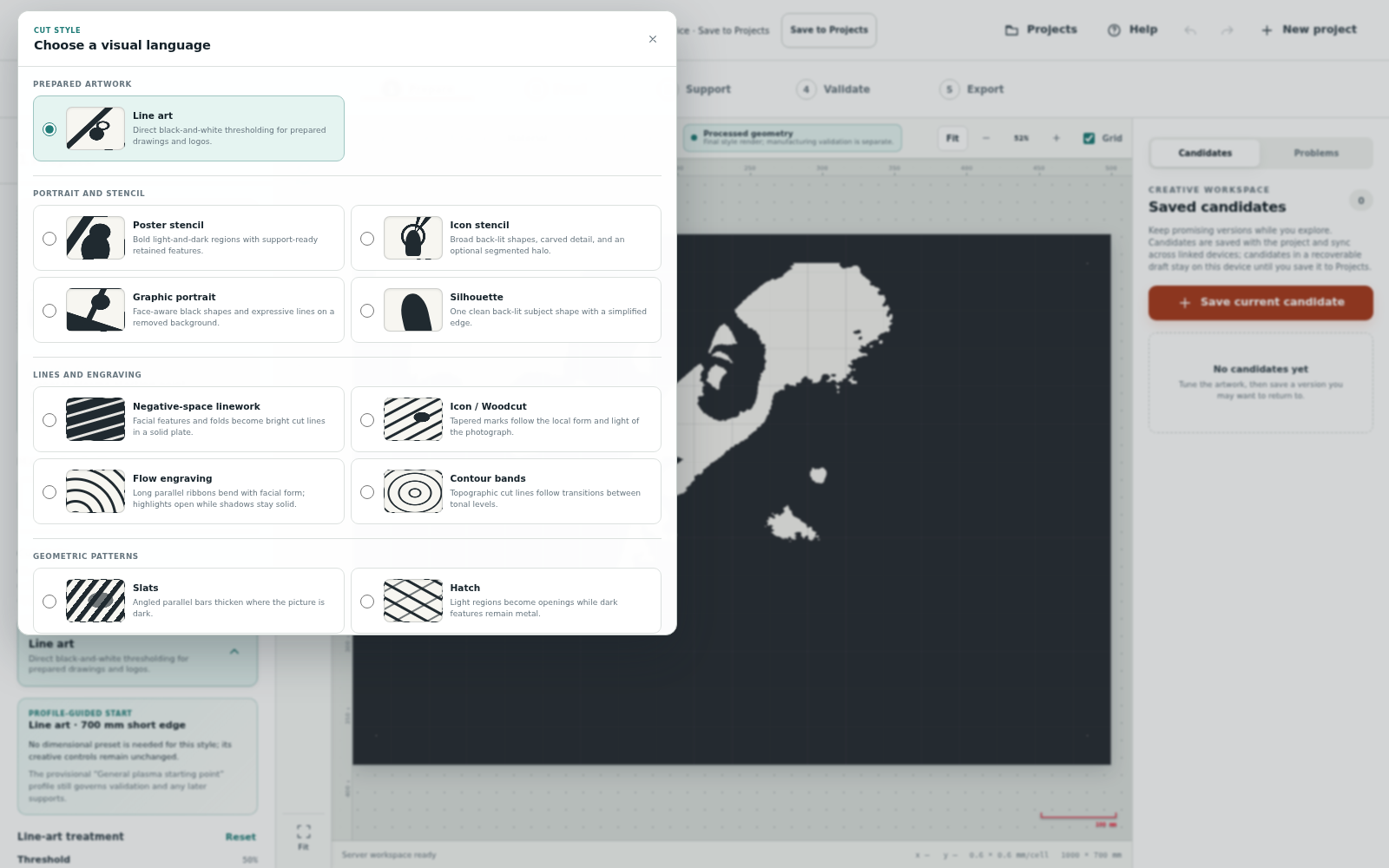
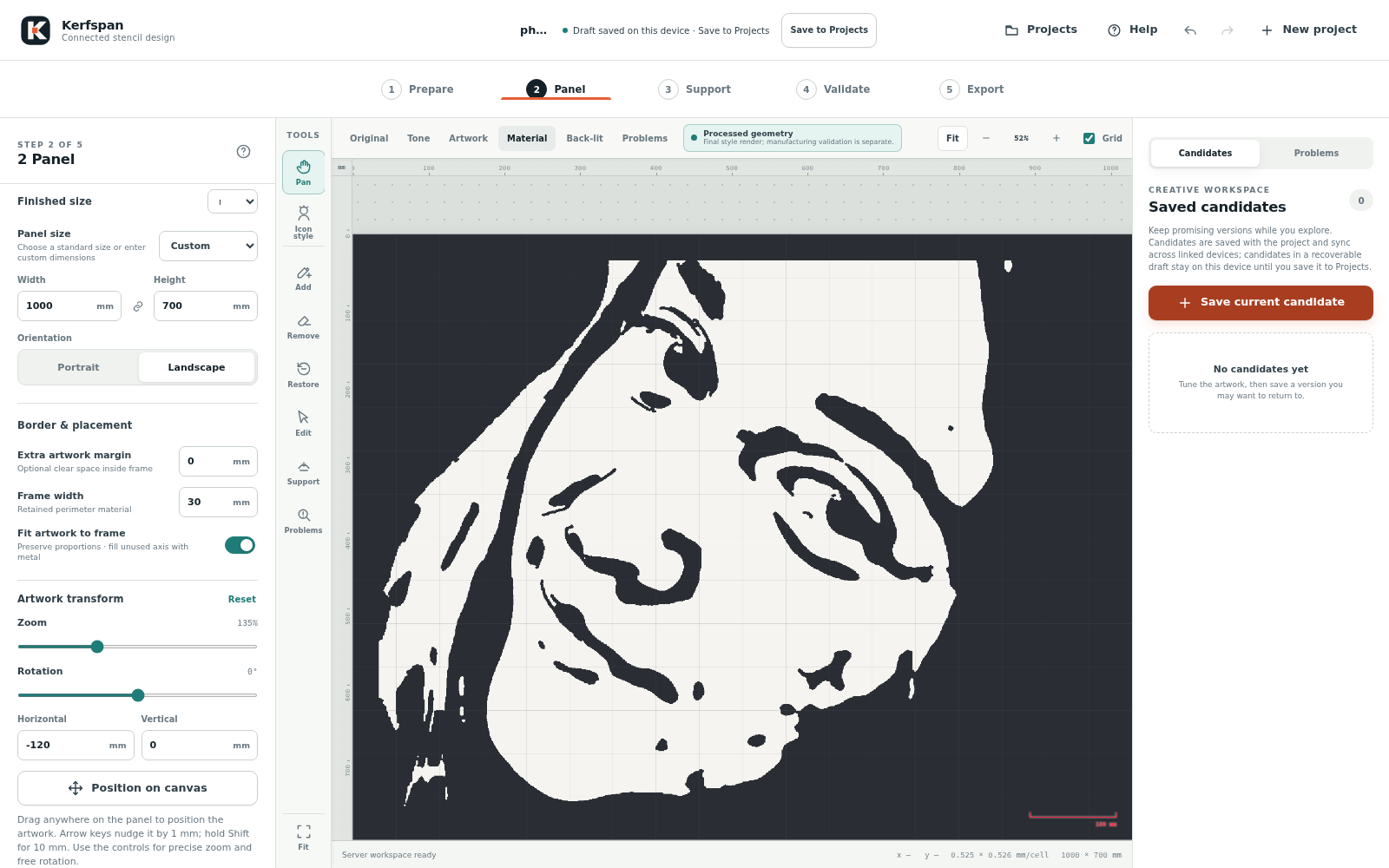
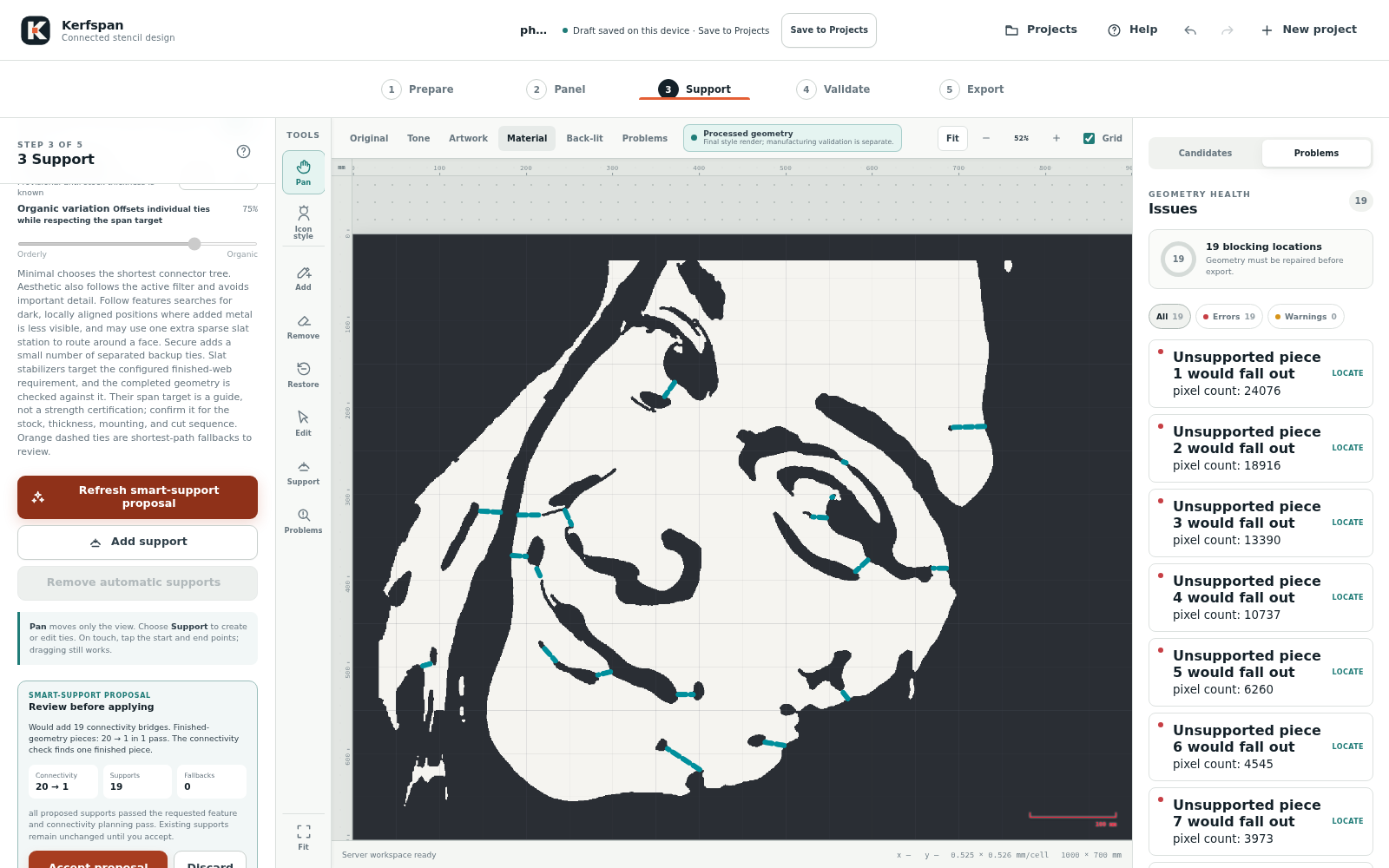
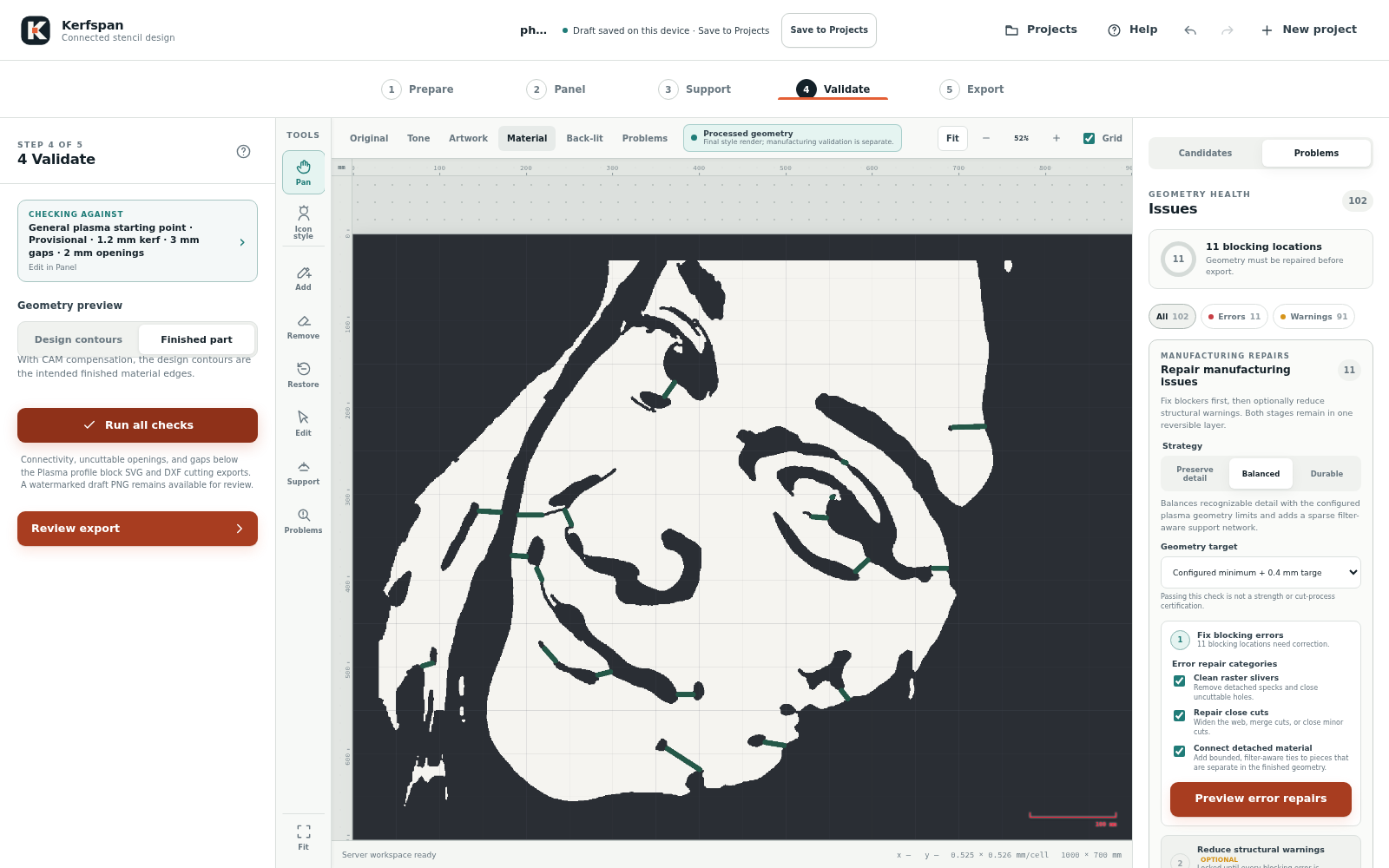
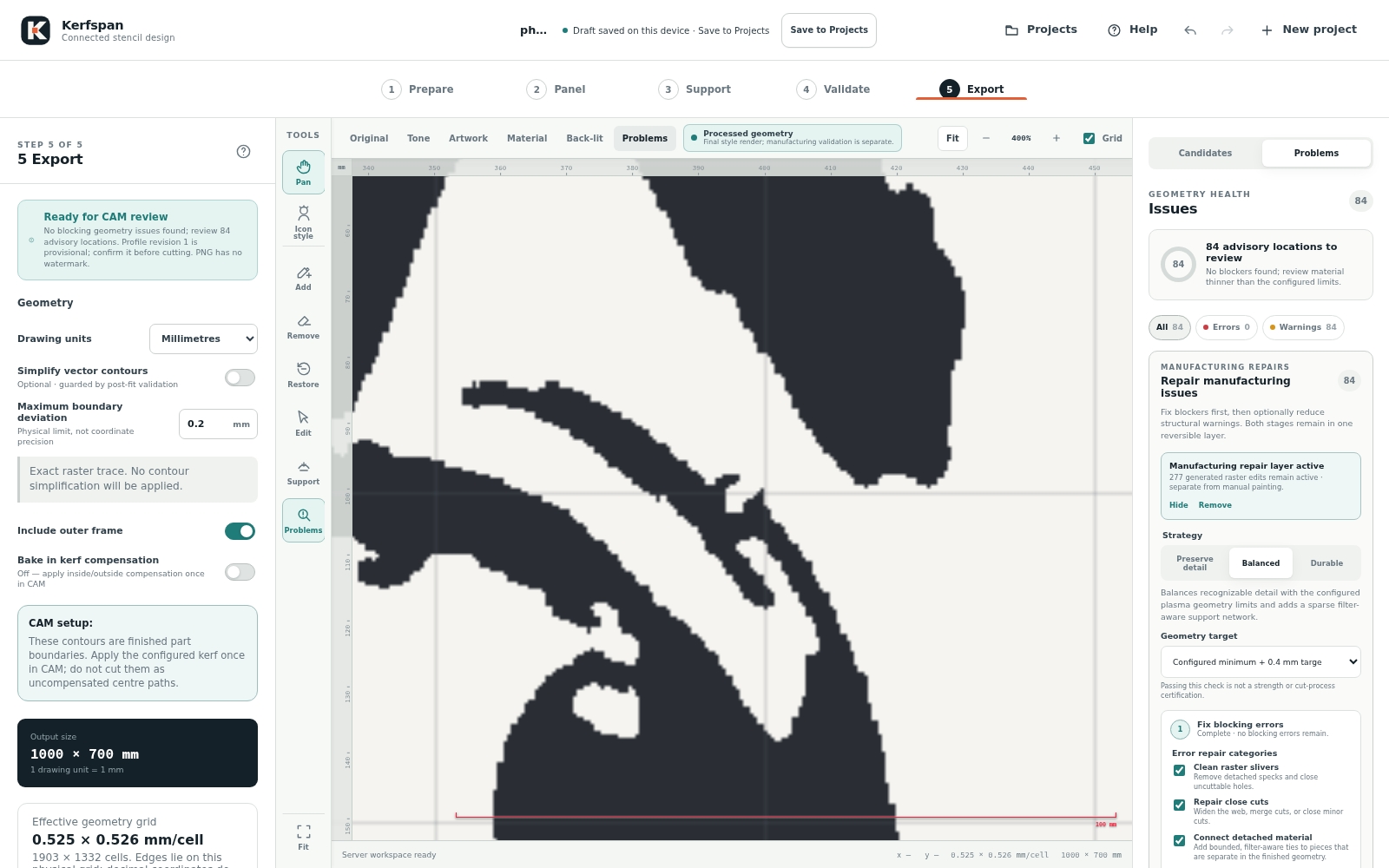
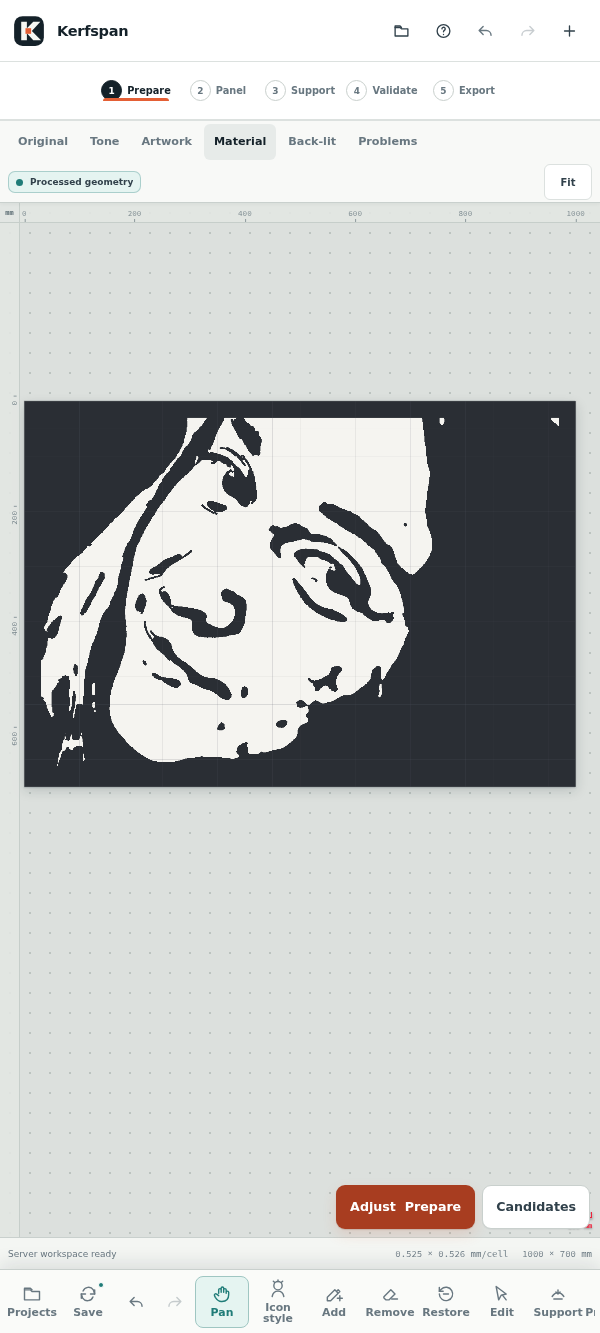
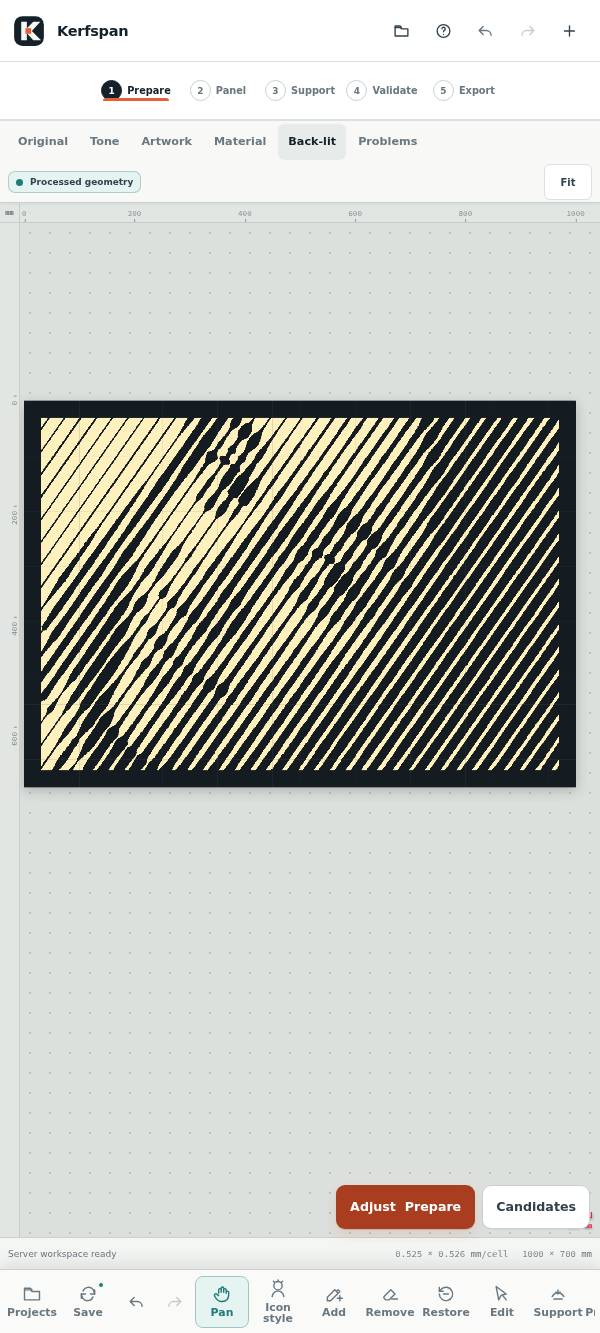
The 14 styles cover Line art, Poster stencil, Icon stencil, Graphic portrait, Silhouette, Negative-space linework, Icon / Woodcut, Flow engraving, Contour bands, Slats, Hatch, Radial cuts, Variable dots, and Ornamental symmetry. Visual swatches and short descriptions help you choose a starting point.
A versioned cutting profile records the process, stock, machine or consumable, geometry limits, support assumptions, and verification evidence. Projects and retained exports keep their own snapshot, so the settings behind a result remain identifiable.
Kerf simulation and repair previews test the configured geometry limits. Repair reports explain what changed, the remaining uncertainty, why an attempt stopped, and what to try next. Validation, repairs, and smart-support planning show progress and can be cancelled while the last accepted geometry remains usable.
Accepted repairs remain active during manual material and support corrections. A painted area overrides only an opposing generated edit in that area. Run all checks when you are ready for the next complete validation; changing the underlying artwork, panel geometry, or cutting limits makes dependent repairs stale and requires regeneration.
Retained exports include a tamper-evident release manifest with geometry and output hashes, units, profile settings, the compensation contract, and validation evidence. Optional vector simplification is accepted only when topology and manufacturing checks pass; otherwise the export falls back to the exact raster contours.
Ready for CAM review means the current geometry passed Kerfspan's configured checks. The operator still verifies the material, machine, consumables, compensation, lead-ins, cut order, fixturing, heat behaviour, and final use. New projects export intended finished-part boundaries, with inside/outside kerf compensation applied exactly once in CAM.
The General plasma profile starts with a 2 mm minimum opening and a conservative 3 mm finished gap/web. Lower limits need confirmation for the selected stock and machine. Profiles remain Provisional until verification evidence is recorded.
.stencil.json downloads omit the original photograph. Encrypted workspace and share packages can include it when available, alongside edits, supports, repairs, recovery points, and retained exports.On Windows, use the install icon or Apps / Install menu in Edge or Chrome. On Android, choose Install app or Add to Home screen in Chrome. On iPhone or iPad, open the app in Safari and choose Share, then Add to Home Screen.
Load the app on an authorised device while online, and open a server-only project or choose Save offline before disconnecting. Cached projects stay editable and changes queue until synchronization succeeds; photographic processing still needs a connection. After an app update, open the installed copy online so it can refresh.
On mobile, the canvas stays in view while stage controls open in compact bottom sheets. A persistent tool rail keeps projects, sync state, Undo/Redo, and editing tools accessible. Rulers keep physical units as you zoom, with a visible red scale indicator over metal and openings. Supports have keyboard, list, numeric, and tap-based alternatives, and Pan mode keeps navigation separate from editing.
The interface includes visible focus, keyboard navigation for workflow tabs, and screen-reader notices. Physical-device and assistive-technology acceptance checks remain in progress.
Select Help in the app for its searchable handbook, or open a stage's question-mark button at the relevant chapter. You can also read the user guide on GitHub.
Kerfspan is open source, and a Compose quick start runs both of its services with Docker or Podman. It needs about 3 GB of disk for the two images, which build for x86-64 and ARM64. Set an admin token and a project encryption key, start the containers, and create a one-time invite for your first browser. Keep a backup of the encryption key: projects cannot be decrypted without it.
Kerfspan needs a secure connection: HTTPS, or localhost on the machine that runs it. To use it from other devices, put it behind a reverse proxy that handles TLS, such as Caddy or Tailscale. Over plain HTTP, the sign-in page explains why it cannot continue.
The browser handles line-art conversion, deterministic geometry, editing, and the offline cache. A Node/Express service manages invite-based device access and encrypted workspaces; a private Python/FastAPI service uses OpenCV and MediaPipe for photographic analysis and style rendering. The application is licensed under GPL-3.0-or-later.
Kerfspan began as stencil-cnc, a name that remains in internal identifiers that existing installations and saved files depend on.
For the current feature list and technical documentation, see the Kerfspan README.
One photo becomes a 3D relief, sliced into layers for a metal portrait.

A little planet in your pocket. Explore Earth with live astronomy and NASA data.
Photograph a meal, adjust the portion, and keep a food log with a little help from Bitey.