Behind the scenes
pwa-kit
The little building block that helps web apps work offline and stay up to date.
Real screenshots of real Android apps, taken the same way every time and ready for Google Play.
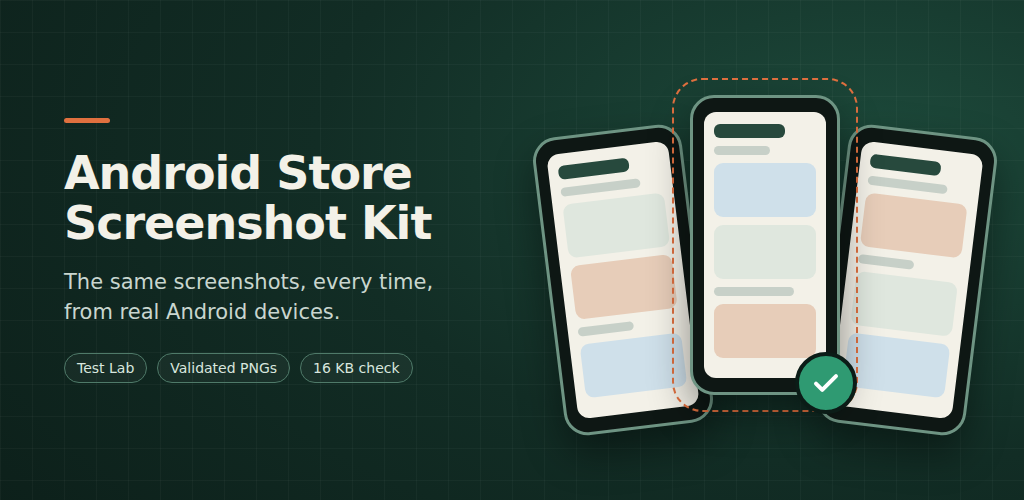
Store screenshots go out of date every time an app changes, and taking them by hand on a phone is slow and never quite the same twice. This kit turns them into a repeatable step: each app keeps a small test that sets up its own data and walks through its screens, and the kit does everything else.
It builds the app and its test, runs them on a chosen Firebase Test Lab device, follows the run to the end, downloads the screenshots, and checks them against Google Play's requirements before copying them into the app's store folder.
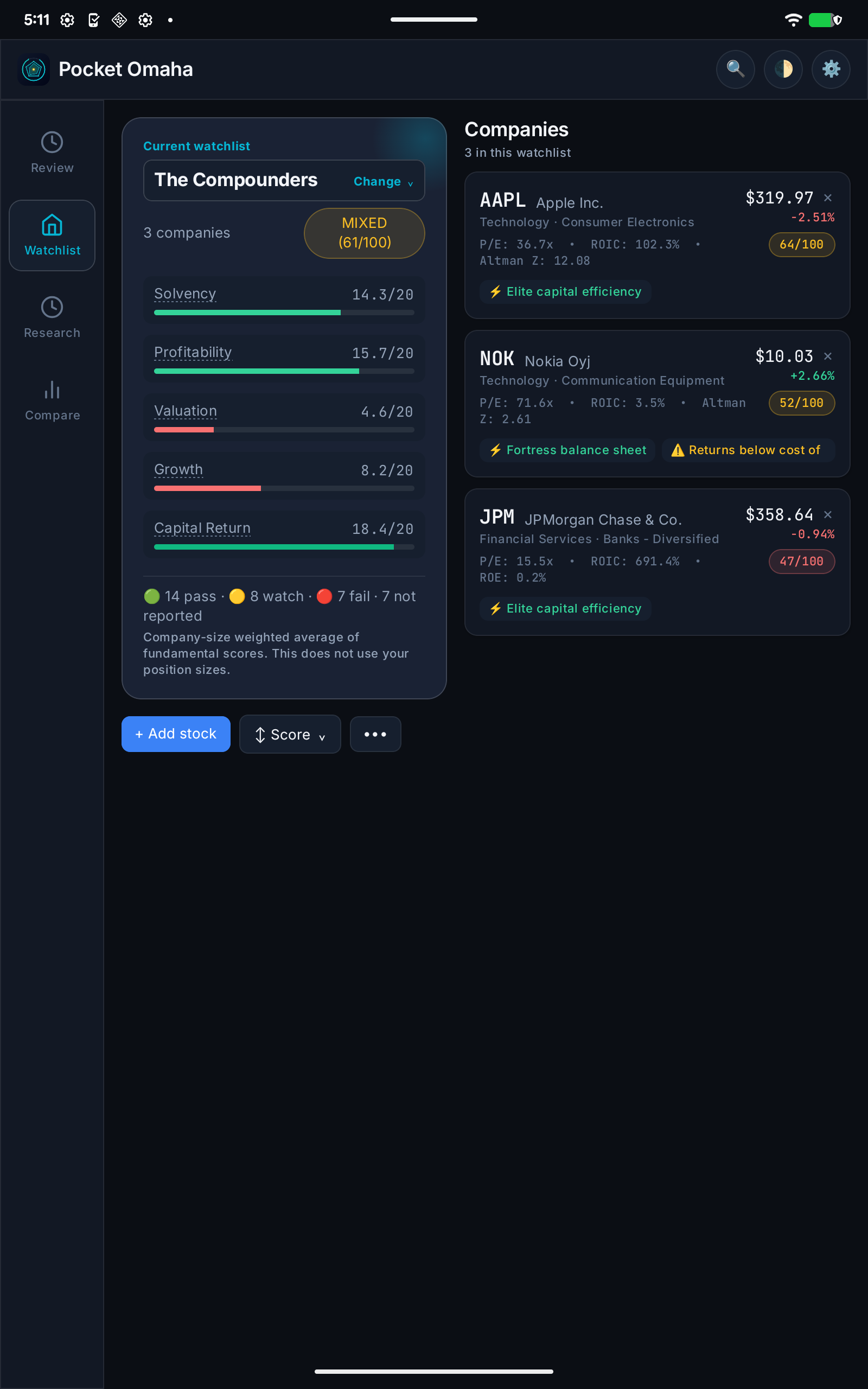
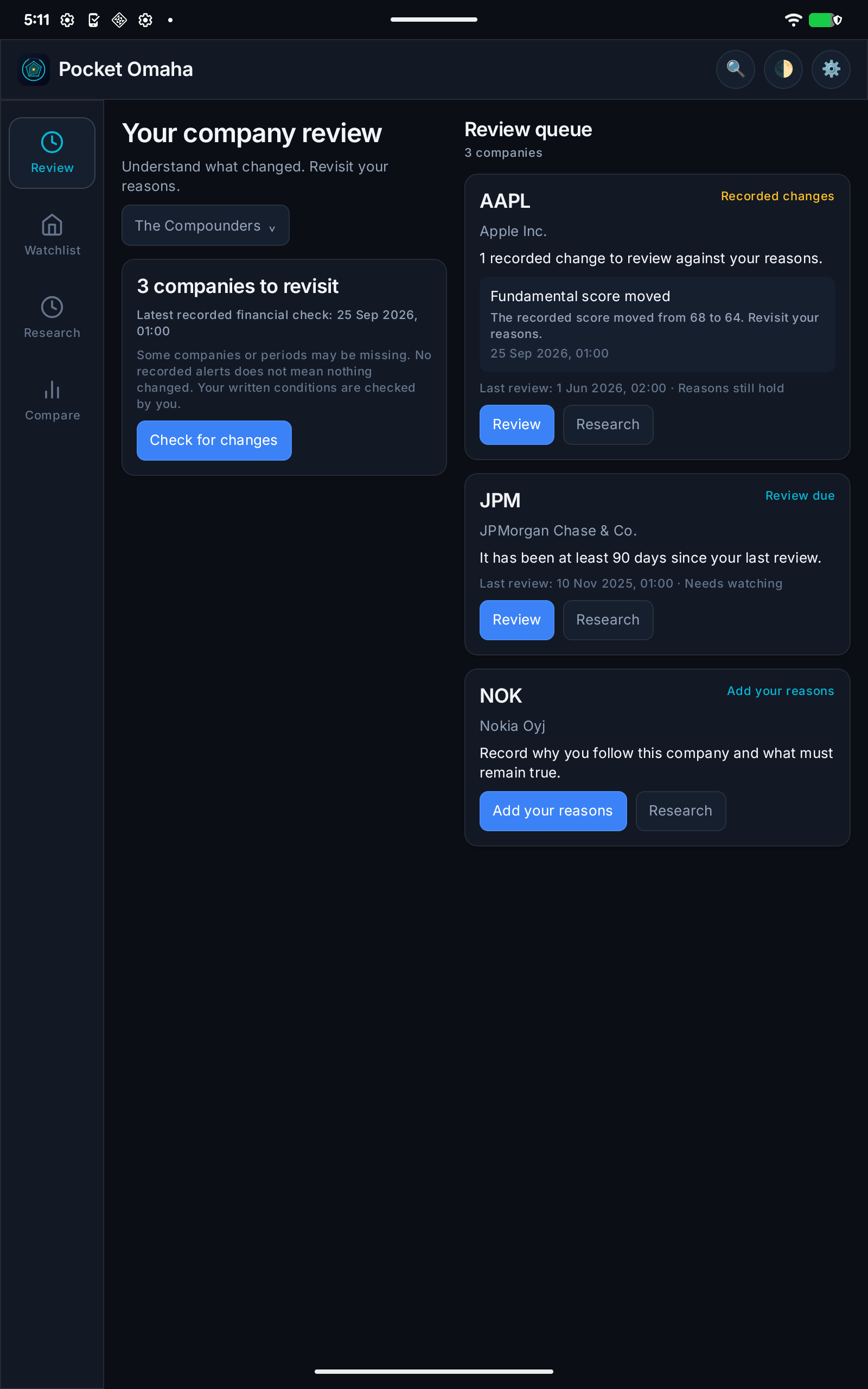
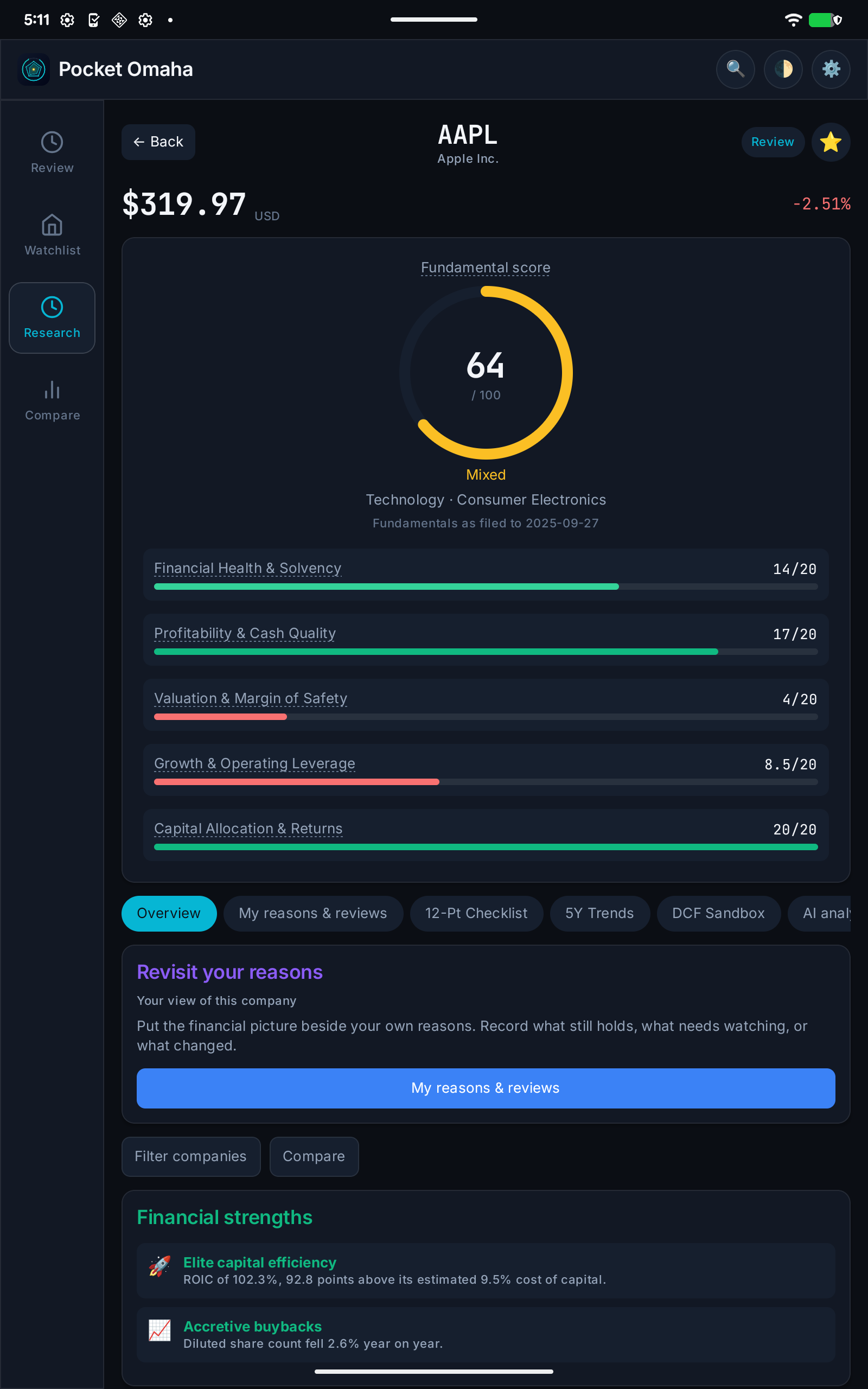
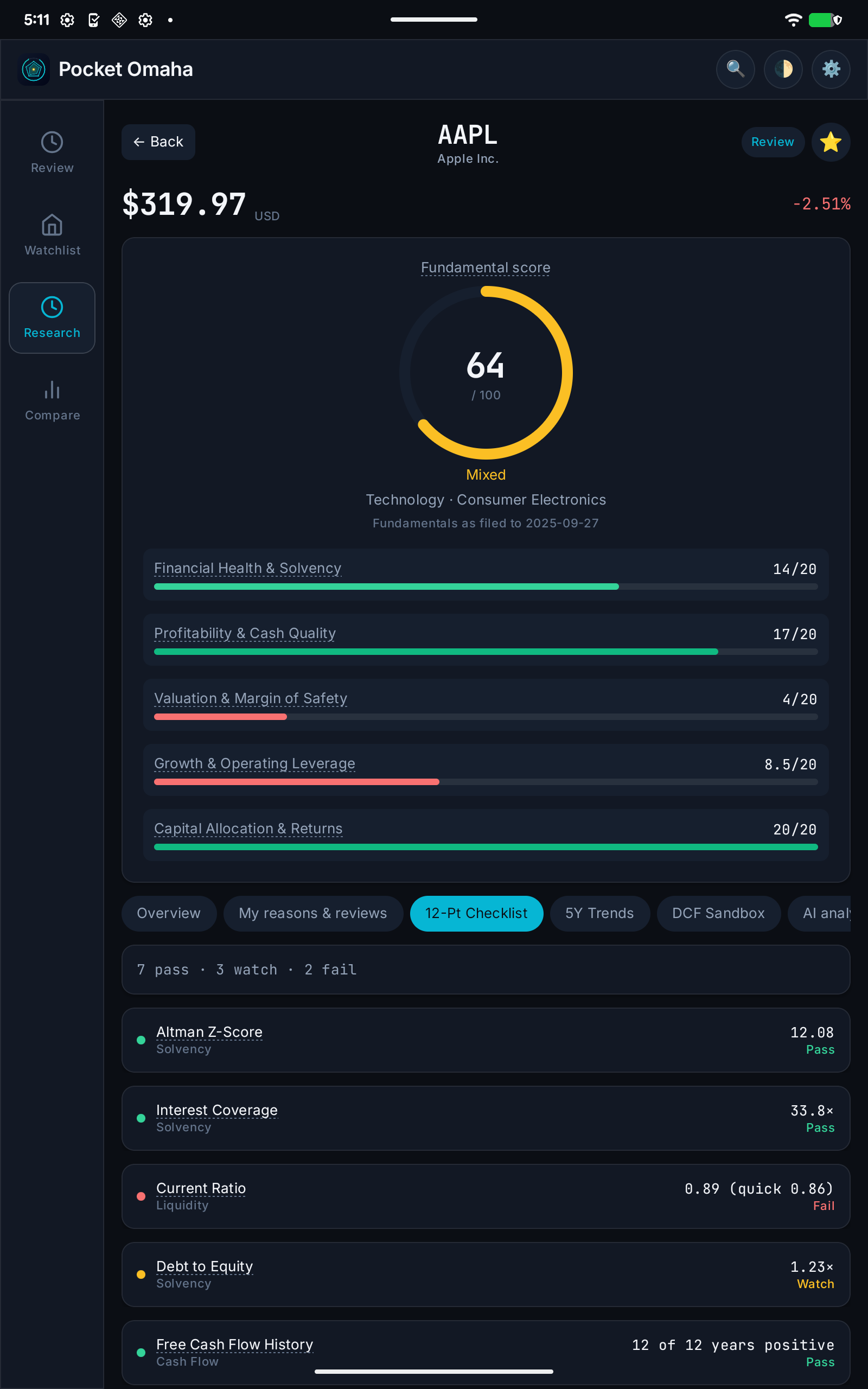
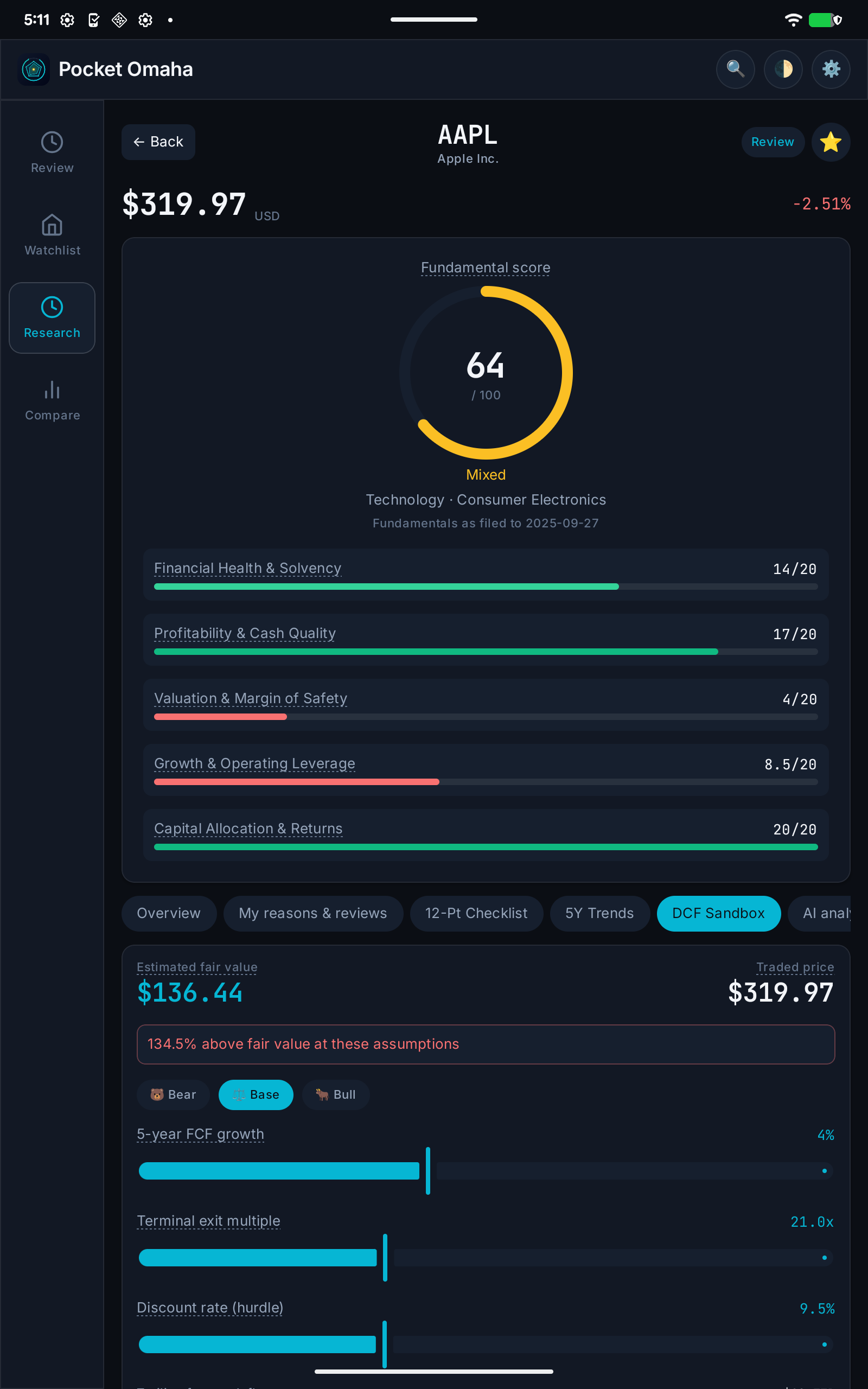
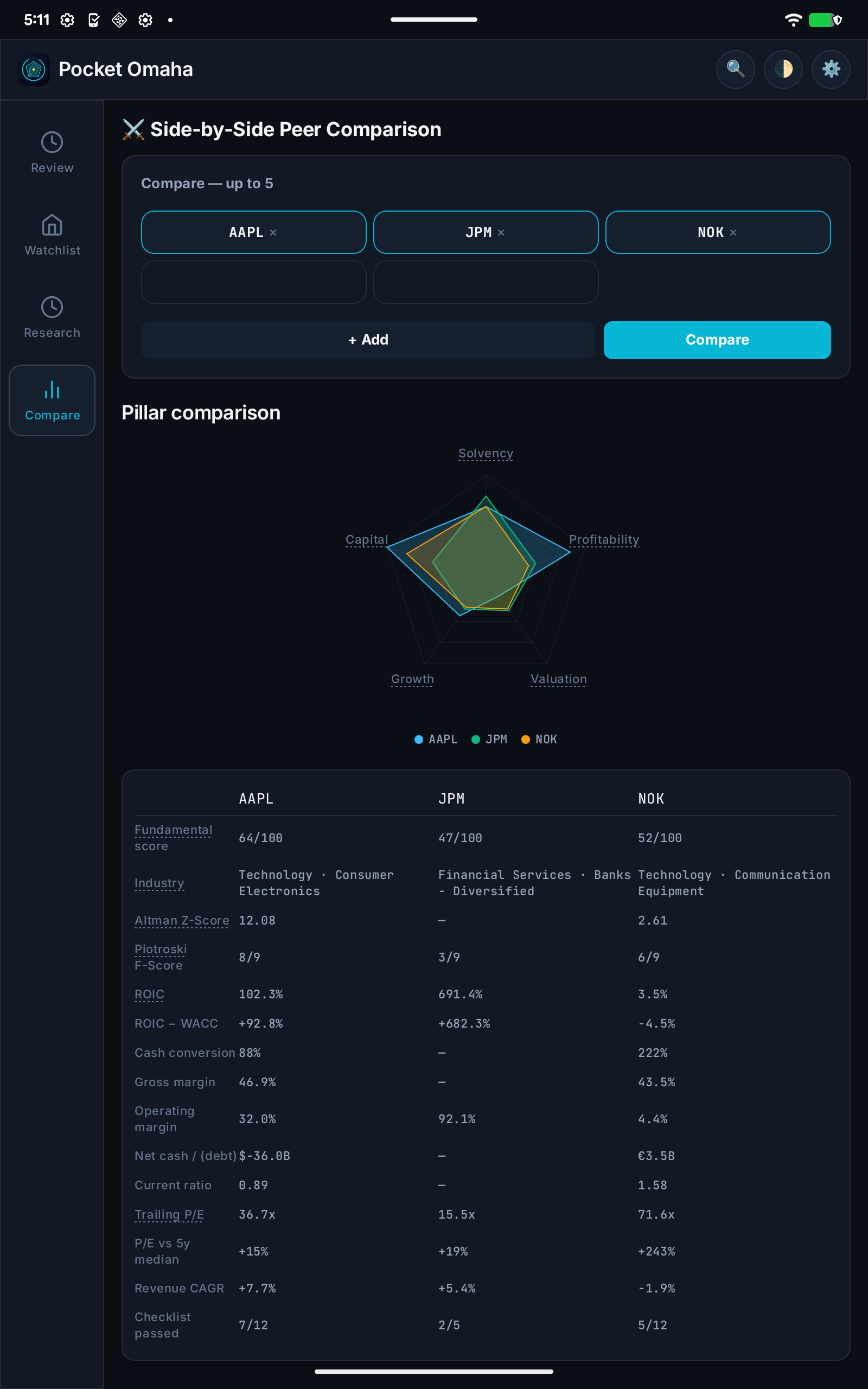
These are the Google Play tablet screenshots for Pocket Omaha, taken by the kit on a physical Pixel Tablet in Firebase Test Lab. The test loads recorded data for Apple, JPMorgan, and Nokia, so no market data was fetched and every run shows the same numbers.
The first run also turned up an Android compatibility warning about how one of the app's native libraries was aligned. After the library was updated, a second run went through without it.
The command-line tool is a single Python script that needs nothing beyond Python 3.11. The shared helpers are a small Android library written in Java, so they add no Kotlin version requirement to the apps that use them and work with both AGP 8 and AGP 9. In CI, virtual devices can run on every pull request, with physical devices kept for release candidates. The kit is open source under the GPL-3.0 licence.
The little building block that helps web apps work offline and stay up to date.
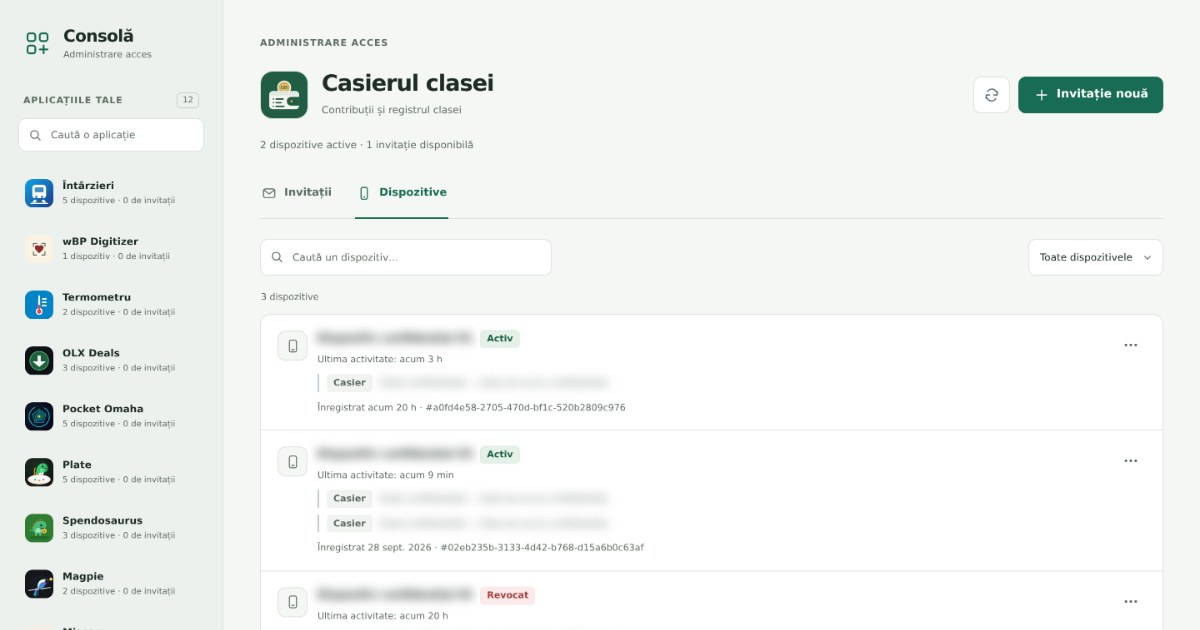
One small console for managing invitations and devices across private web apps.
Understand what changed in the companies you follow. Revisit your reasons.